PalaPiliPalaPili
  • Canvas
  • Refine
  • Inspiration
  • Pricing
PalaPiliPalaPili

PalaPili brings quick AI image and video generation together with a canvas-based creative workflow. Create visuals instantly with Quick Image and Quick Video, explore ideas on an infinite canvas, and refine your work through ongoing edits and iterations in Studio.

Featured on There's An AI For That

AI Image

  • AI Image Generator
  • AI Photo Editor
  • AI Image Tools
  • AI Infinite Canvas
  • Nano Banana Pro
  • GPT Image Generator
  • AI Clothes Changer
  • AI Face Swap

Photo Tools

  • AI Image Enhancer
  • AI Image Upscaler
  • Background Remover
  • Background Changer
  • AI Inpainting
  • Object Remover
  • Uncrop AI
  • Denoise AI
  • AI Relight
  • Change Camera Angle

AI Video & Studio

  • AI Video Generator
  • Image to Video
  • Seedance Video Generator
  • Image Studio
  • Video Studio
  • Canvas
  • Refine
  • Inspiration

Company

  • About
  • Contact
  • Pricing
  • Partners
  • Privacy
  • Terms
  • Refunds
  • Cookies

© 2026 Crownbyte Ltd. All rights reserved.

Flagship Image & Video AI Cockpit•Commercial Licensing Supported
PalaPili
Image Tools
AI Object Remover
Upload Image
Mask Brush
Output Resolution
Optional

AI Object Remover

Paint over unwanted people, logos, or clutter to erase them cleanly.
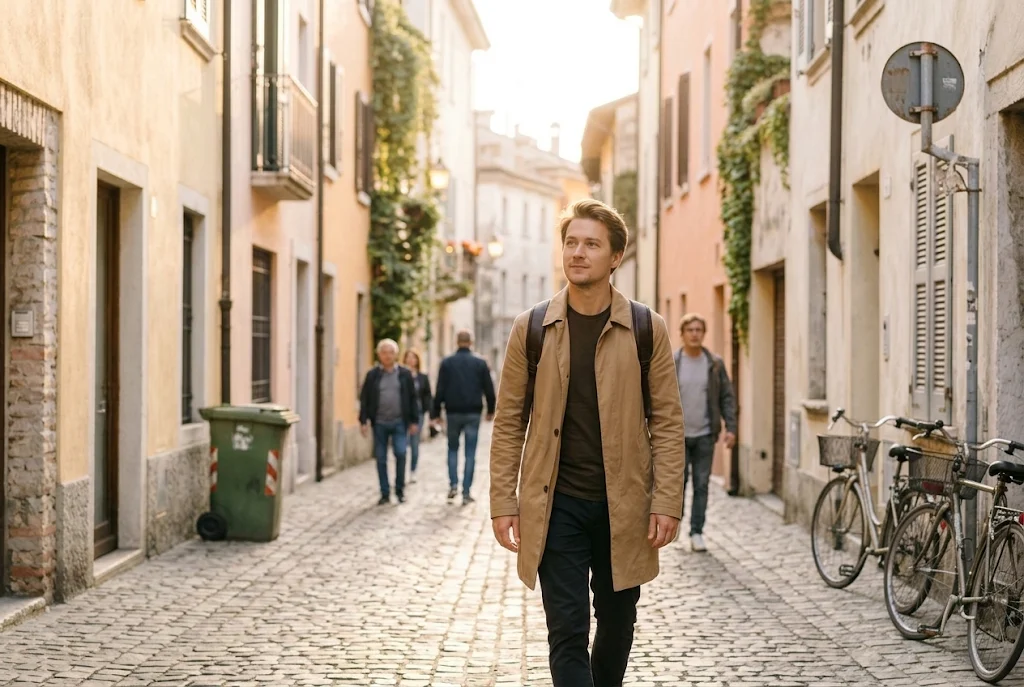
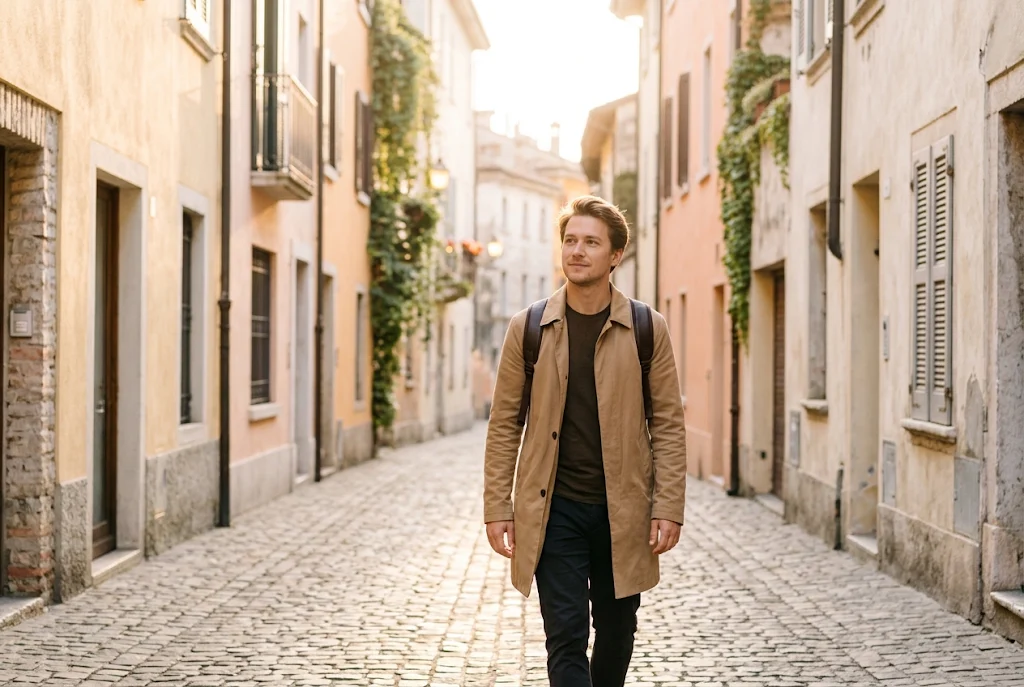
OriginalOriginal
CleanedCleaned

ERASE DISTRACTIONS WITH AI OBJECT REMOVER

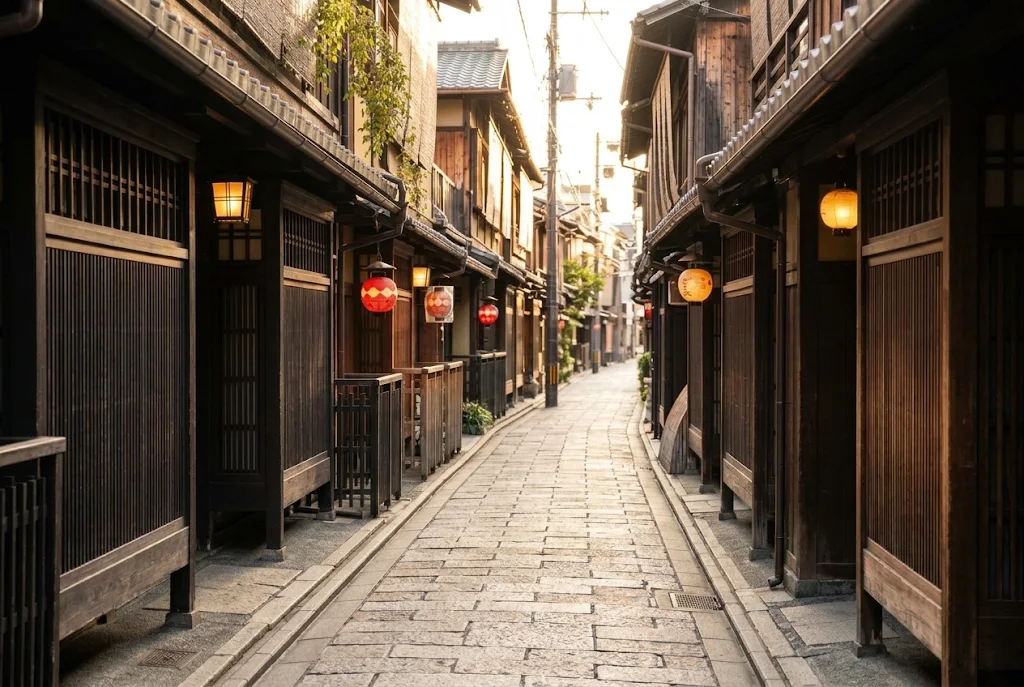
A great photo shouldn't be ruined by a stray passerby, trash bin, or power line. Brush over anything you want gone in PalaPili's online AI object remover and let the model reconstruct wood grain, foliage, architecture, and shadows naturally. Need to replace an area with something new instead? Switch to AI Inpainting.
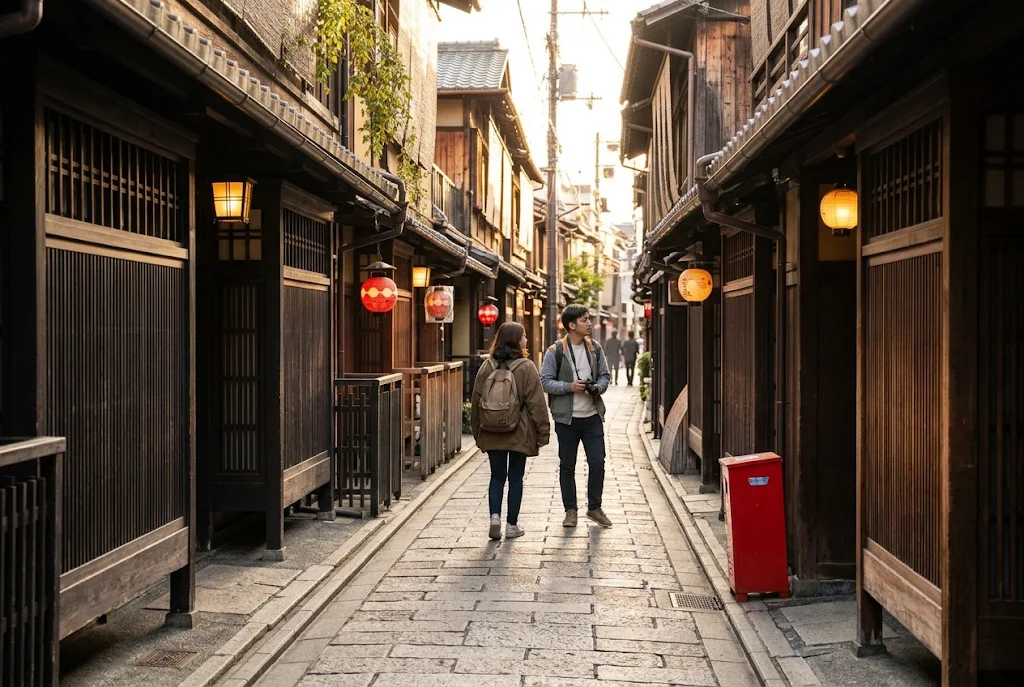
OriginalOriginal
AI Object RemoverCleaned

CLEAN UP PHOTOS WITHOUT SMEARED PATCHES

ERASE PHOTOBOMBERS & STREET CLUTTER

Clear crowded landmarks, stray vehicles, and background distractions while keeping natural perspective lines, pavement texture, and lighting intact.
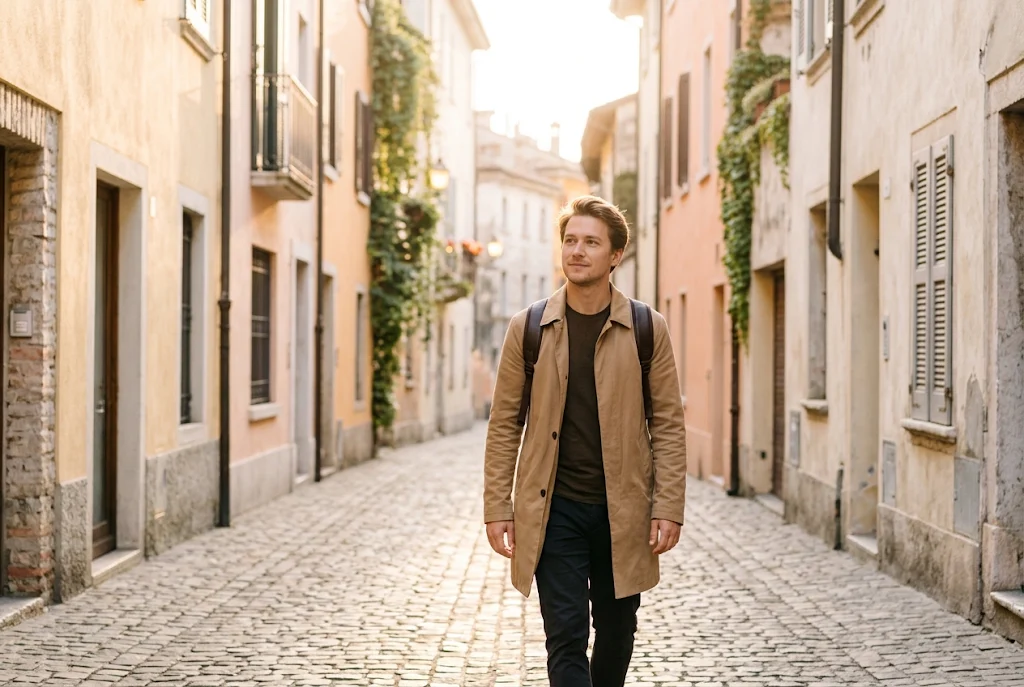
Clean street photo after removing background passersby

PRECISION BRUSH WITH UNDO & ERASER

Resize the brush down for tiny dust spots and stray cables or sweep wide for large props. Full undo/redo history makes precision cleanup effortless right in the browser.
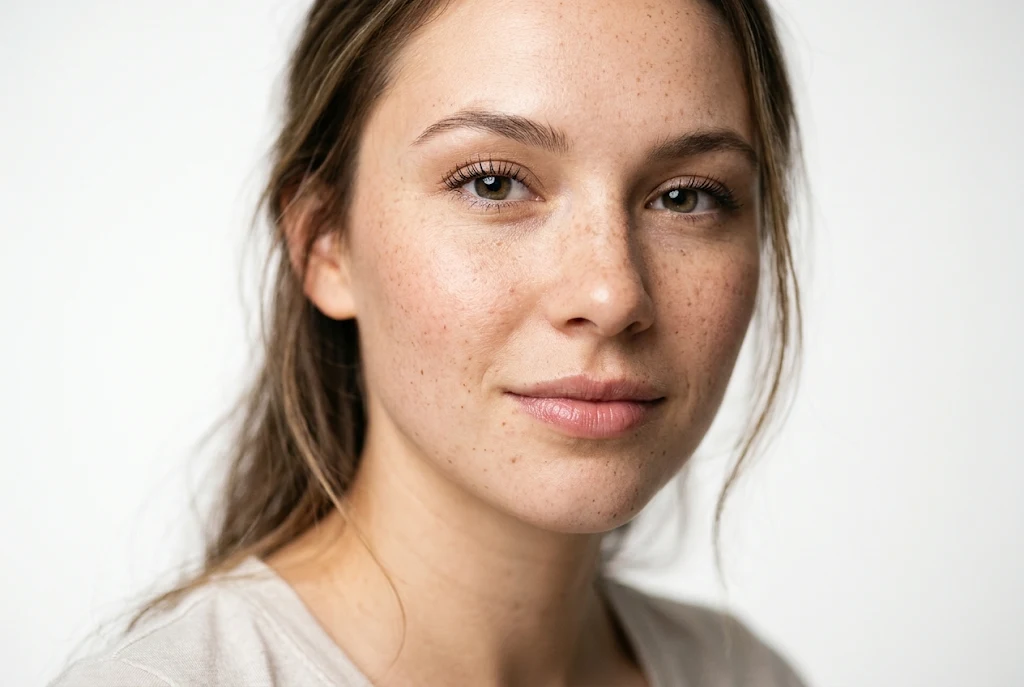
Clean portrait retouched with precision AI object remover

DECLUTTER INTERIORS & PRODUCT SETS

Remove cords, exit signs, reflections, or unwanted props from real-estate listings and commercial shoots—then boost overall clarity with AI Image Enhancer.
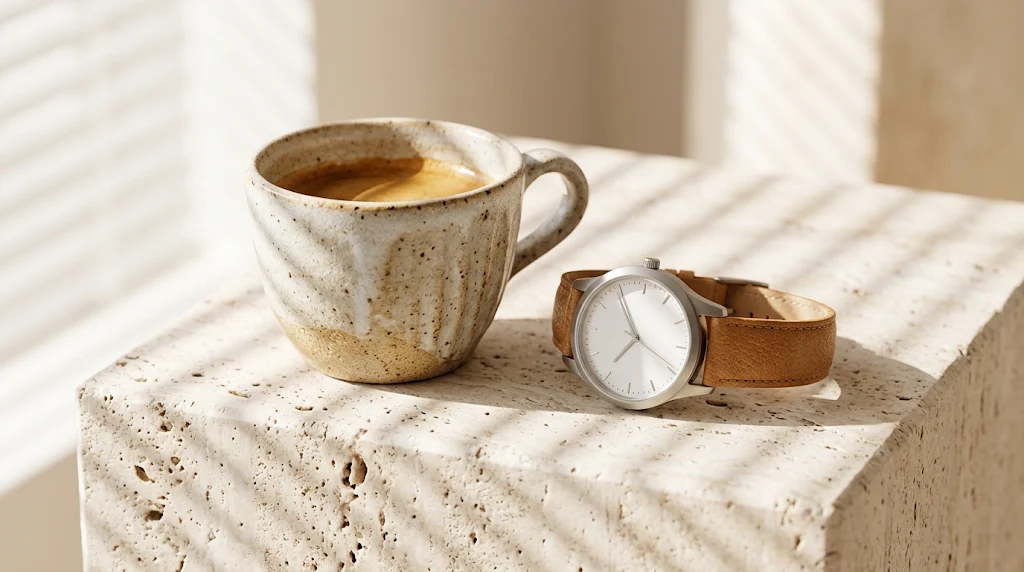
Clean commercial interior shot with distractions removed

CLEANER SHOTS FOR EVERY WORKFLOW

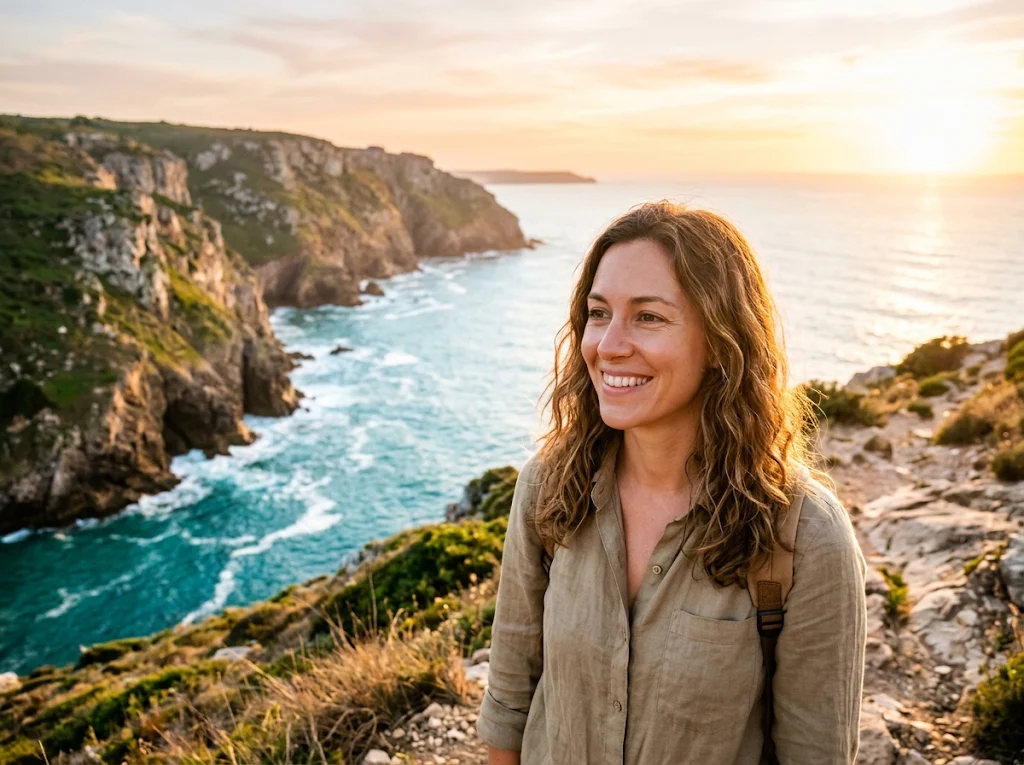
Clean travel portrait
Travel & Lifestyle Creators

Clear Crowds from Iconic Landmarks

Paint over tourists, trash cans, and signs so your travel memories stay crisp and distraction-free.
Expand framing with Uncrop AI
Clean architectural interior photo
Real Estate & Architecture

Declutter Rooms Before Listing

Erase tangled cables, personal clutter, and stray reflections without distorting walls or floors.
Enhance room clarity
Clean studio product shot
E-Commerce Studios

Remove Rigging, Dust & Stray Props

Clean stands, invisible strings, and studio marks from product photography in seconds.
Swap backgrounds online
Clean portrait photography
Portrait Photographers

Tidy Stray Strands & Background Eyesores

Eliminate distracting background poles, glare, or temporary blemishes faster than clone stamping.

Open AI Photo Editor

HOW TO REMOVE OBJECTS FROM PHOTOS

  1. STEP 1

    Upload Your Image

    Drop any photo with unwanted objects, clutter, or blemishes into the workspace above.

  2. STEP 2

    Brush Over What to Erase

    Paint slightly past the edges of the object (including its cast shadow) and add an optional hint if needed.

  3. STEP 3

    Inspect & Export Clean Photo

    Compare before and after with the live slider, continue editing in another pass, or download up to 4K.

DISCOVER OTHER AI IMAGE EDITING TOOLS

Every PalaPili photo tool shares one workspace, library, and credit balance—chain edits cleanly without re-uploading.
AI Image Enhancer

AI Image Enhancer

Restore sharpness, natural color richness, and fine micro-detail in seconds without changing your subject or composition.
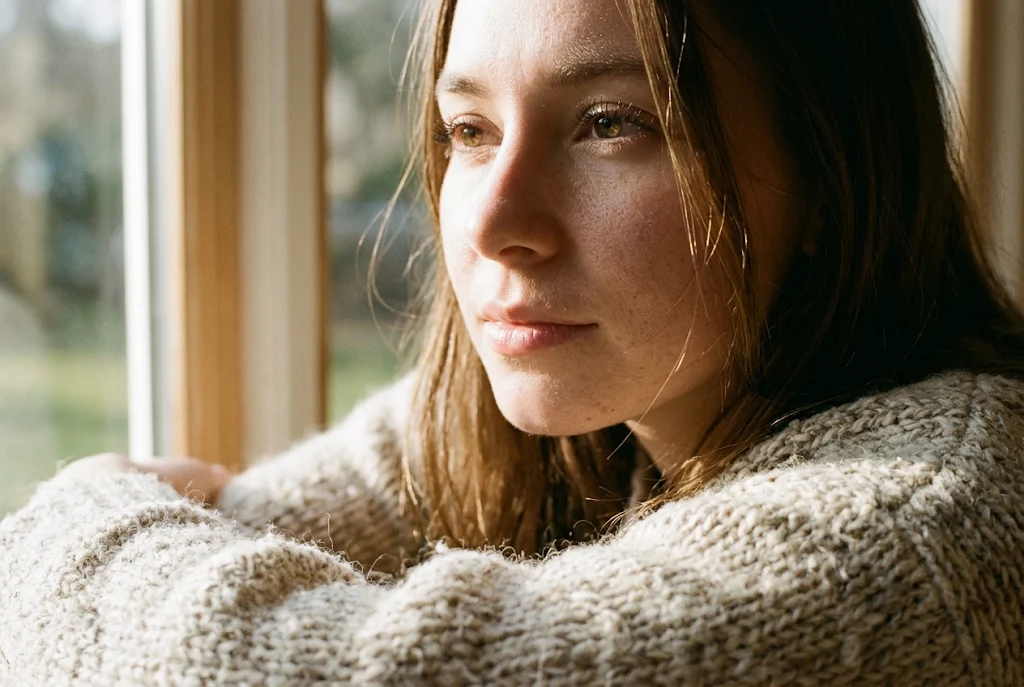
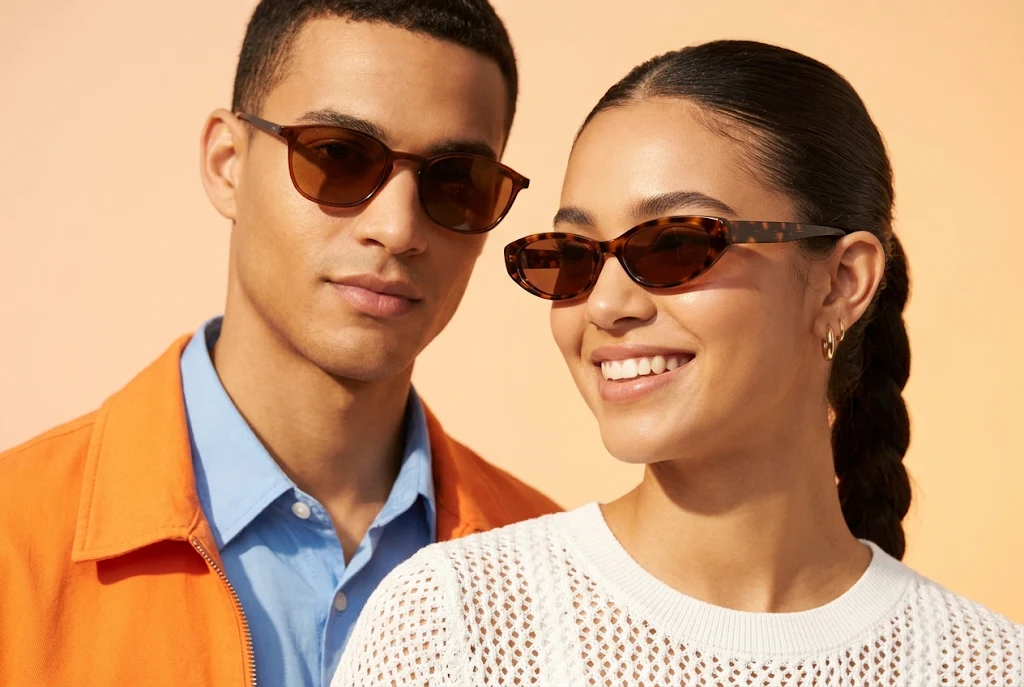
AI Image Upscaler

AI Image Upscaler

Enlarge low-resolution photos, product shots, and AI artwork to crisp 2K or 4K without jagged edges or smeared texture.
Denoise AI

Denoise AI

Eliminate harsh low-light noise and compression grain cleanly without turning faces or textures plastic.
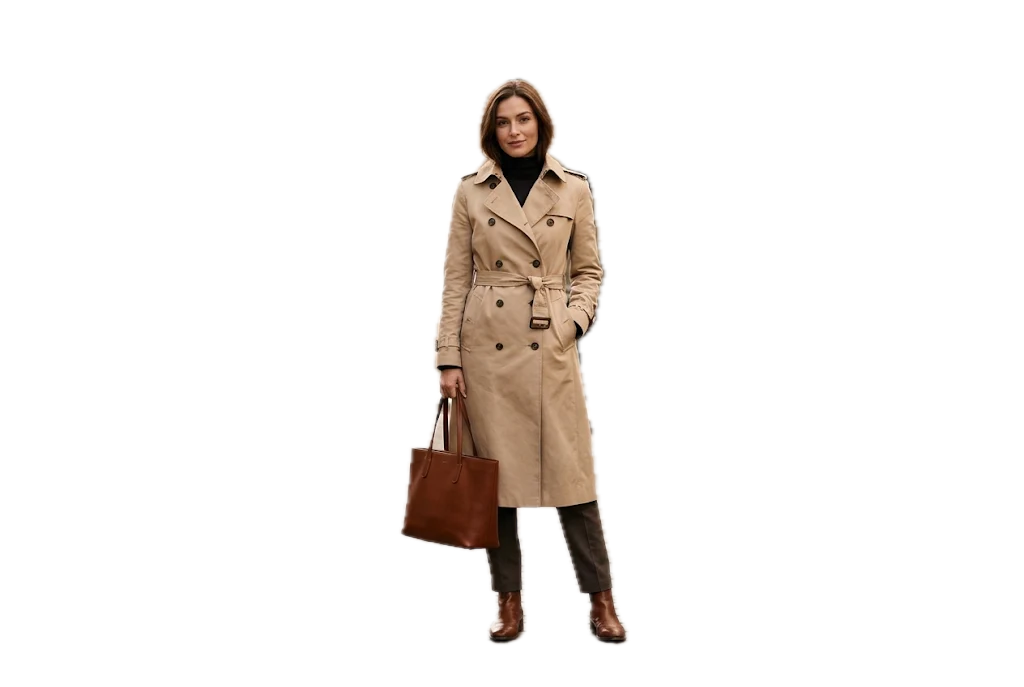
AI Background Remover

AI Background Remover

Cut out people, products, and fine hair strands cleanly to a transparent PNG in seconds—no manual lasso required.
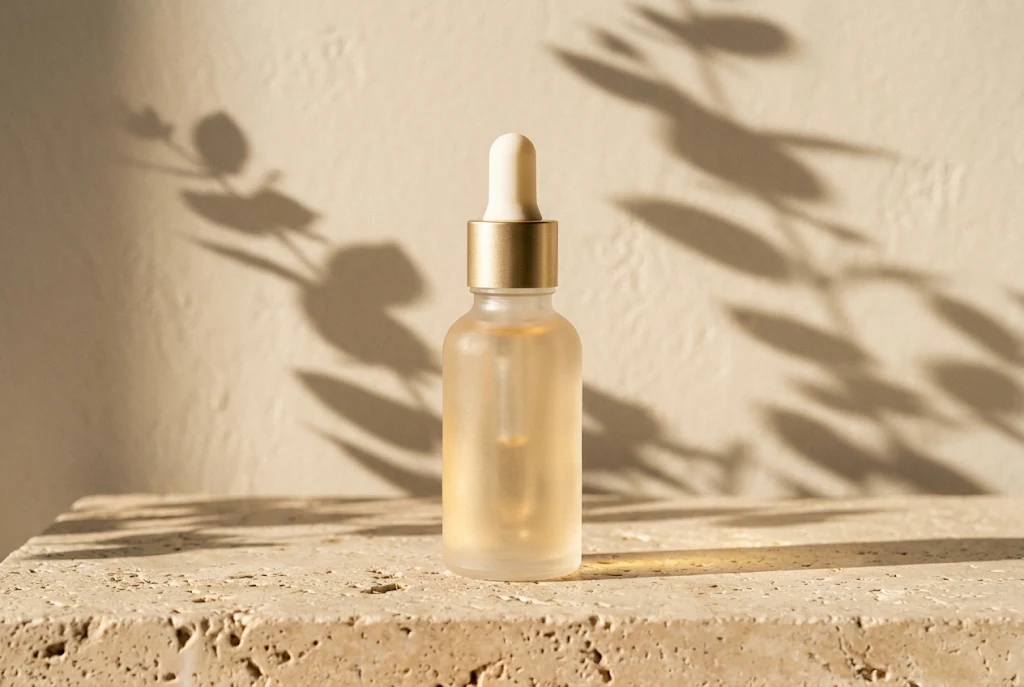
AI Background Changer

AI Background Changer

Keep your subject untouched while placing it into any studio set, lifestyle environment, or brand backdrop with realistic lighting.
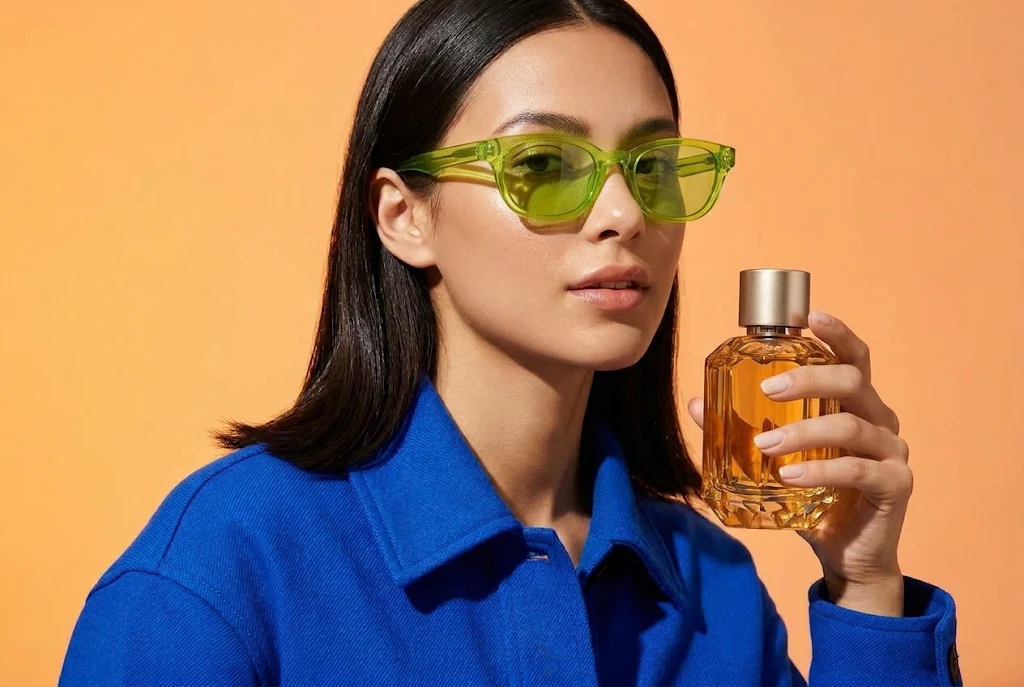
AI Inpainting & Generative Fill

AI Inpainting & Generative Fill

Brush exactly where you want a change, describe what belongs there, and keep every untouched pixel consistent.

Browse All AI Image Tools

AI Object Remover FAQs

Paint slightly beyond the edge of the unwanted object and make sure to brush over its cast shadow or reflection too so the background rebuilds seamlessly.
No—brushing over the unwanted region is enough. The optional note field is only needed if you want to specify a tricky hidden surface like 'reconstruct wooden floorboards'.
Have more specific requirements or questions?
PRICING DETAILS →LAUNCH STUDIO →

BRUSH ONCE, ERASE CLEANLY

Remove unwanted people, cables, and clutter without blurry clone-stamp marks—try AI Object Remover free above.

Open AI Photo Editor