
PalaPiliPalaPili
  • Canvas
  • Refine
  • Inspiration
  • Pricing
PalaPiliPalaPili

PalaPili brings quick AI image and video generation together with a canvas-based creative workflow. Create visuals instantly with Quick Image and Quick Video, explore ideas on an infinite canvas, and refine your work through ongoing edits and iterations in Studio.

Featured on There's An AI For That

AI Image

  • AI Image Generator
  • AI Photo Editor
  • AI Image Tools
  • AI Infinite Canvas
  • Nano Banana Pro
  • GPT Image Generator
  • AI Clothes Changer
  • AI Face Swap

Photo Tools

  • AI Image Enhancer
  • AI Image Upscaler
  • Background Remover
  • Background Changer
  • AI Inpainting
  • Object Remover
  • Uncrop AI
  • Denoise AI
  • AI Relight
  • Change Camera Angle

AI Video & Studio

  • AI Video Generator
  • Image to Video
  • Seedance Video Generator
  • Image Studio
  • Video Studio
  • Canvas
  • Refine
  • Inspiration

Company

  • About
  • Contact
  • Pricing
  • Partners
  • Privacy
  • Terms
  • Refunds
  • Cookies

© 2026 Crownbyte Ltd. All rights reserved.

Flagship Image & Video AI Cockpit•Commercial Licensing Supported
PalaPili
Image Tools
Uncrop & Expand AI
Upload Image
Target Aspect Ratio
Output Resolution
Optional

Uncrop & Expand AI

Extend your photo seamlessly beyond its borders into any aspect ratio.
Uncrop & Expand AI

EXPAND ANY PHOTO WITH UNCROP AI

Never crop off heads, products, or scenery just to fit a new platform ratio. PalaPili's online Uncrop AI predicts natural scenery, architecture, and studio surfaces beyond your original frame—showing you exact target dimensions live before generating. Need sharper print pixels too? Finish with 4K AI Image Upscaler.

Uncrop & Expand AI

FIT EVERY ASPECT RATIO WITHOUT LOSING COMPOSITION

ONE SHOOT FOR 16:9, 9:16 & 21:9

Preview exact expansion zones live on the canvas before spending credits. Turn a vertical portrait into a widescreen website hero or extend a horizontal banner into vertical Stories.
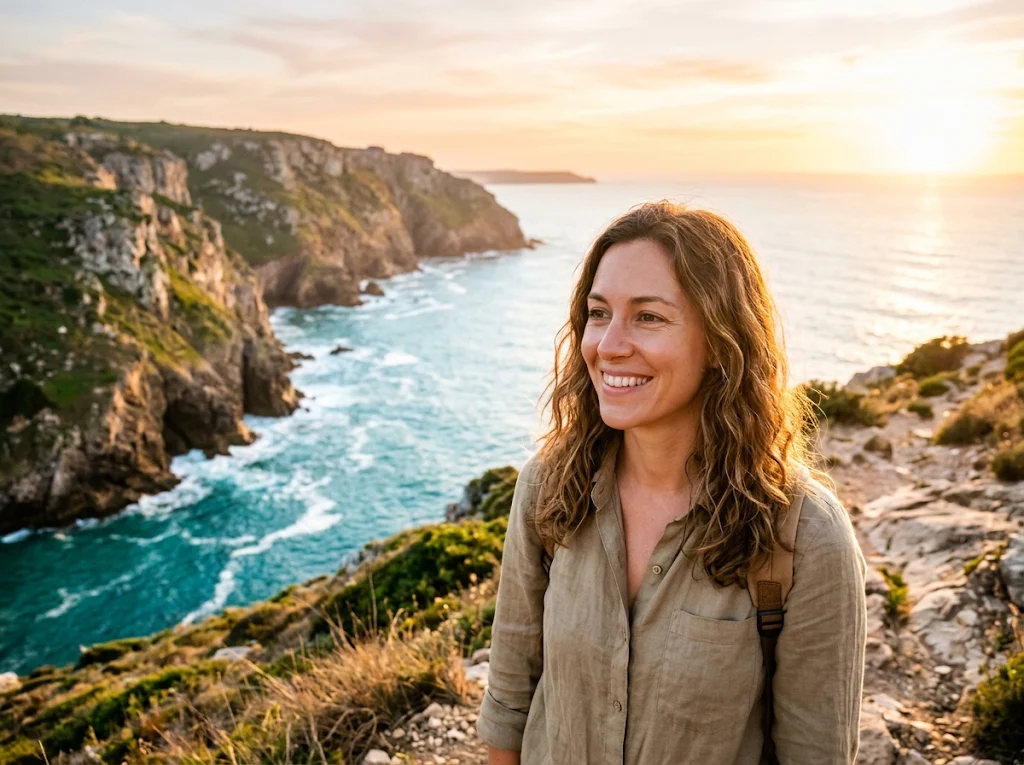
Widescreen photo expanded cleanly with Uncrop AI
Auto1:19:1616:9

SEAMLESS PERSPECTIVE, ZERO VISIBLE SEAMS

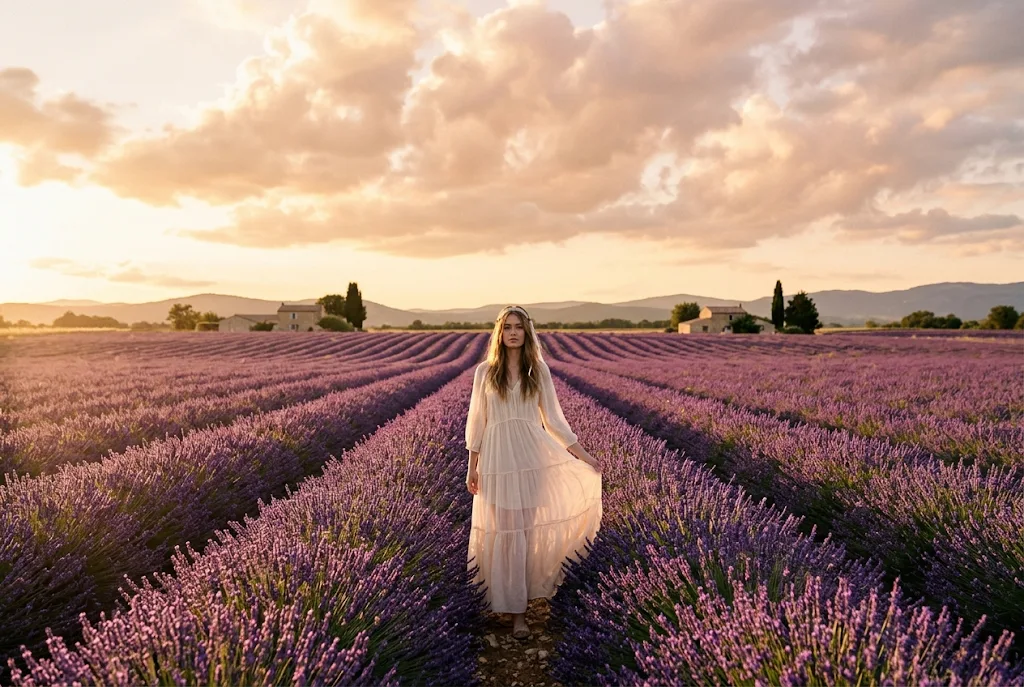
Uncrop AI continues horizon lines, lens blur, lighting direction, and color grading naturally—avoiding repeated patterns or obvious border lines.
Cinematic landscape extended beyond original borders

OPTIONAL PROMPTS FOR CREATIVE EXTENSIONS

Leave the prompt blank for pure automatic expansion, or guide what appears around the edges—like 'add soft morning fog and pine trees'—then animate the wide shot with Image to Video AI.
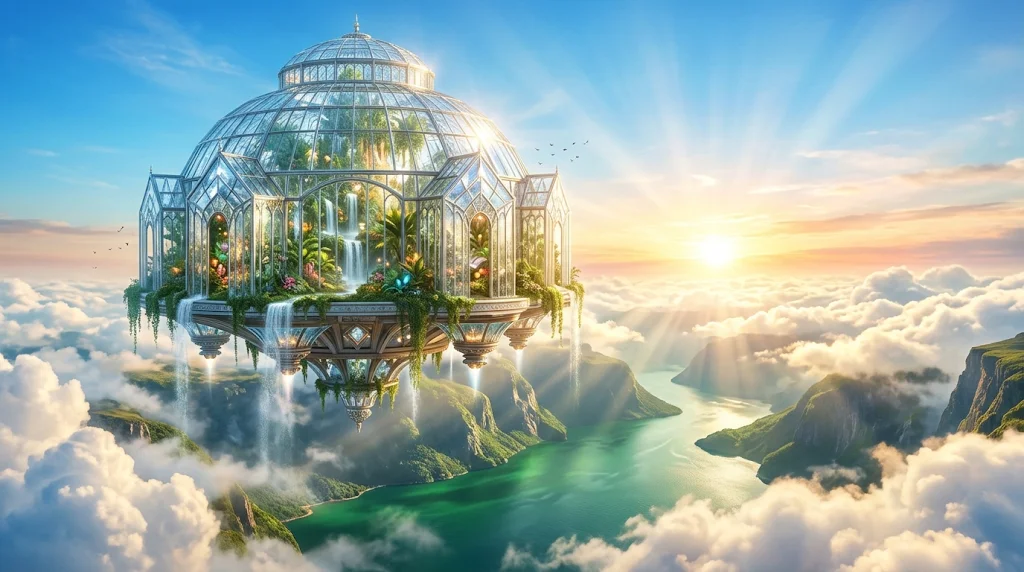
Guided outpainting extending a creative scene

REFRAME FASTER FOR EVERY PLATFORM

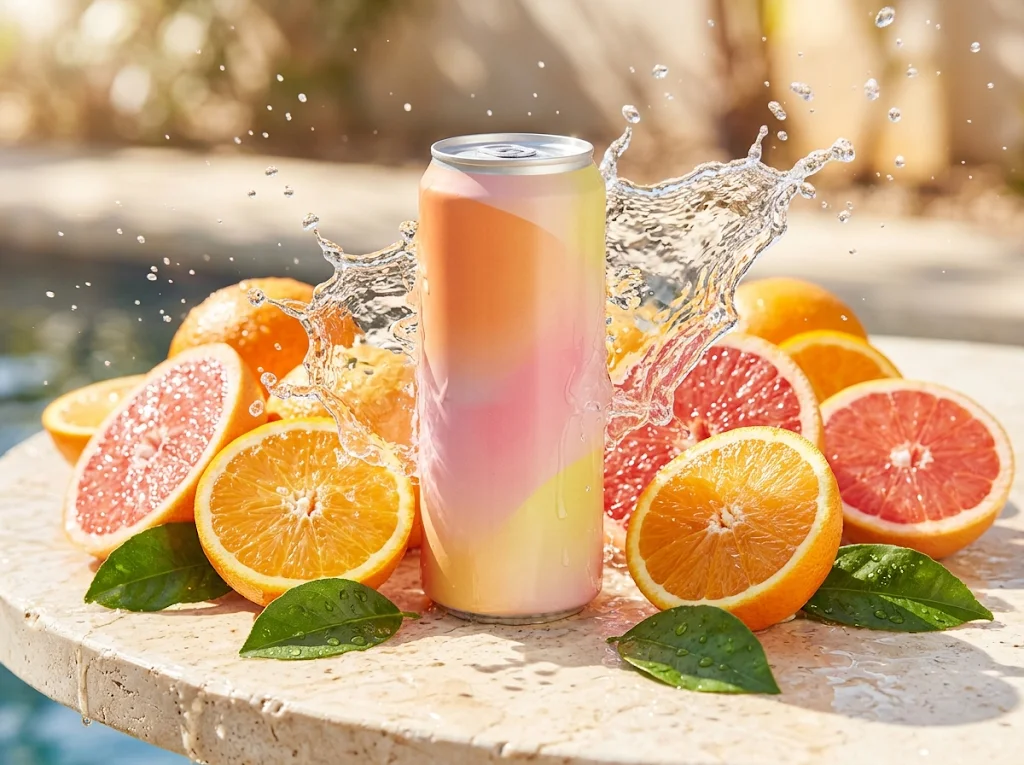
Social cover expanded cleanly with Uncrop AI
Social Media Managers

Adapt One Photo for YouTube, Reels & Feed

Convert square posts into 9:16 vertical covers and 16:9 thumbnails without ugly blurred sidebars.
Browse all AI image tools
Widescreen hero banner with extended studio space
Web & Ad Designers

Create Breathing Room for Headlines & CTAs

Extend studio backdrops sideways so hero text sits cleanly beside your product or model.
Replace backgrounds online
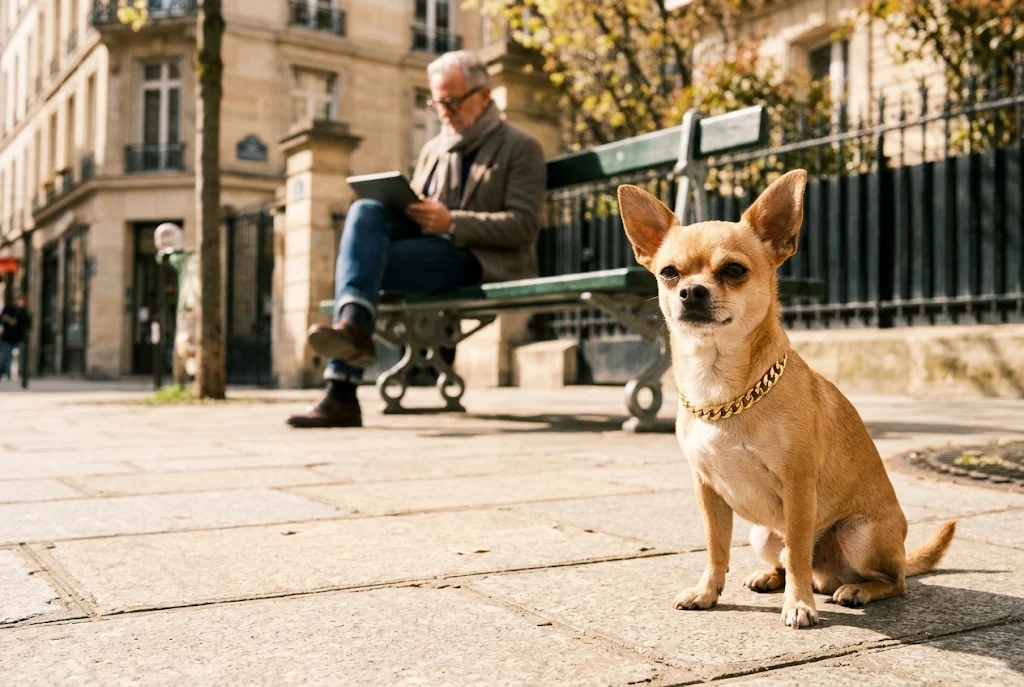
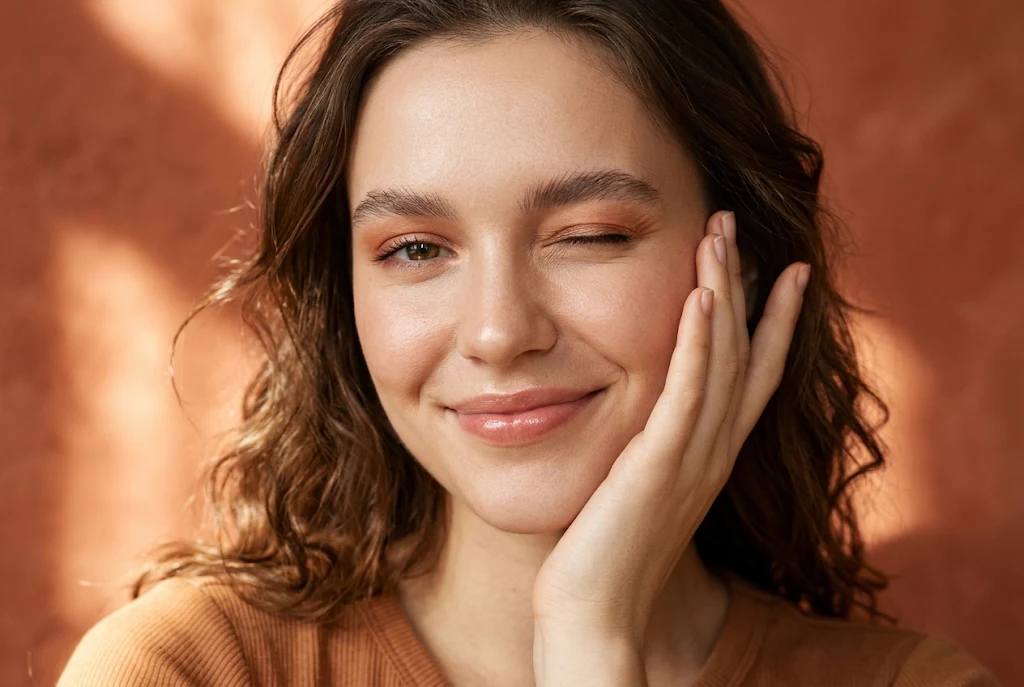
Tight portrait uncropped cleanly
Photographers

Fix Tightly Cropped Shots After the Shoot

Recover clipped elbows, cramped ceilings, or tight architectural borders naturally.
Remove unwanted objects
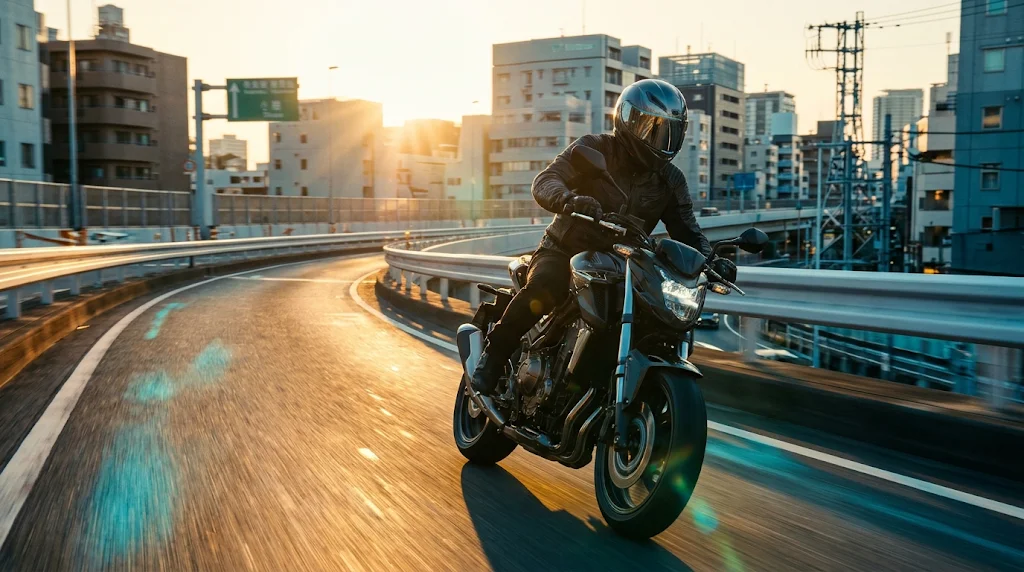
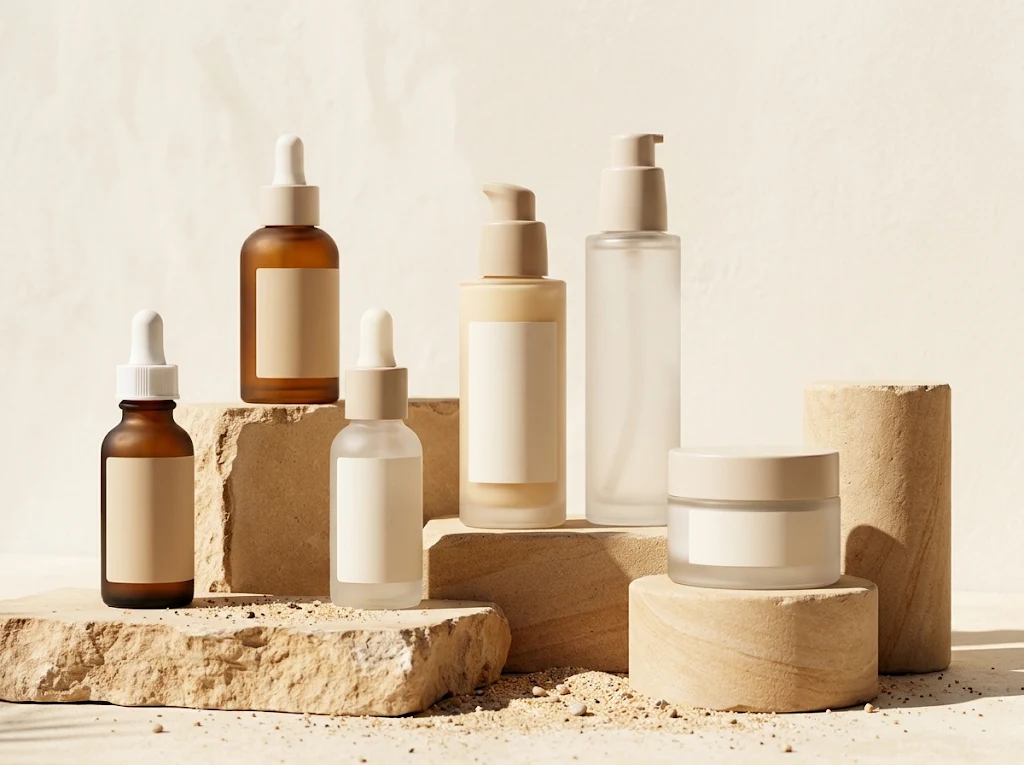
Standardized e-commerce banner shot
E-Commerce Teams

Standardize Product Ratios Across Marketplaces

Match every channel's required aspect ratio cleanly while keeping the product centered.

Upscale photos to 4K

HOW TO EXPAND IMAGES WITH UNCROP AI

  1. STEP 1

    Upload Your Cropped Photo

    Drop any tight portrait, product shot, or square image into the Uncrop workbench above.

  2. STEP 2

    Pick Target Ratio & Resolution

    Choose 16:9, 9:16, 4:3, 3:2, 21:9, or 1:1—preview exact expansion geometry live on the canvas.

  3. STEP 3

    Generate, Compare & Download

    Inspect the seamless extension up to 4K, add an optional prompt if you want a new direction, and export.

DISCOVER OTHER AI IMAGE EDITING TOOLS

Every PalaPili photo tool shares one workspace, library, and credit balance—chain edits cleanly without re-uploading.
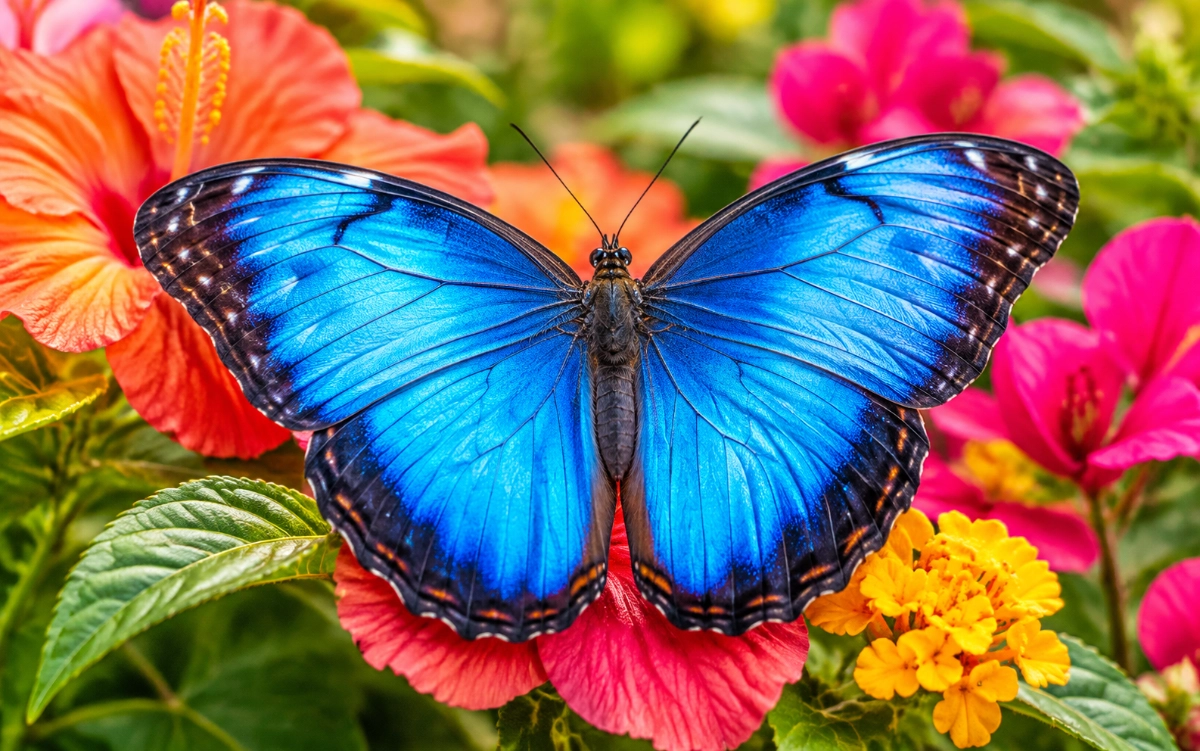
AI Image Enhancer

AI Image Enhancer

Restore sharpness, natural color richness, and fine micro-detail in seconds without changing your subject or composition.
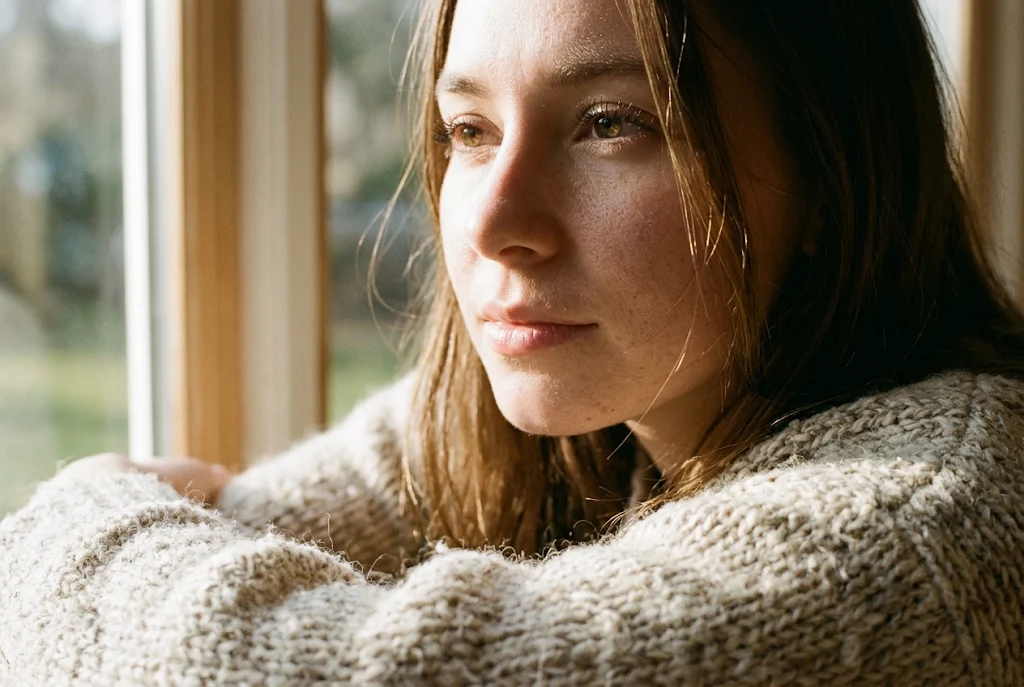
AI Image Upscaler

AI Image Upscaler

Enlarge low-resolution photos, product shots, and AI artwork to crisp 2K or 4K without jagged edges or smeared texture.
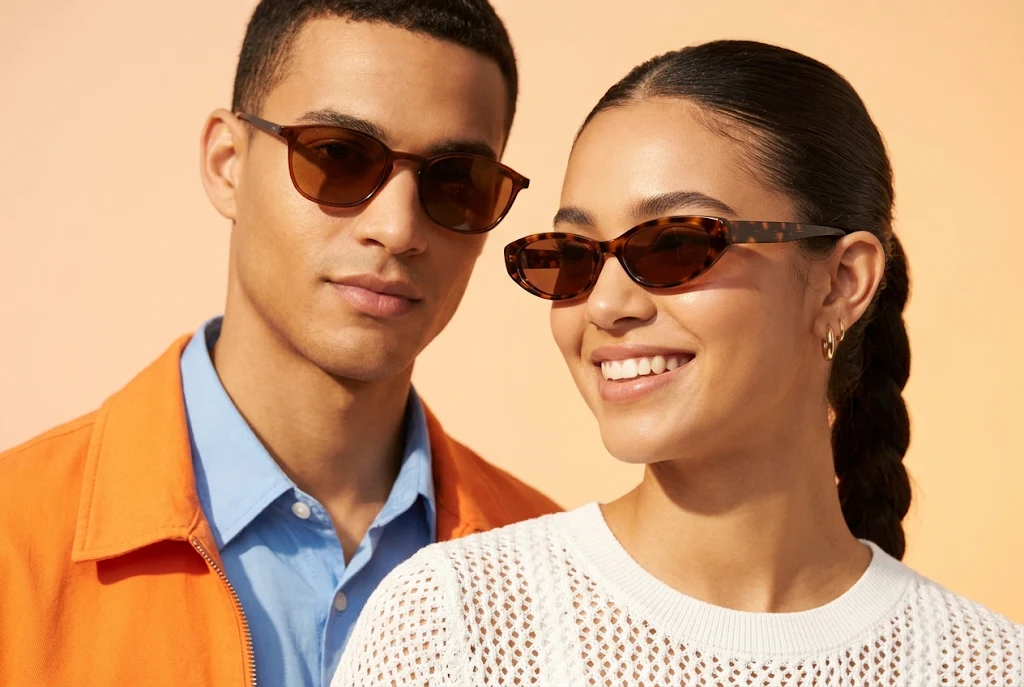
Denoise AI

Denoise AI

Eliminate harsh low-light noise and compression grain cleanly without turning faces or textures plastic.
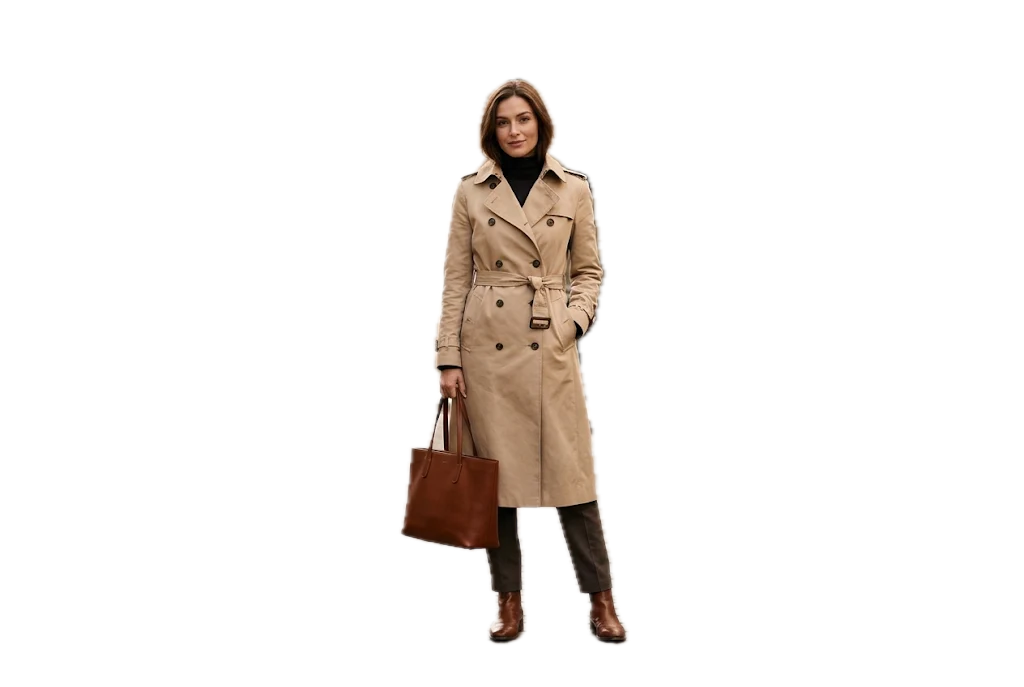
AI Background Remover

AI Background Remover

Cut out people, products, and fine hair strands cleanly to a transparent PNG in seconds—no manual lasso required.
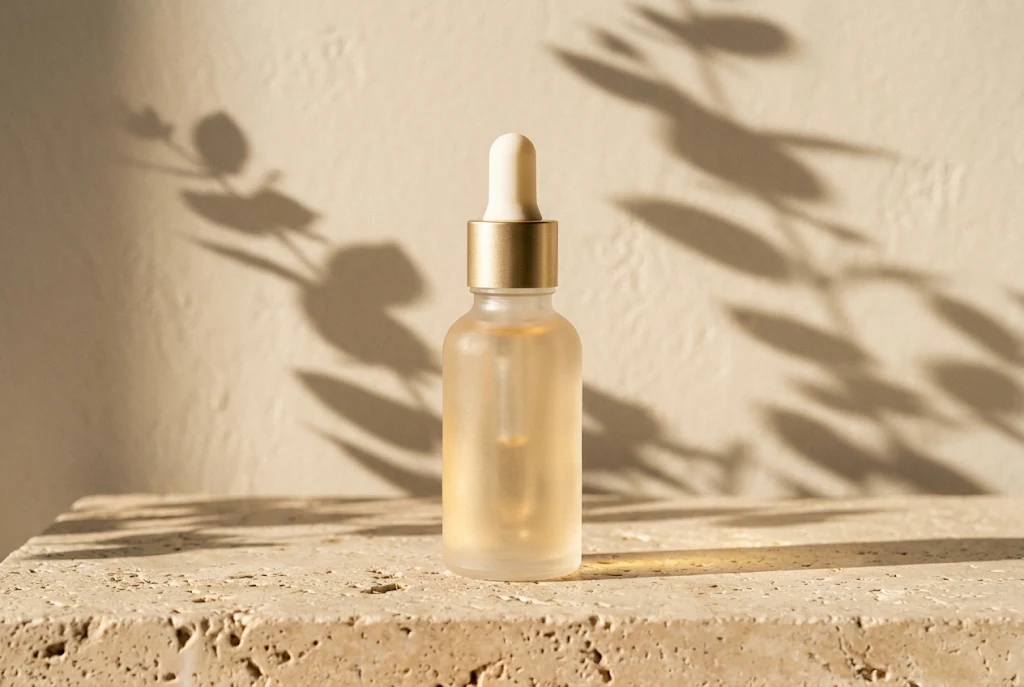
AI Background Changer

AI Background Changer

Keep your subject untouched while placing it into any studio set, lifestyle environment, or brand backdrop with realistic lighting.
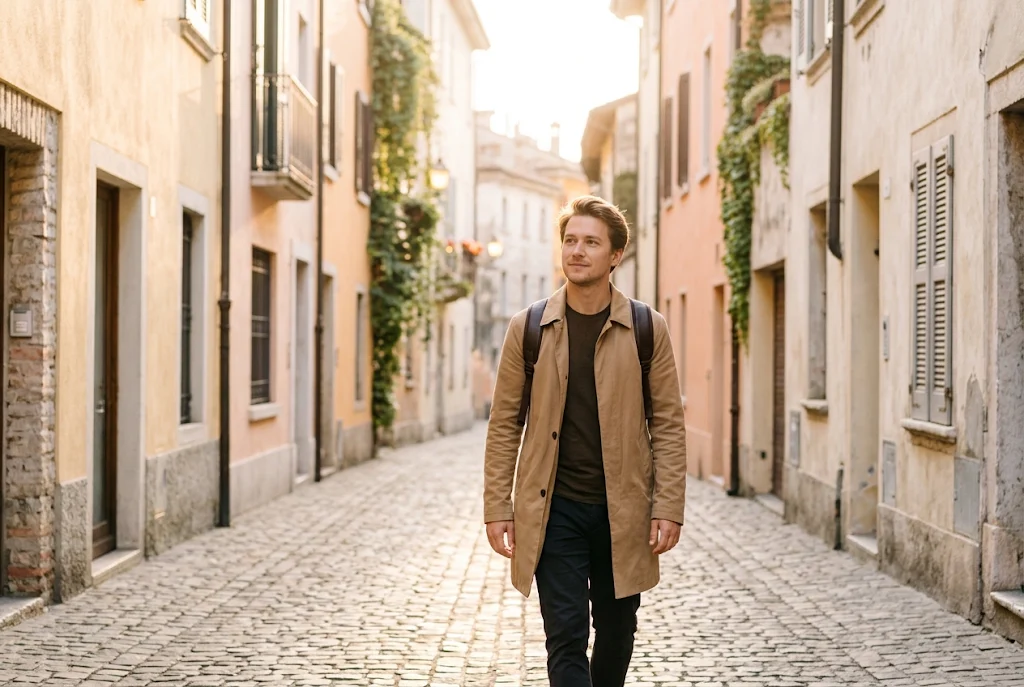
AI Object Remover

AI Object Remover

Paint over unwanted people, cables, logos, or clutter and rebuild the natural background texture cleanly in seconds.

Browse All AI Image Tools

Uncrop & Expand AI FAQs

Choose 1:1, 4:3, 3:4, 16:9, 9:16, 3:2, 2:3, or cinematic 21:9—with a live canvas preview showing your exact original-to-target pixel dimensions before generating.
No. Your original photo stays in true proportion while AI generates brand-new matching scenery strictly in the expanded margins.
Have more specific requirements or questions?
PRICING DETAILS →LAUNCH STUDIO →

EXTEND BEYOND THE FRAME WITH UNCROP AI

Turn any tight photo into widescreen, vertical, or square layouts with seamless AI outpainting up to 4K.

Open AI Photo Editor