PalaPiliPalaPili
  • Canvas
  • Refine
  • Inspiration
  • Pricing
PalaPiliPalaPili

PalaPili brings quick AI image and video generation together with a canvas-based creative workflow. Create visuals instantly with Quick Image and Quick Video, explore ideas on an infinite canvas, and refine your work through ongoing edits and iterations in Studio.

Featured on There's An AI For That

AI Image

  • AI Image Generator
  • AI Photo Editor
  • AI Image Tools
  • AI Infinite Canvas
  • Nano Banana Pro
  • GPT Image Generator
  • AI Clothes Changer
  • AI Face Swap

Photo Tools

  • AI Image Enhancer
  • AI Image Upscaler
  • Background Remover
  • Background Changer
  • AI Inpainting
  • Object Remover
  • Uncrop AI
  • Denoise AI
  • AI Relight
  • Change Camera Angle

AI Video & Studio

  • AI Video Generator
  • Image to Video
  • Seedance Video Generator
  • Image Studio
  • Video Studio
  • Canvas
  • Refine
  • Inspiration

Company

  • About
  • Contact
  • Pricing
  • Partners
  • Privacy
  • Terms
  • Refunds
  • Cookies

© 2026 Crownbyte Ltd. All rights reserved.

Flagship Image & Video AI Cockpit•Commercial Licensing Supported
PalaPili
Image Tools
AI Background Changer
Upload Image
Output Resolution
Required

AI Background Changer

Keep your subject intact while placing them into any new scene.
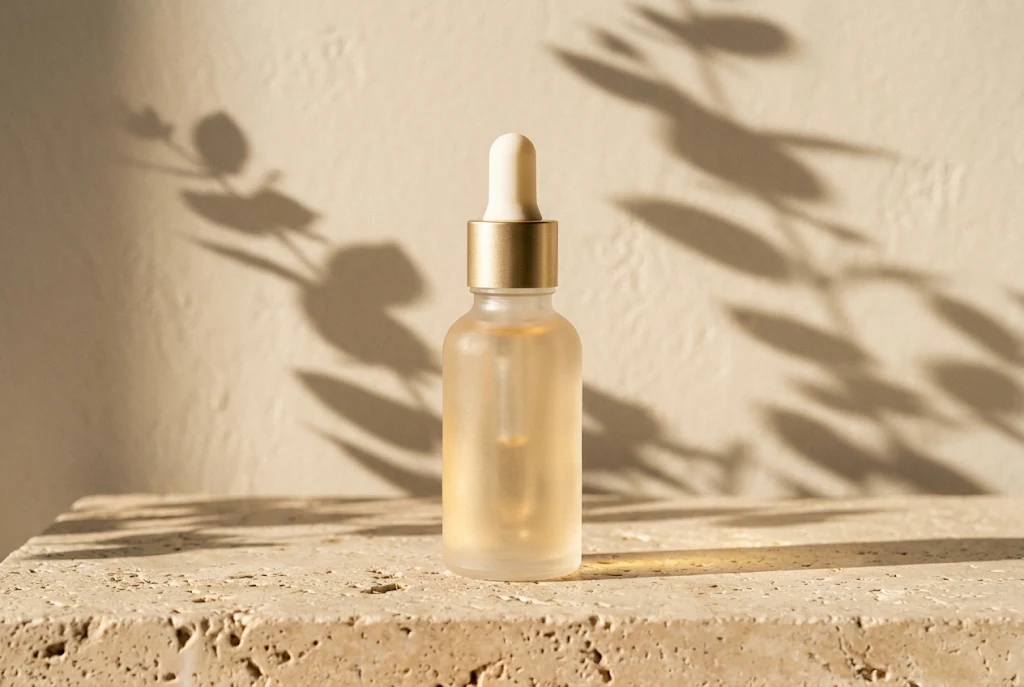
AI Background Changer
Before
OriginalNew Scene

REPLACE PHOTO BACKGROUNDS WITH REALISTIC LIGHTING

Turn any plain phone snapshot into a commercial location shoot. Describe your ideal backdrop in PalaPili's AI background changer—and our model preserves your subject while matching cast shadows, reflections, and ambient color. Need a transparent cutout first? Try AI Background Remover.

AI Background Changer

STUDIO-GRADE BACKDROPS FROM ONE PROMPT

MATCHED SHADOWS & AMBIENT REFLECTIONS

Paste-on backgrounds always look fake when lighting disagrees. PalaPili blends ground shadows, rim light, and color temperature so your product or portrait truly sits inside the new scene.
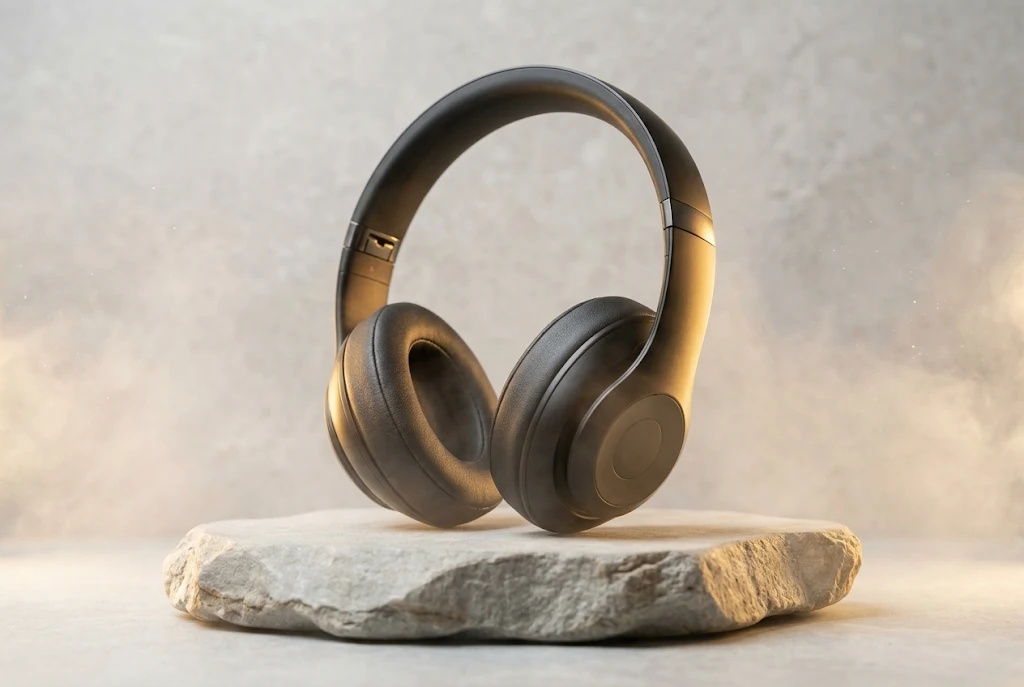
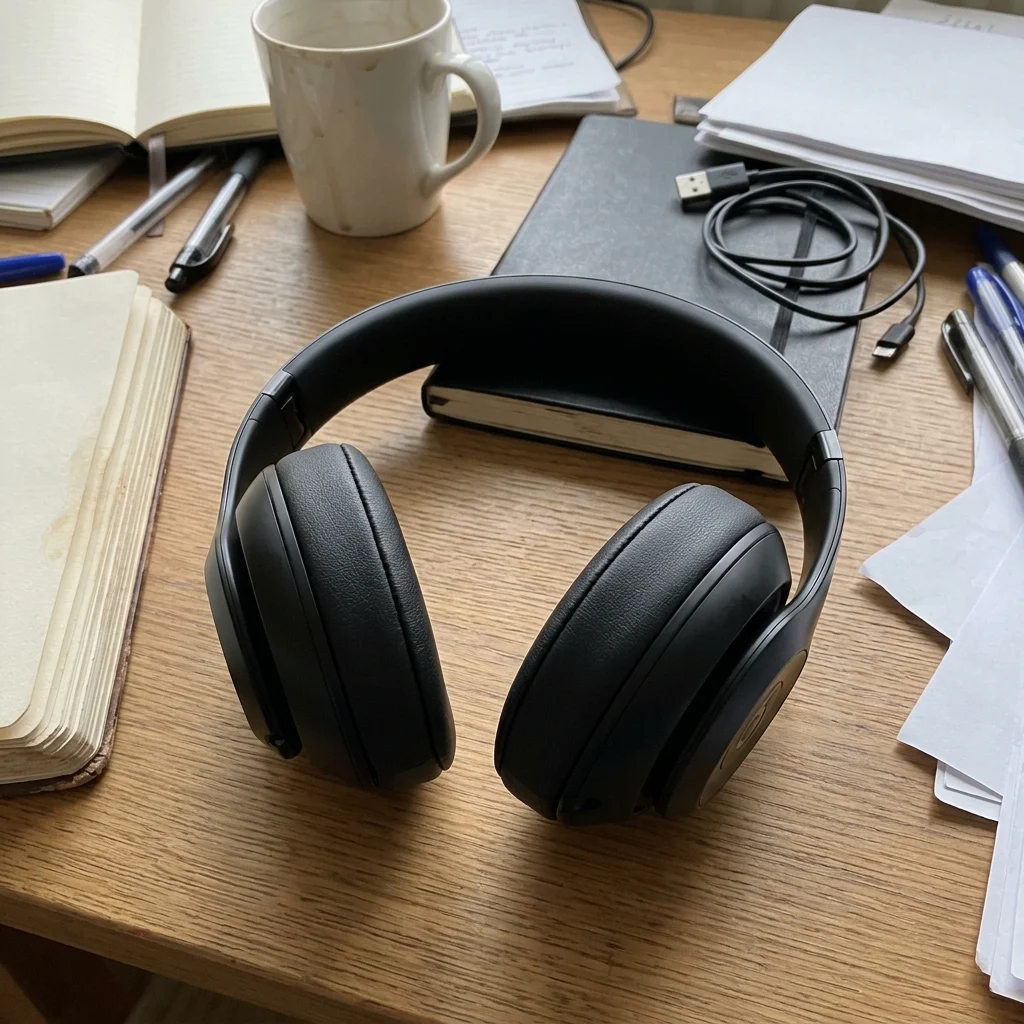
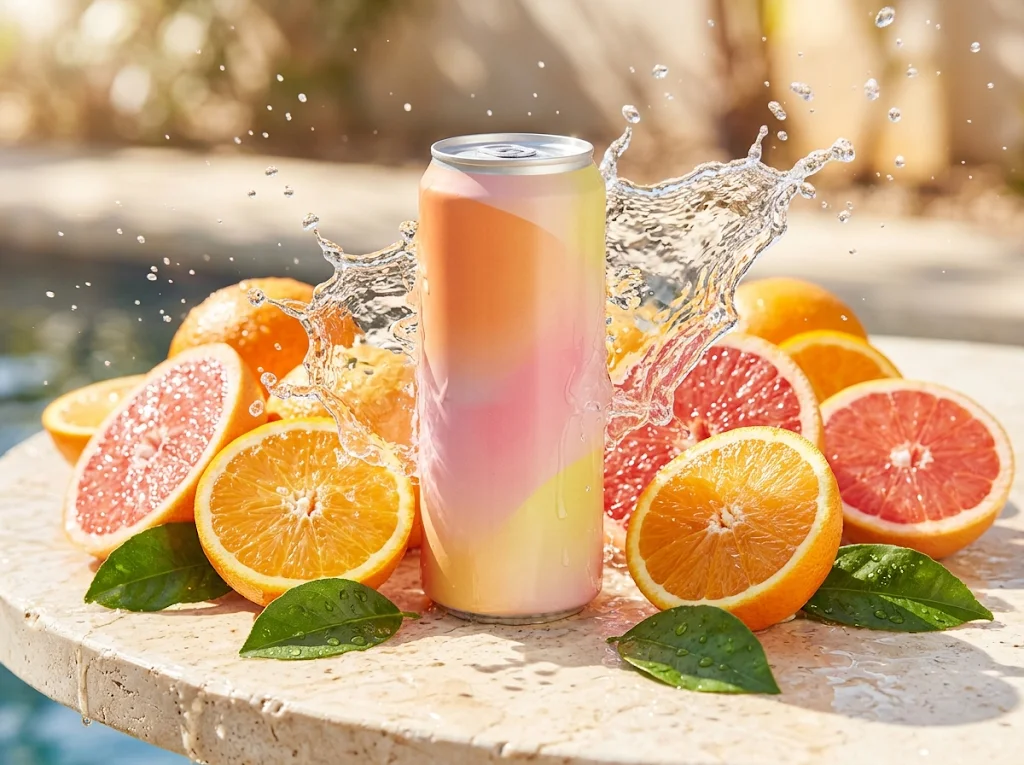
Product staged on sunlit marble backdrop by AI background changer
INPUT
Original plain product shot

LOCK YOUR PRODUCT OR FACE IDENTITY

Your packaging label, silhouette, and subject identity stay faithful while the background transforms from a home desk to a travertine podium, Parisian cafe, or sunset beach.
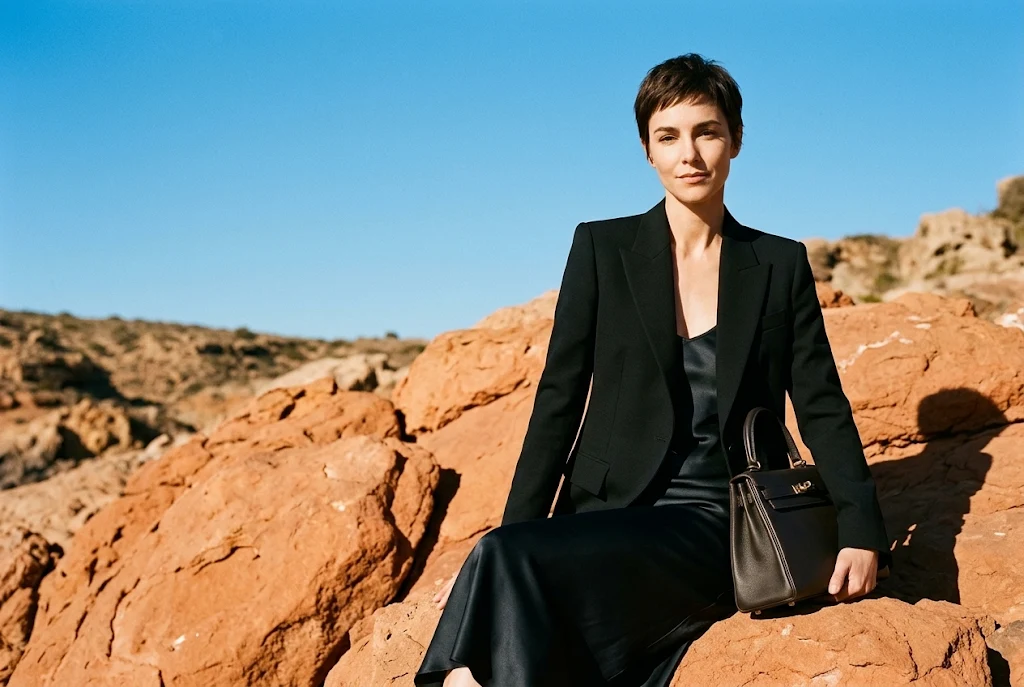
Consistent subject across a newly generated scene

LAUNCH SEASONAL SETS IN MINUTES

Create holiday, summer, or minimalist variants from one base shoot—then expand into 16:9 or 9:16 placements with Uncrop AI or animate into video ads with Image to Video AI.
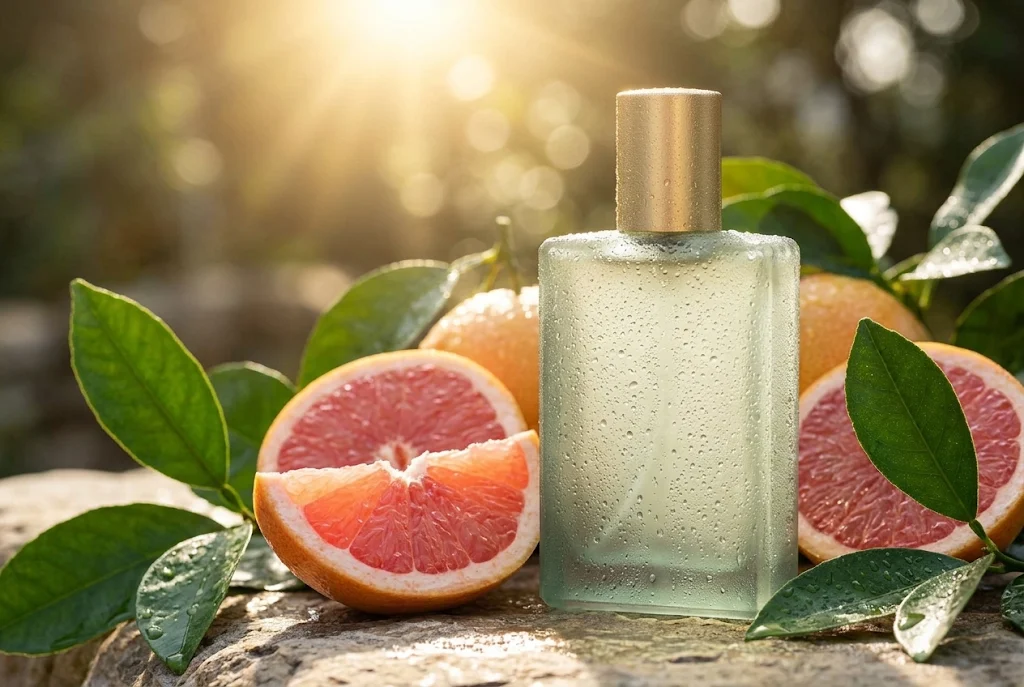
Seasonal ad backdrop generated with AI background changer

STAGE BETTER SCENES FOR EVERY TEAM

Lifestyle product set created by AI background changer
E-Commerce & DTC Brands

Shoot Lifestyle Product Sets Without Renting Props

Place cosmetics, shoes, or gadgets onto marble, wood, or sunlit studio sets in seconds.
Upscale listings to 4K
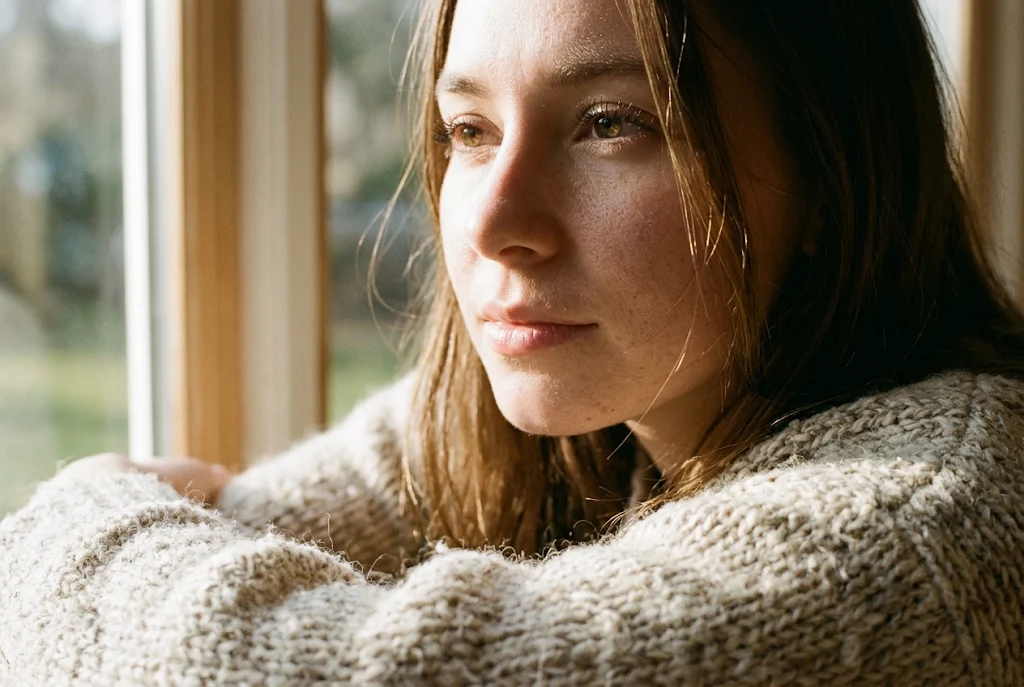
Executive portrait with replaced studio backdrop
Portrait & Headshot Creators

Upgrade Casual Portraits to Executive Headshots

Replace messy bedrooms or harsh walls with clean architectural bokeh or warm studio backdrops.
Relight faces in 3D
Ad creative variations with swapped backgrounds
Performance Marketers

A/B Test 10 Ad Backdrops from One Photo

Keep the winning hero product while testing different colors, moods, and locations for higher CTR.
Open AI Photo Editor
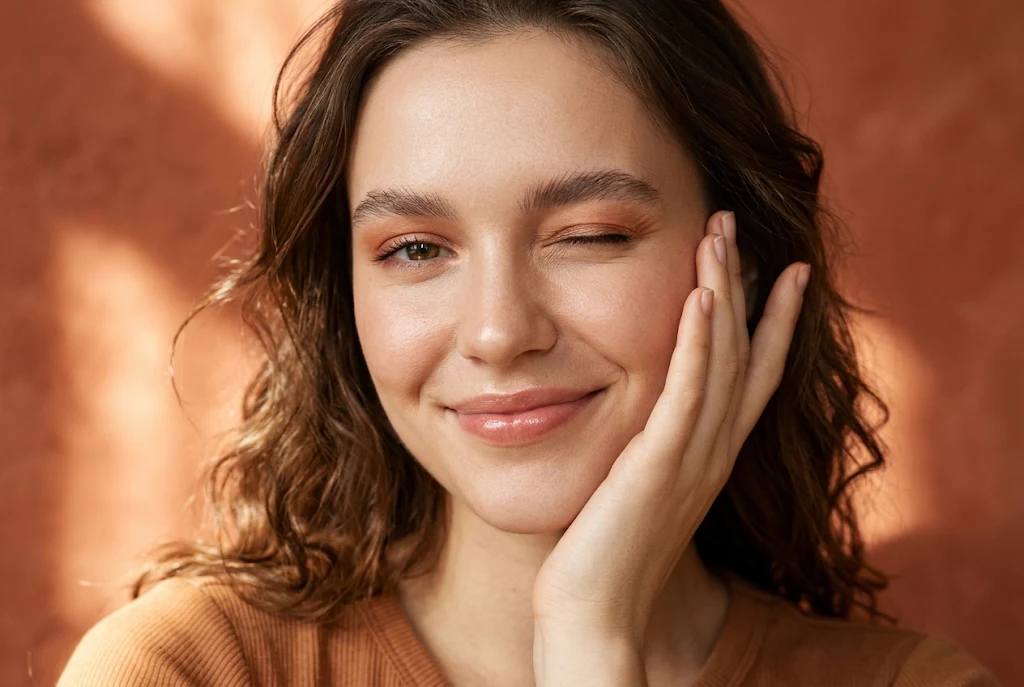
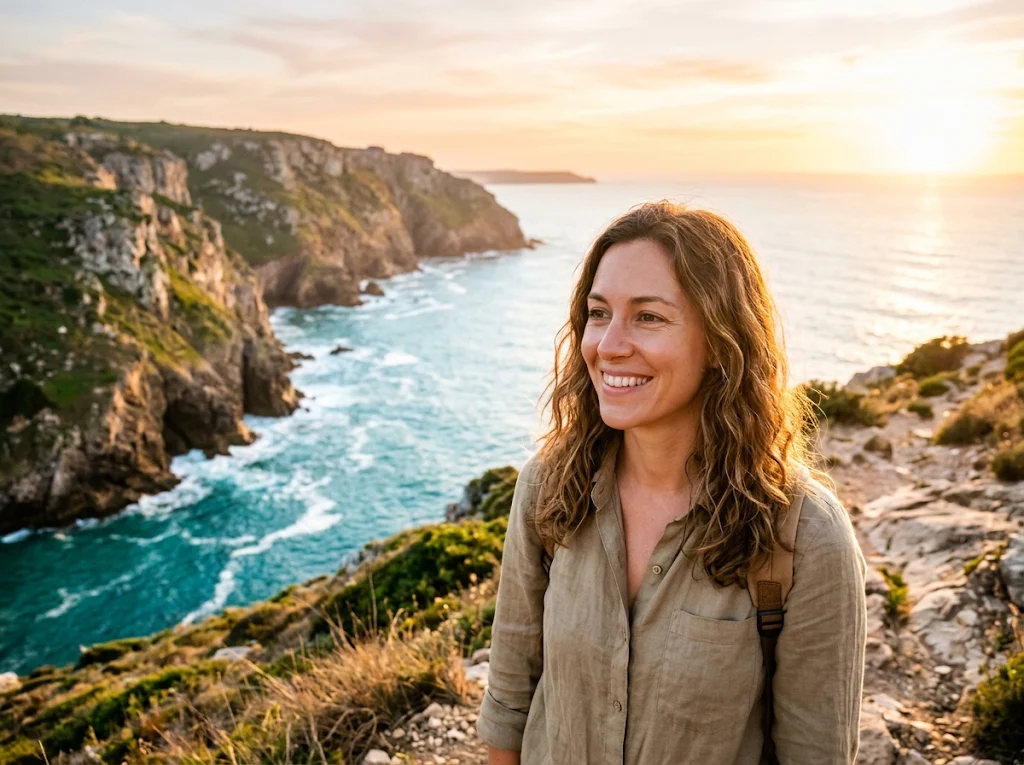
Editorial social portrait with replaced background
Social Creators

Transport Everyday Photos Anywhere

Turn simple indoor portraits into golden-hour coastal or editorial city scenes effortlessly.

Try Change Camera Angle

HOW TO CHANGE PHOTO BACKGROUNDS

  1. STEP 1

    Upload Your Subject Photo

    Drop any product shot or portrait into the AI background changer workspace above.

  2. STEP 2

    Describe Your New Scene

    Type the backdrop, surface material, and lighting mood you want (e.g., sunlit marble pedestal, soft shadows).

  3. STEP 3

    Generate, Compare & Export in 4K

    Review natural edge blending with the split slider and download up to 4K.

DISCOVER OTHER AI IMAGE EDITING TOOLS

Every PalaPili photo tool shares one workspace, library, and credit balance—chain edits cleanly without re-uploading.
AI Image Enhancer

AI Image Enhancer

Restore sharpness, natural color richness, and fine micro-detail in seconds without changing your subject or composition.
AI Image Upscaler

AI Image Upscaler

Enlarge low-resolution photos, product shots, and AI artwork to crisp 2K or 4K without jagged edges or smeared texture.
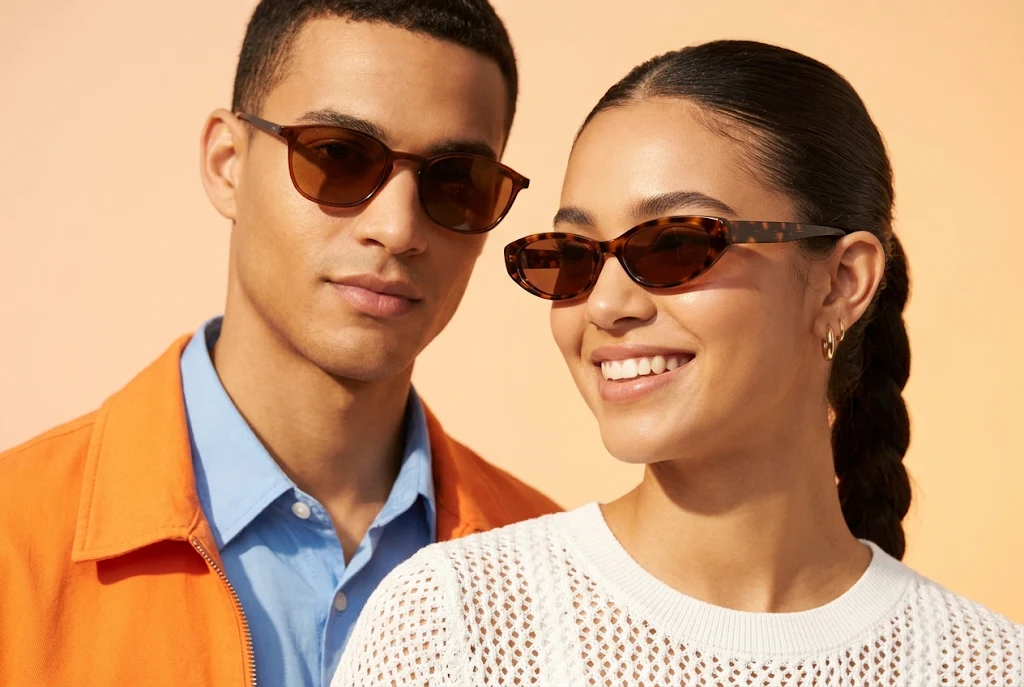
Denoise AI

Denoise AI

Eliminate harsh low-light noise and compression grain cleanly without turning faces or textures plastic.
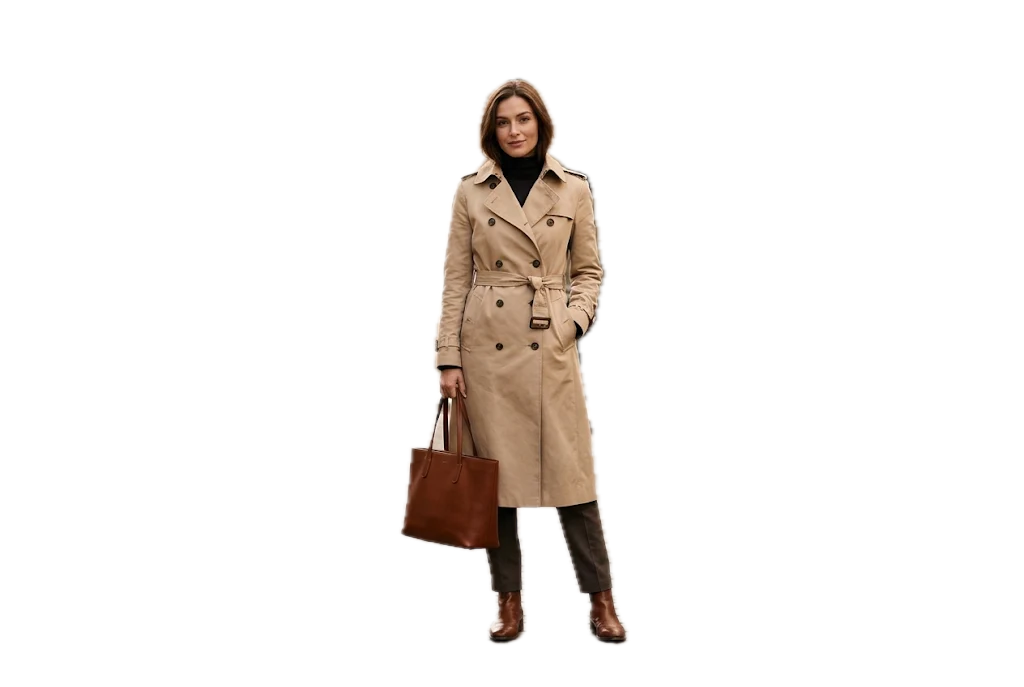
AI Background Remover

AI Background Remover

Cut out people, products, and fine hair strands cleanly to a transparent PNG in seconds—no manual lasso required.
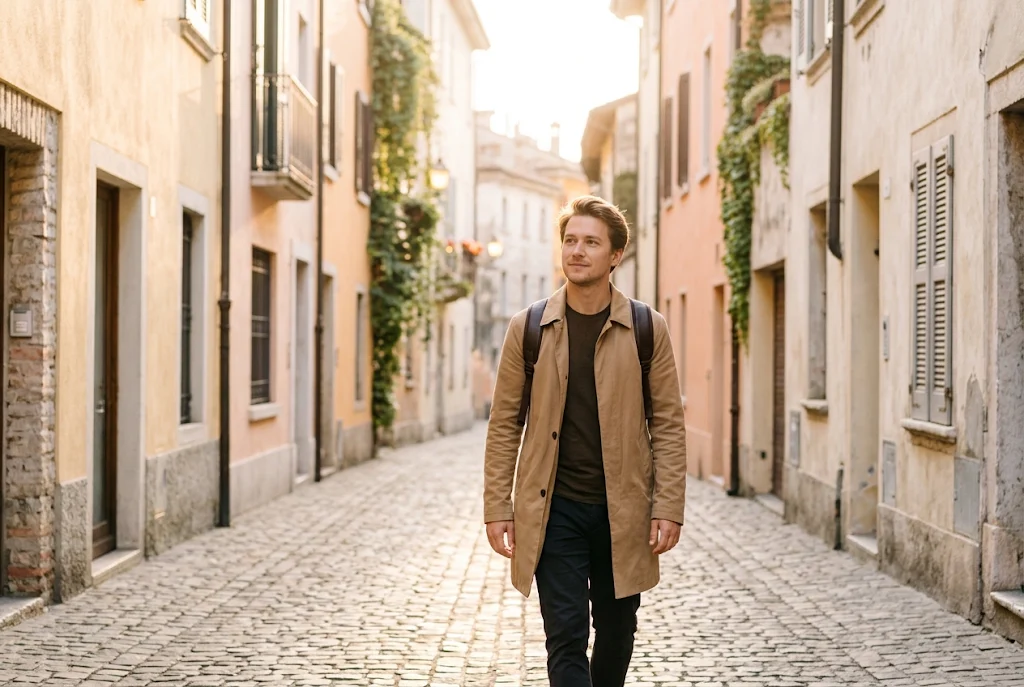
AI Object Remover

AI Object Remover

Paint over unwanted people, cables, logos, or clutter and rebuild the natural background texture cleanly in seconds.
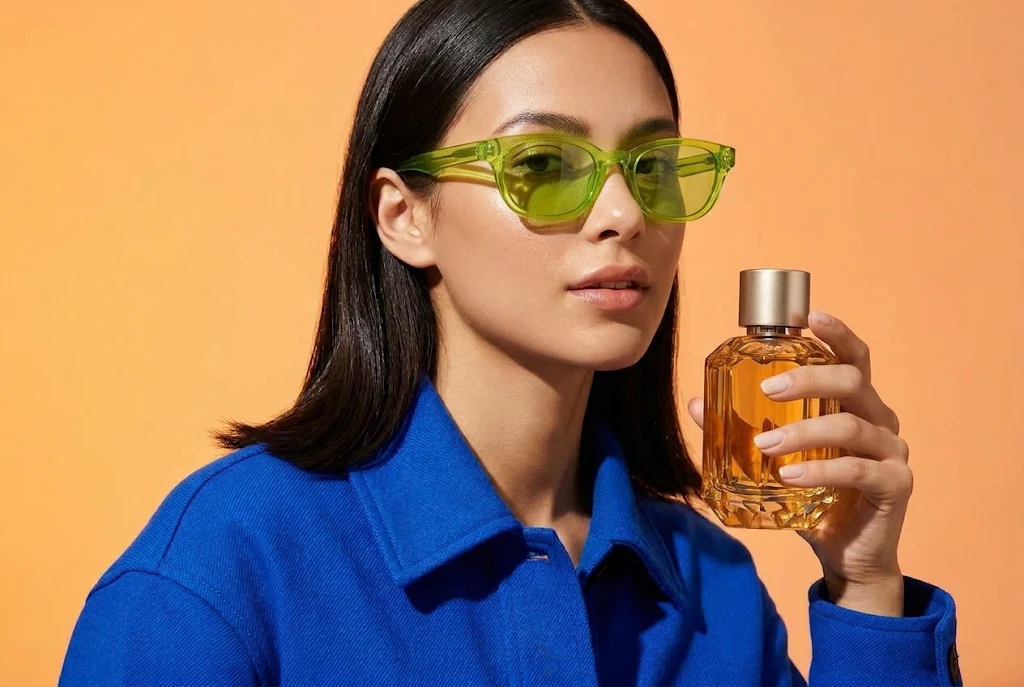
AI Inpainting & Generative Fill

AI Inpainting & Generative Fill

Brush exactly where you want a change, describe what belongs there, and keep every untouched pixel consistent.

Browse All AI Image Tools

AI Background Changer FAQs

No. Upload your original photo directly—PalaPili automatically detects your subject and generates the new scene around it with matching shadows.
No. Our background replacement instructions lock your foreground subject, logo, and proportions while replacing only the surrounding environment.
Have more specific requirements or questions?
PRICING DETAILS →LAUNCH STUDIO →

PLACE ANY PHOTO IN A STUDIO-GRADE SCENE

Swap cluttered backdrops for realistic commercial sets with matched shadows and 4K export—try it free above.

Open AI Photo Editor