PalaPiliPalaPili
  • Canvas
  • Refine
  • Inspiration
  • Pricing
PalaPiliPalaPili

PalaPili brings quick AI image and video generation together with a canvas-based creative workflow. Create visuals instantly with Quick Image and Quick Video, explore ideas on an infinite canvas, and refine your work through ongoing edits and iterations in Studio.

Featured on There's An AI For That

AI Image

  • AI Image Generator
  • AI Photo Editor
  • AI Image Tools
  • AI Infinite Canvas
  • Nano Banana Pro
  • GPT Image Generator
  • AI Clothes Changer
  • AI Face Swap

Photo Tools

  • AI Image Enhancer
  • AI Image Upscaler
  • Background Remover
  • Background Changer
  • AI Inpainting
  • Object Remover
  • Uncrop AI
  • Denoise AI
  • AI Relight
  • Change Camera Angle

AI Video & Studio

  • AI Video Generator
  • Image to Video
  • Seedance Video Generator
  • Image Studio
  • Video Studio
  • Canvas
  • Refine
  • Inspiration

Company

  • About
  • Contact
  • Pricing
  • Partners
  • Privacy
  • Terms
  • Refunds
  • Cookies

© 2026 Crownbyte Ltd. All rights reserved.

Flagship Image & Video AI Cockpit•Commercial Licensing Supported
PalaPili
Image Tools
Change Camera Angle
Upload Image
Front

Drag or tap arrows to orbit camera

Output Resolution
Optional

Change Camera Angle

Re-shoot the same subject from a fresh camera angle and distance.
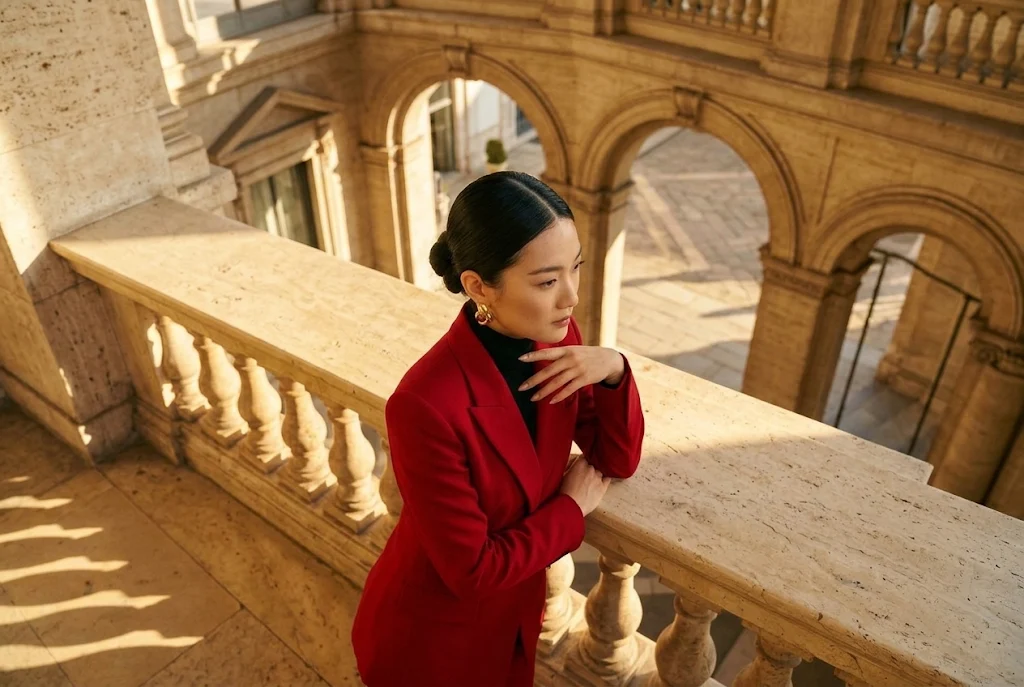
OriginalOriginal
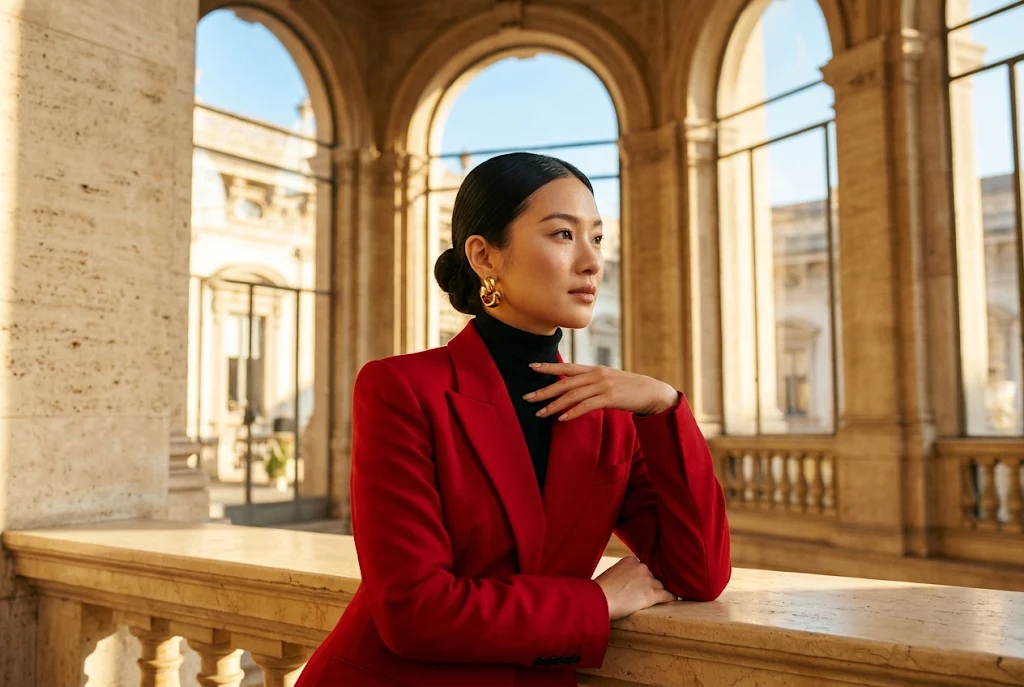
New AngleNew Angle

RESHOOT ANY PHOTO FROM A FRESH CAMERA ANGLE

Only have one front-facing photo of a character or product, but need a three-quarter hero shot, low-angle drama, or overhead view? Drag PalaPili's 360° 3D camera orbit sphere to generate consistent multi-angle perspectives—then light them to perfection with 3D AI Relight.

Before
Change Camera Angle AI

360° VIRTUAL CAMERA WITH CONSISTENT IDENTITY

360° ROTATION, TILT & ZOOM CONTROLS

Drag the interactive 3D wireframe camera sphere or dial exact Rotation (0–360°), Tilt (-45° to +45°), Zoom distance, and Wide-Angle lens toggle for predictable directorial framing.
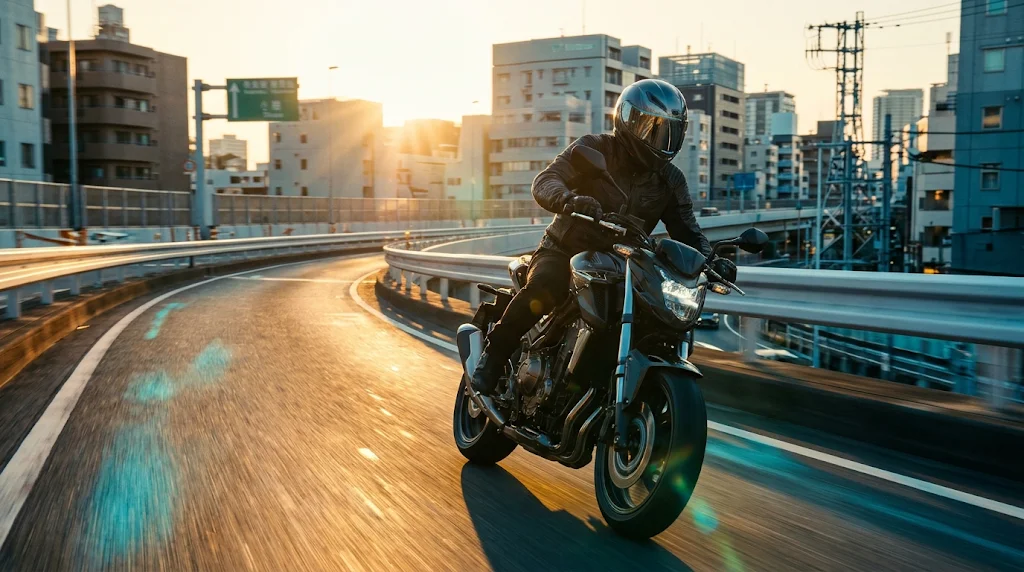
Dynamic low-angle framing generated with Change Camera Angle AI

MULTI-ANGLE SHEETS FROM ONE REFERENCE

Generate side profiles, three-quarter views, and rear angles for characters, avatars, or e-commerce products while preserving clothing, colors, and proportions.
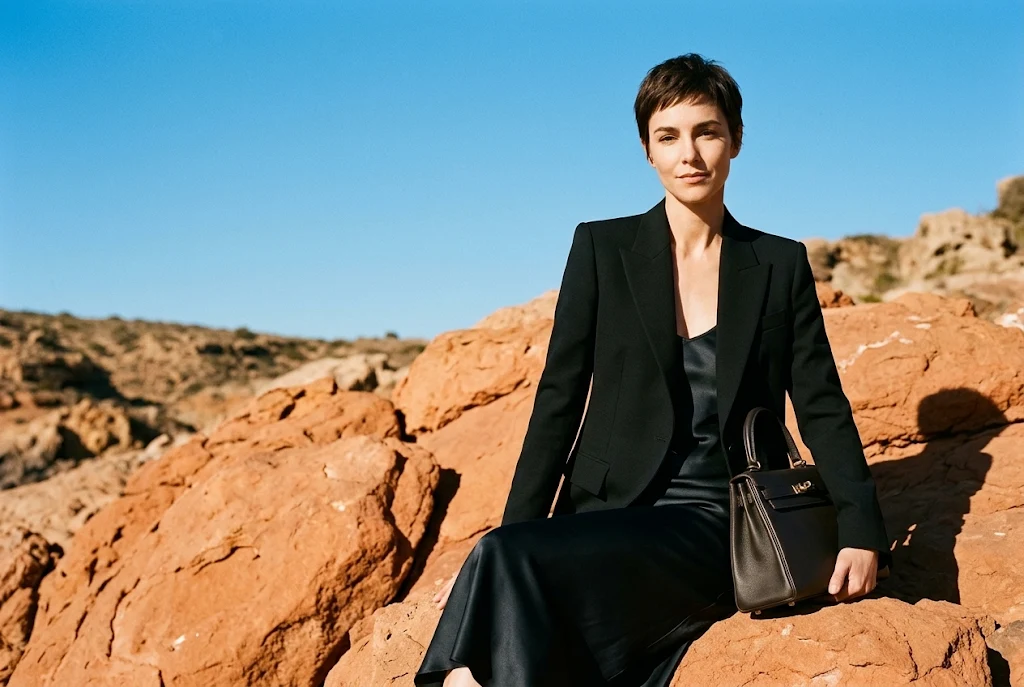
Consistent character from a new camera angle

PERFECT START & END FRAMES FOR AI VIDEO

Pair two generated angles as keyframes inside Image to Video AI or branch full storyboard sequences on AI Infinite Canvas.
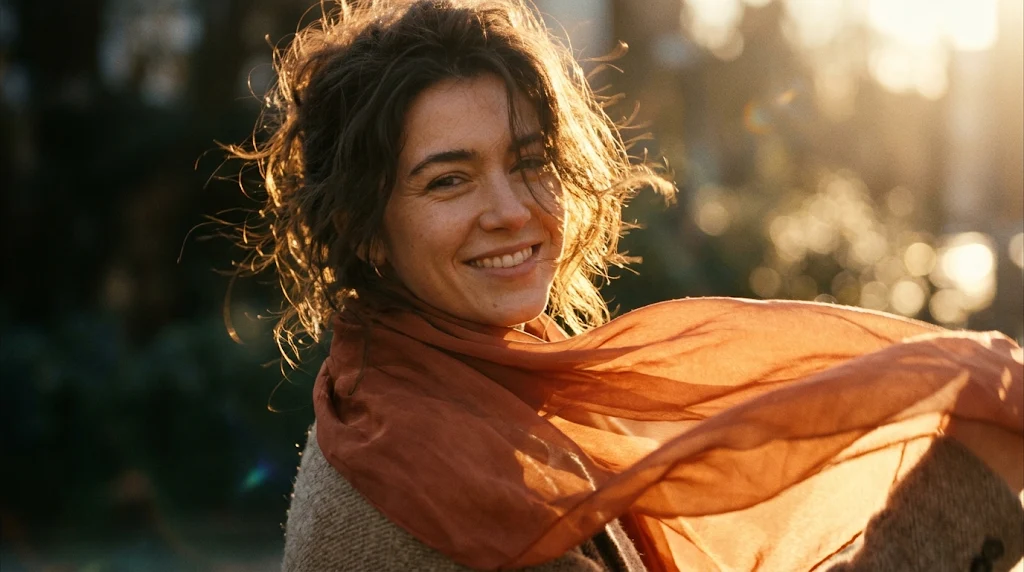
Multi-angle keyframes ready for AI video animation

NEW PERSPECTIVES FOR EVERY CREATIVE TEAM

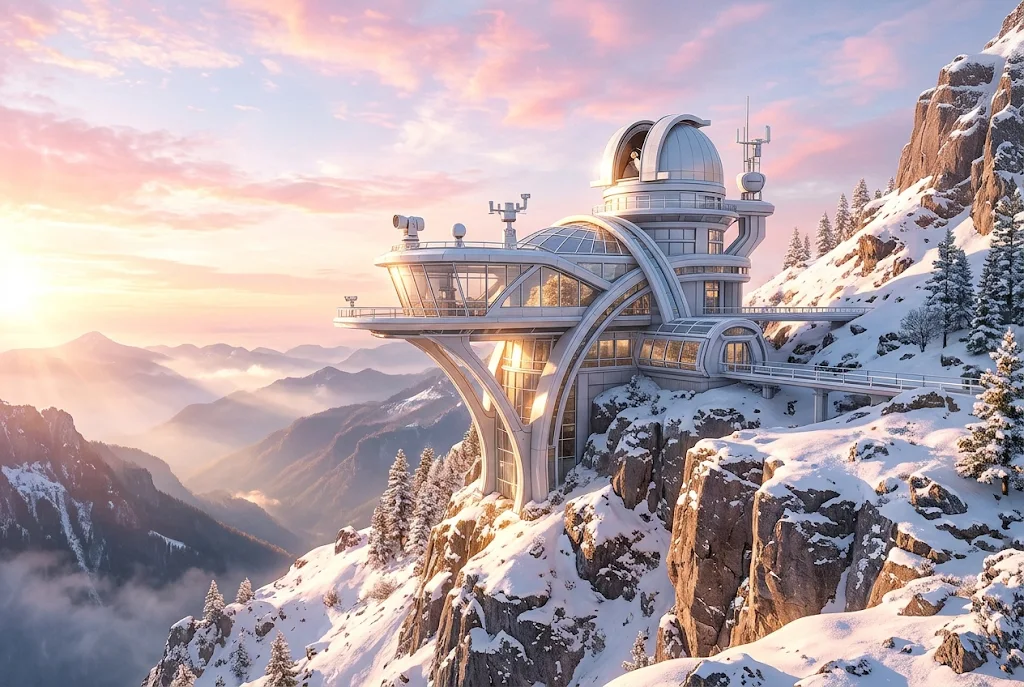
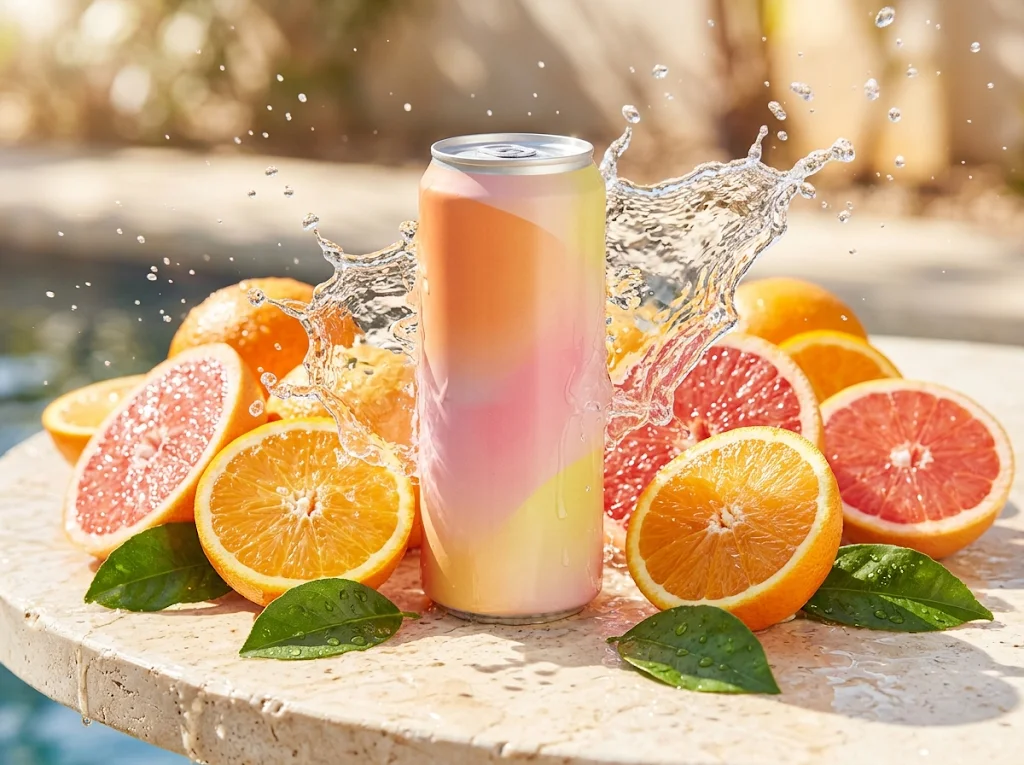
Multi-angle e-commerce product shot
E-Commerce & Product Teams

Create 360° Gallery Angles from One Packshot

Generate three-quarter, side, and elevated product perspectives without rescheduling a studio photographer.
Stage new backdrops
Character angle turnaround
Game & Character Designers

Turn One Portrait Into Full Turnaround Views

Quickly visualize front, three-quarter, and profile character reference angles for 3D modeling and comics.
Explore Infinite Canvas
Storyboard coverage frames
Filmmakers & Ad Directors

Storyboard Coverage from a Single Keyframe

Create wide establishing shots, tight close-ups, and dramatic low angles that keep cast and wardrobe locked.
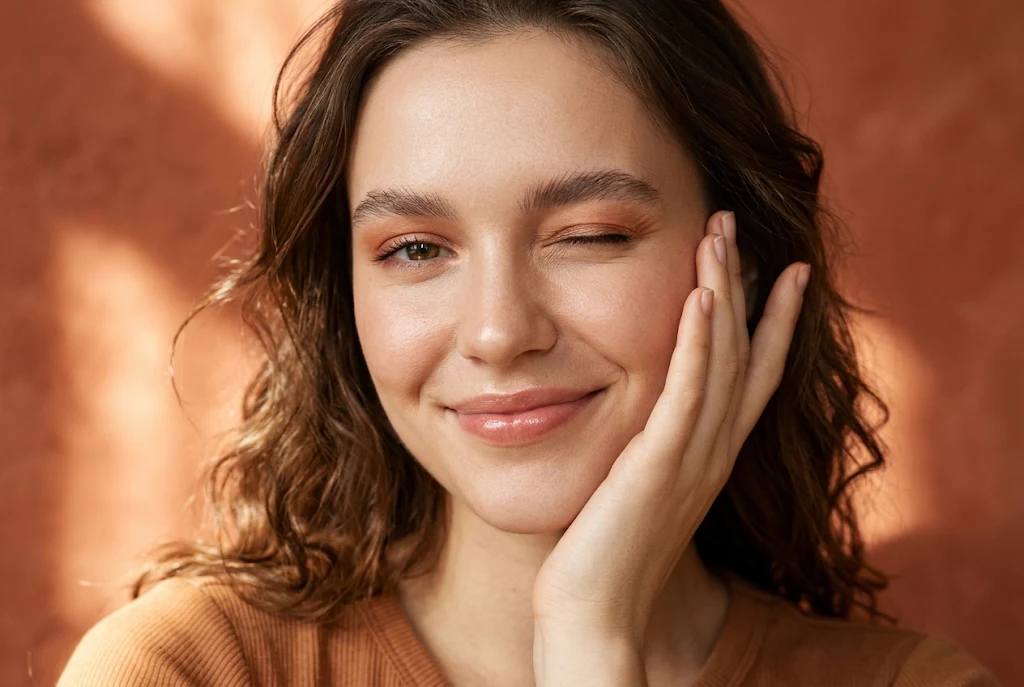
Animate into video
Flattering portrait camera angle
Portrait Creators

Find a More Flattering Camera Perspective

Slightly raise the camera pitch or pull back framing to rescue awkward phone selfies.

Relight in 3D

HOW TO CHANGE CAMERA ANGLE ONLINE

  1. STEP 1

    Upload Your Reference Image

    Drop any portrait, character sheet, or product photo into the Change Camera Angle workbench above.

  2. STEP 2

    Orbit the 3D Camera Sphere

    Drag the 3D sphere or adjust Rotation, Tilt, Zoom, and Wide-Angle lens settings to compose your new shot.

  3. STEP 3

    Generate, Inspect & Export in 4K

    Compare the new perspective side by side and download up to 4K or send straight to Image to Video.

DISCOVER OTHER AI IMAGE EDITING TOOLS

Every PalaPili photo tool shares one workspace, library, and credit balance—chain edits cleanly without re-uploading.
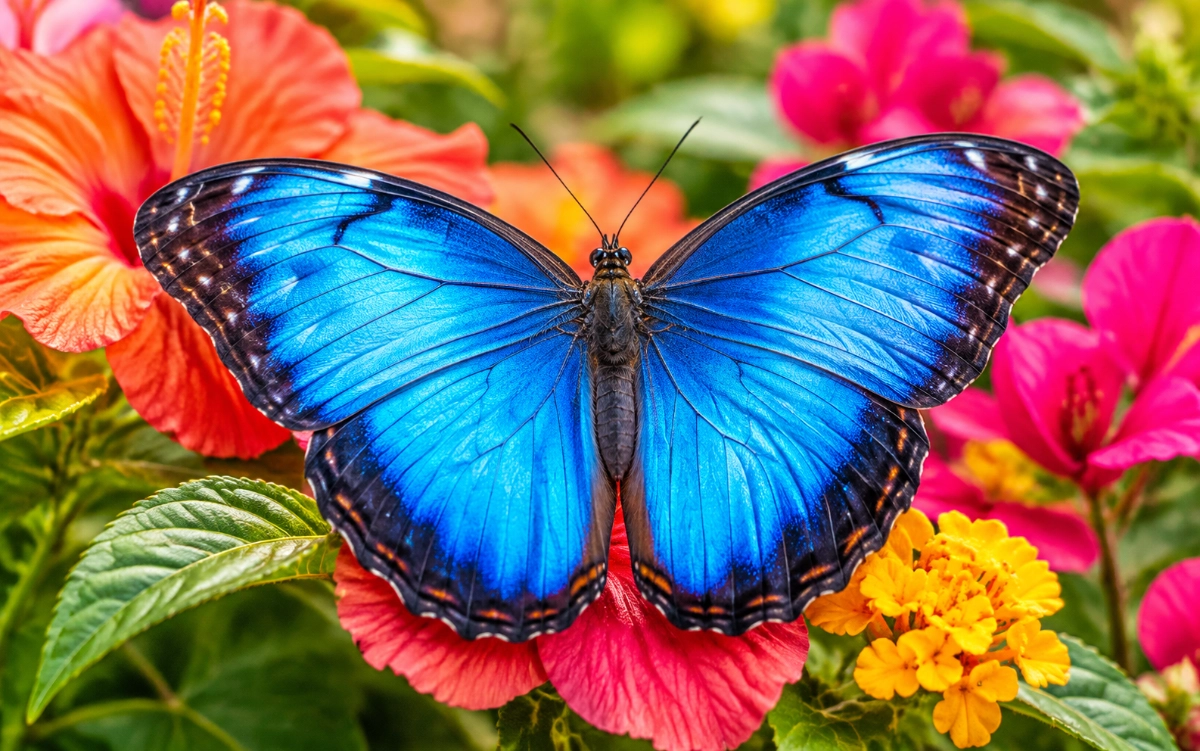
AI Image Enhancer

AI Image Enhancer

Restore sharpness, natural color richness, and fine micro-detail in seconds without changing your subject or composition.
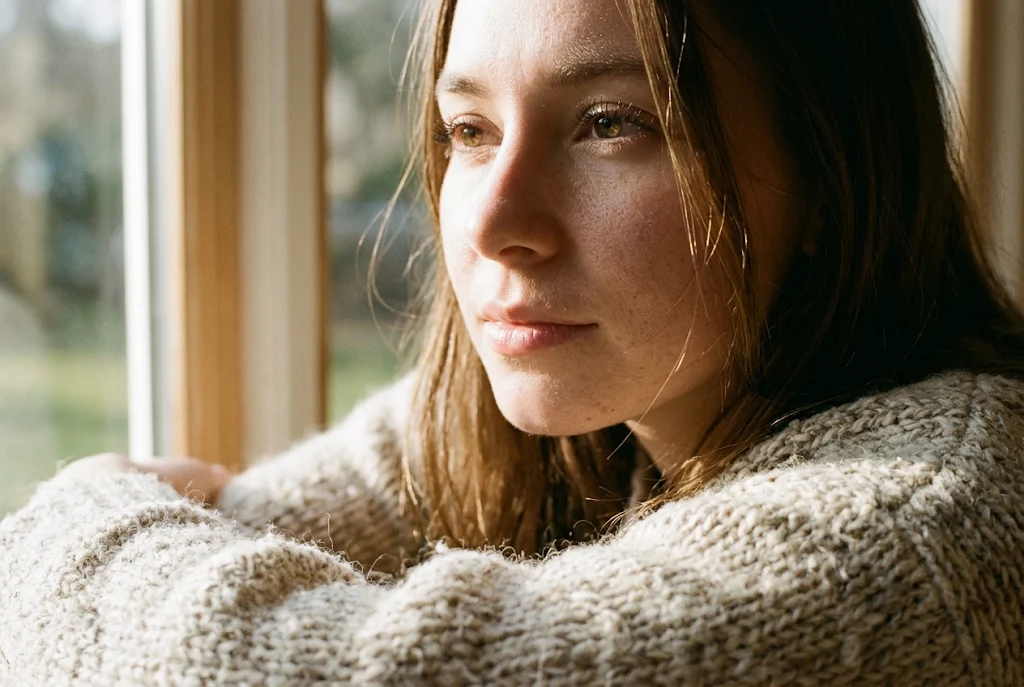
AI Image Upscaler

AI Image Upscaler

Enlarge low-resolution photos, product shots, and AI artwork to crisp 2K or 4K without jagged edges or smeared texture.
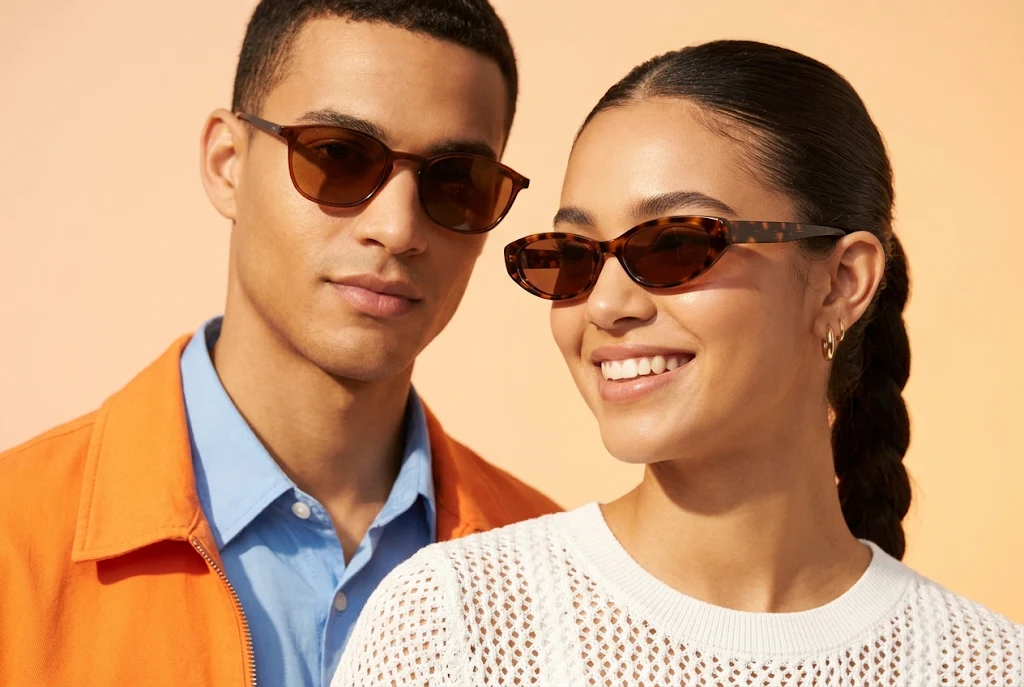
Denoise AI

Denoise AI

Eliminate harsh low-light noise and compression grain cleanly without turning faces or textures plastic.
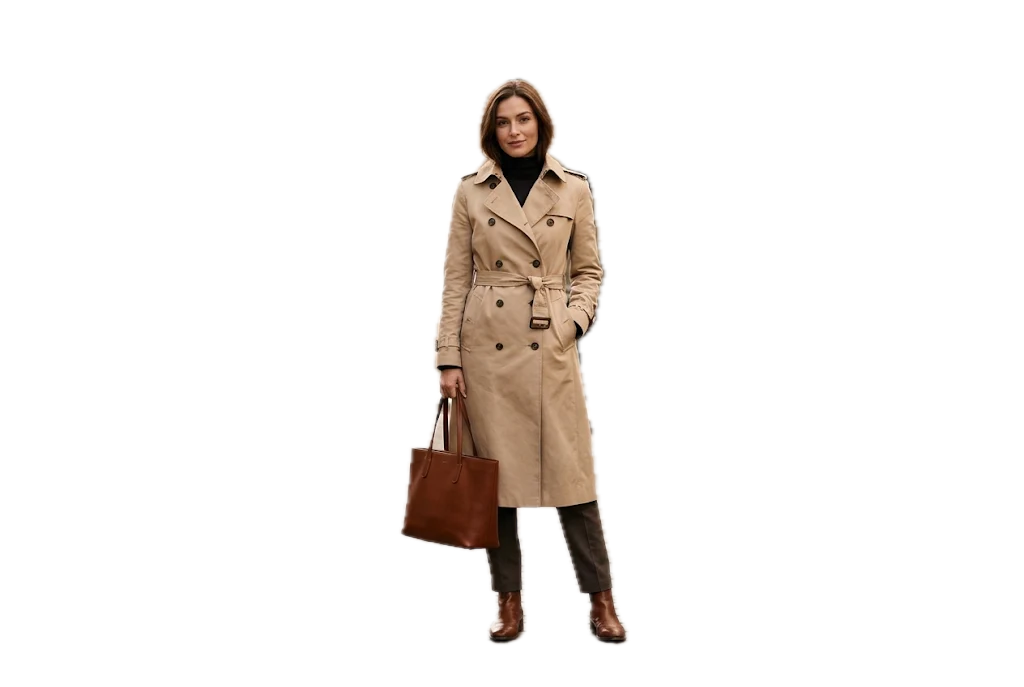
AI Background Remover

AI Background Remover

Cut out people, products, and fine hair strands cleanly to a transparent PNG in seconds—no manual lasso required.
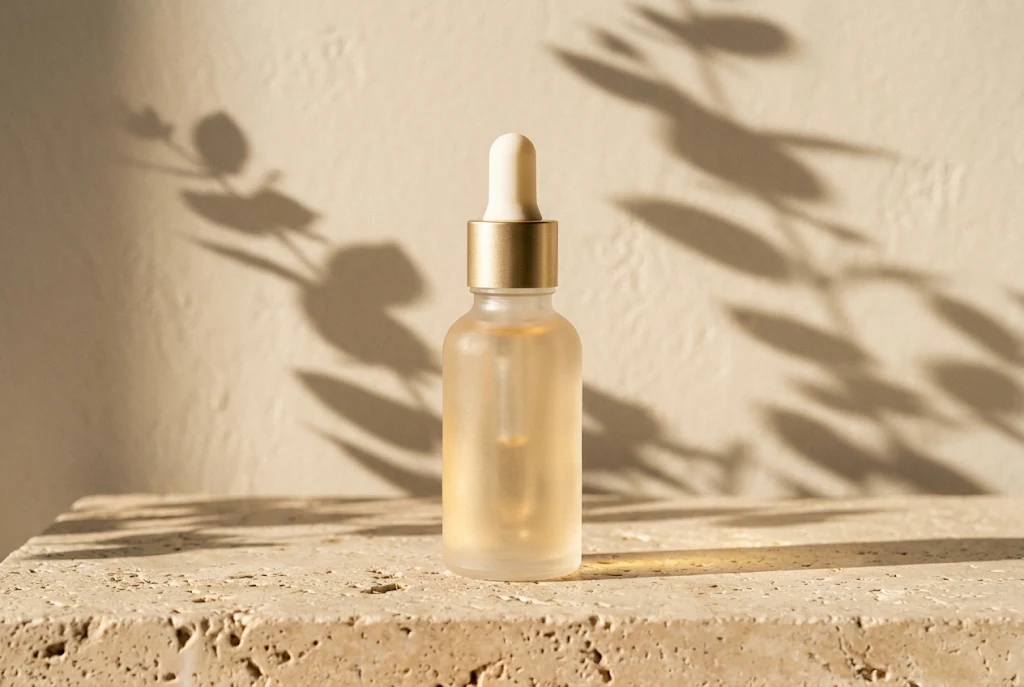
AI Background Changer

AI Background Changer

Keep your subject untouched while placing it into any studio set, lifestyle environment, or brand backdrop with realistic lighting.
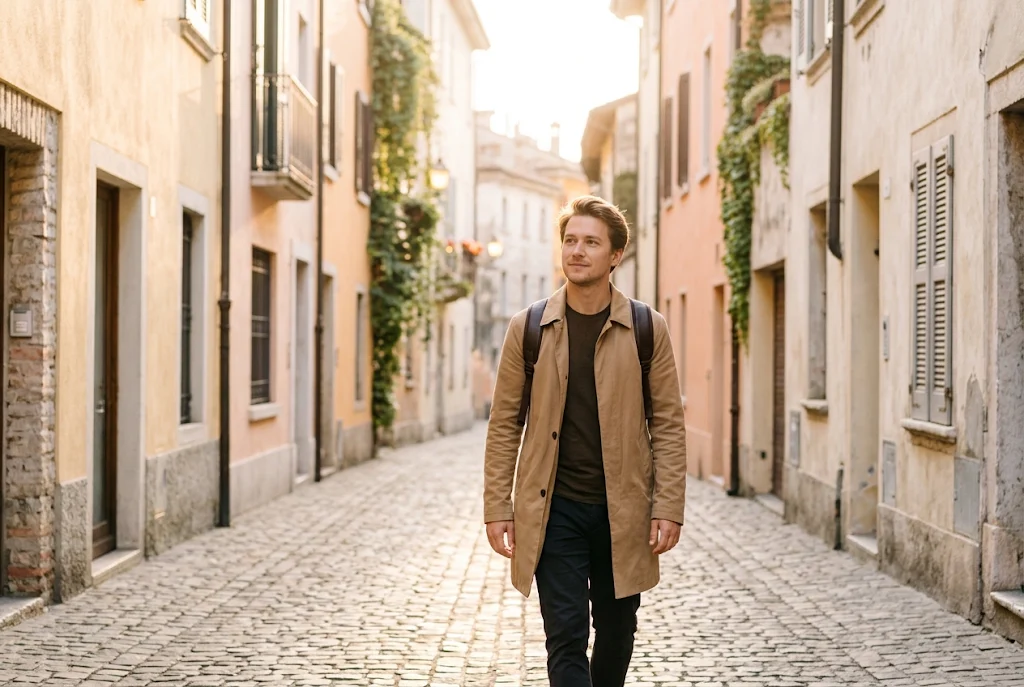
AI Object Remover

AI Object Remover

Paint over unwanted people, cables, logos, or clutter and rebuild the natural background texture cleanly in seconds.

Browse All AI Image Tools

Change Camera Angle AI FAQs

Yes. Drag the 3D orbit sphere or Rotation slider from 0° to 360° and adjust Tilt from -45° (low angle) to +45° (high overhead view).
Yes. Our camera-angle prompt compilation and multimodal models preserve subject identity, clothing, colors, and lighting cues while re-rendering perspective.
Have more specific requirements or questions?
PRICING DETAILS →LAUNCH STUDIO →

RESHOOT ANY ANGLE WITHOUT A CAMERA

Orbit 360°, tilt up or down, and zoom in on any photo directly in your browser—try Change Camera Angle AI free above.

Open AI Photo Editor