
Fashion & Apparel Teams
Test Colors, Fabrics & Accessories Quickly
Mask a coat, bag, or shoe and render new colorways without rescheduling a studio shoot.
Brush over areas (optional) and describe the exact edits you want.
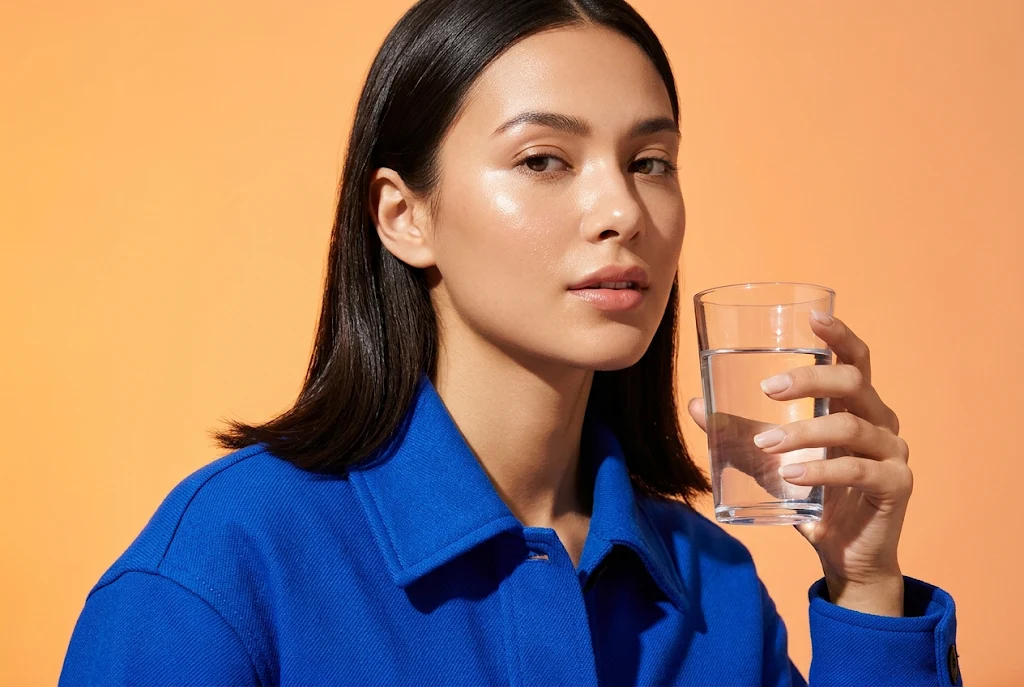 Original
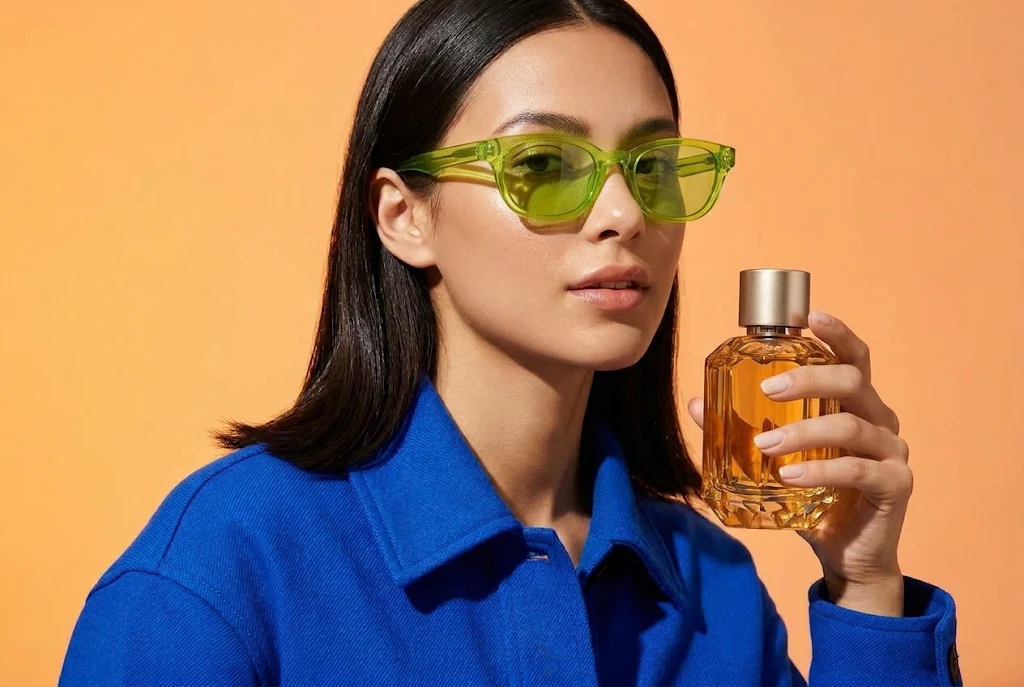 New Edited
When a whole-image prompt changes too much, paint the exact area you want edited. PalaPili's online AI inpainting replaces clothing, swaps props, fixes text, or adds creative elements while blending shadows and grain seamlessly—or switch to AI Object Remover whenever you simply want something erased.
Use distinct highlight colors when referencing separate zones in one prompt—for example, swap the red-marked jacket to camel wool while changing the blue-marked mug to ceramic.
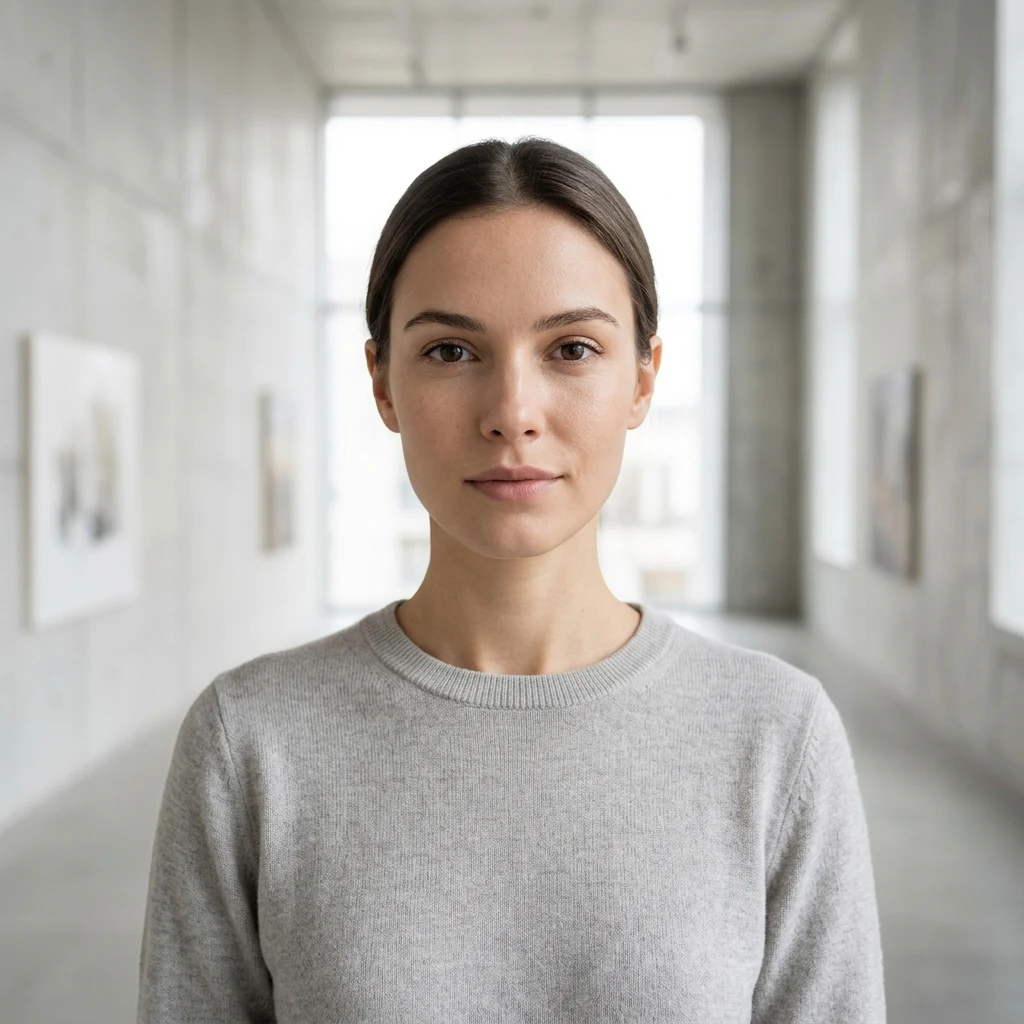
Insert flowers on a table, sunglasses on a portrait, or signage on a storefront—automatically matched to lens depth of field, film grain, and ambient shadows.
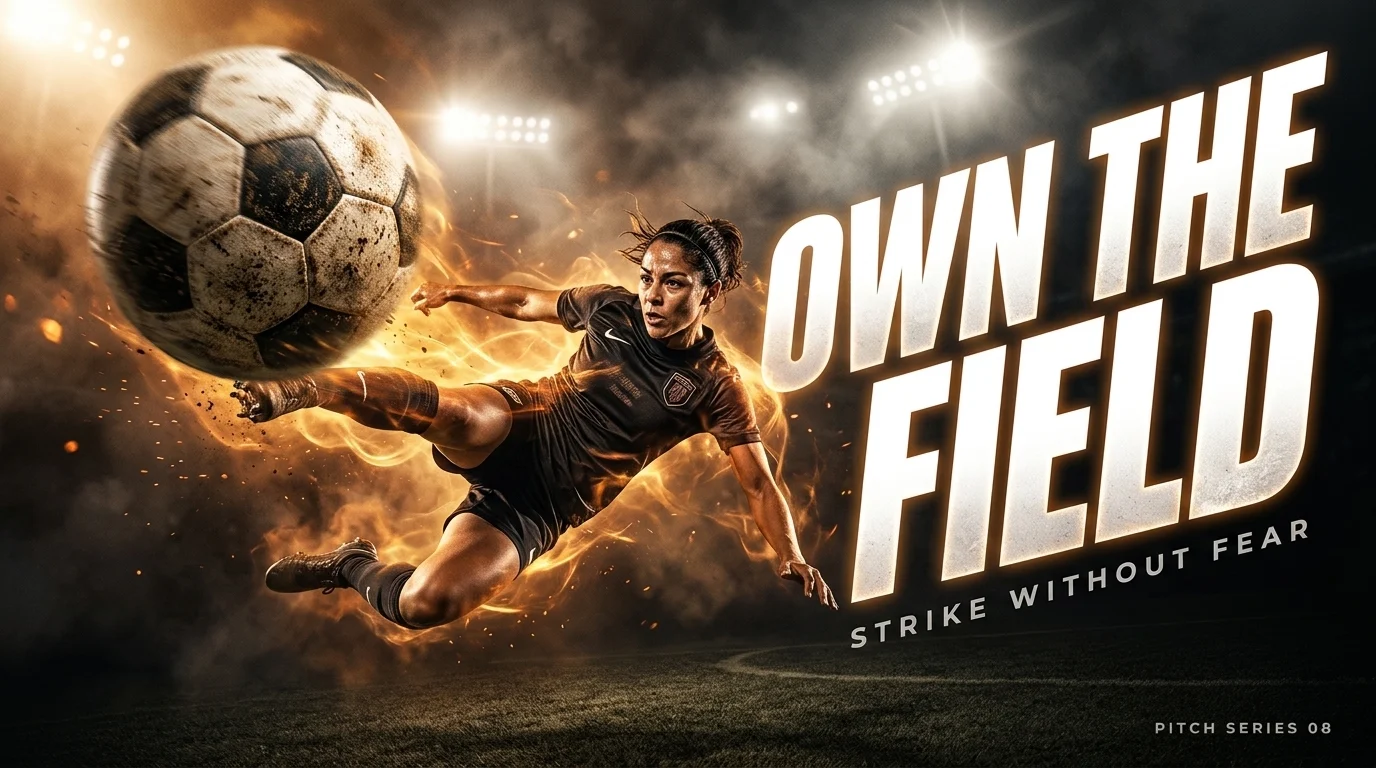
Happy with your first region edit? Click Continue Editing to mask the next spot, adjust lighting in 3D AI Relight, or upscale the final piece to 4K.
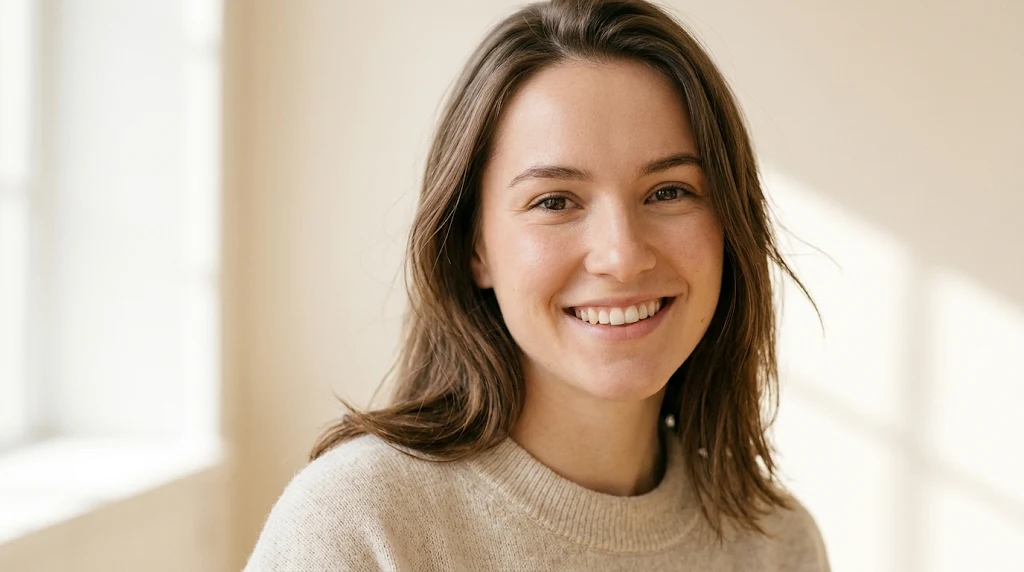
Mask a coat, bag, or shoe and render new colorways without rescheduling a studio shoot.

Repair tiny flaws inside generated visuals instead of re-rolling an entire prompt from scratch.
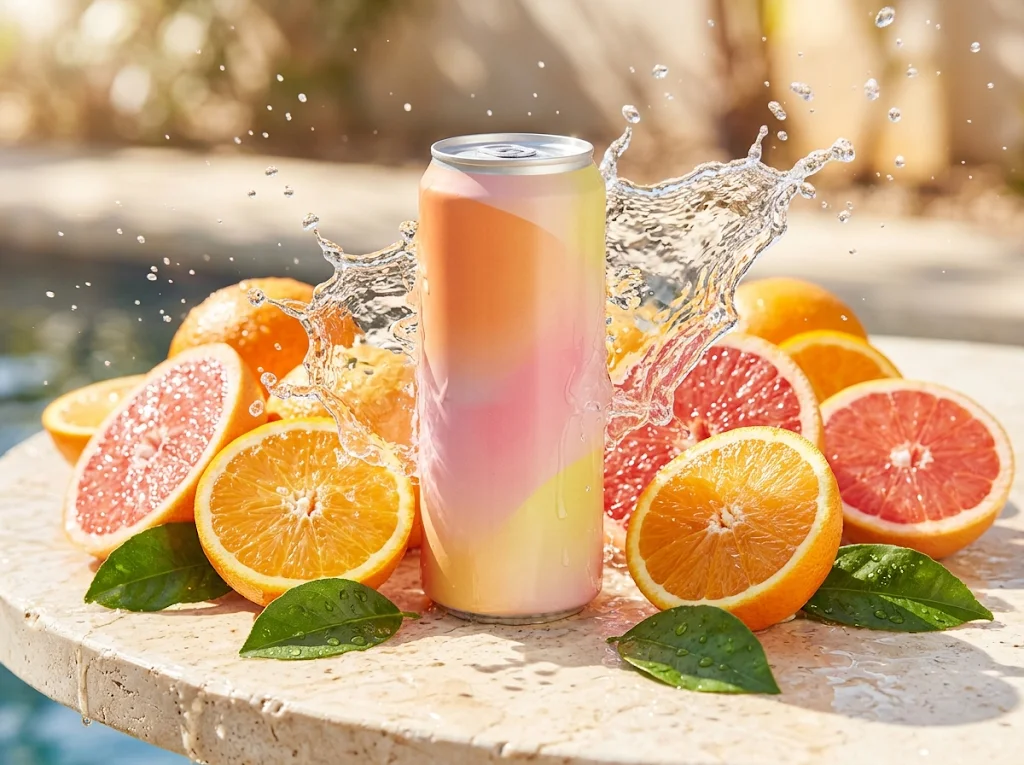
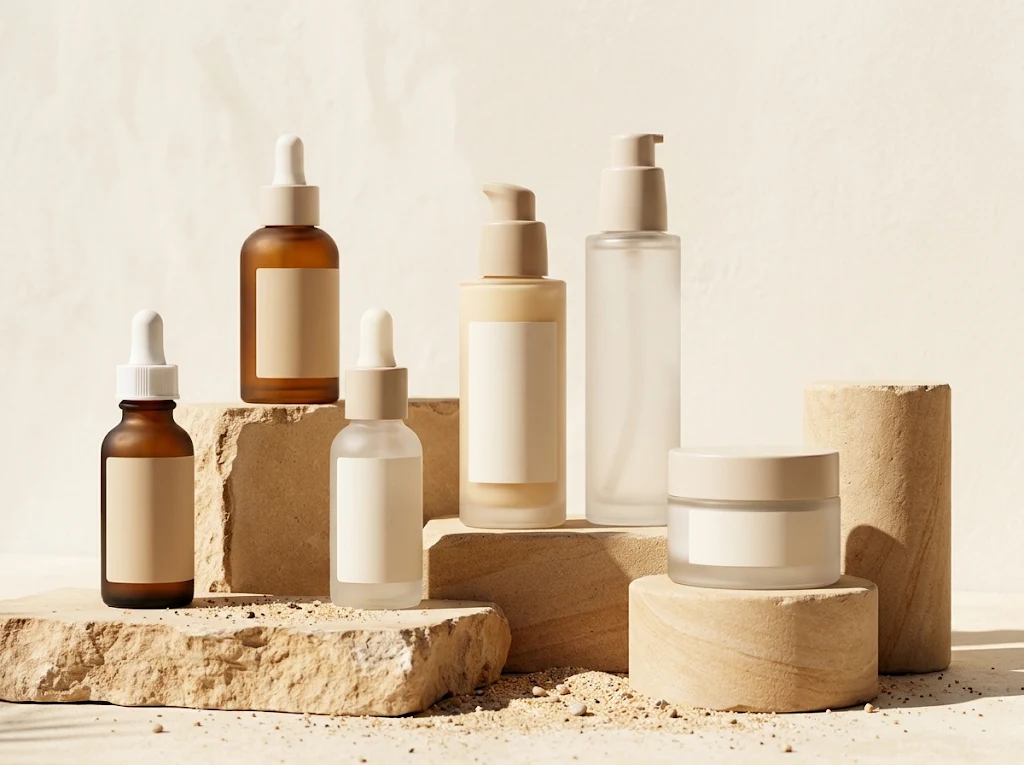
Update product props, signage, or localized elements cleanly while keeping the hero photo unchanged.
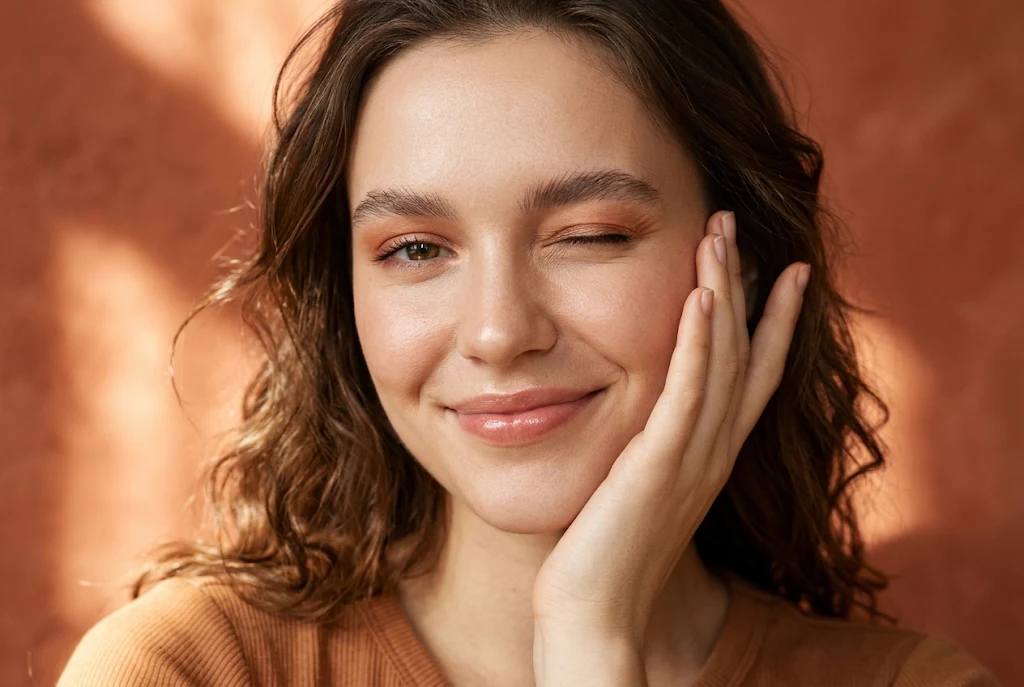
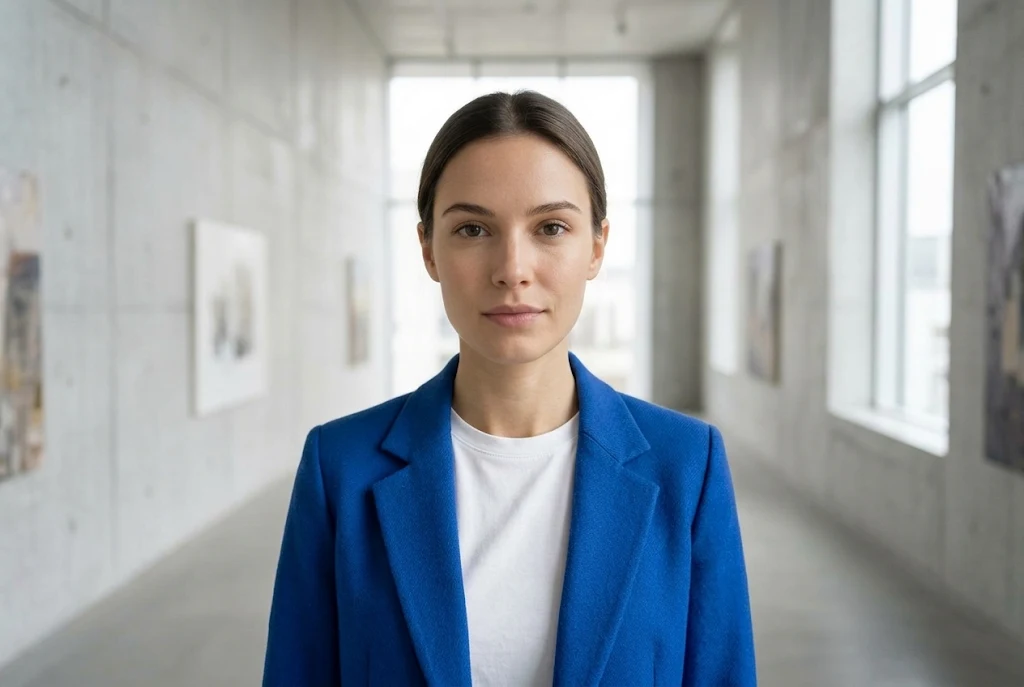
Adjust collars, replace distracting accessories, or refine background details naturally.
STEP 1
Drop any photo or AI render into the inpainting canvas above.
STEP 2
Brush over the exact area you want modified and type what should appear there.
STEP 3
Check the blend with the before/after slider, click Continue Editing for more tweaks, or download up to 4K.
Every PalaPili photo tool shares one workspace, library, and credit balance—chain edits cleanly without re-uploading.
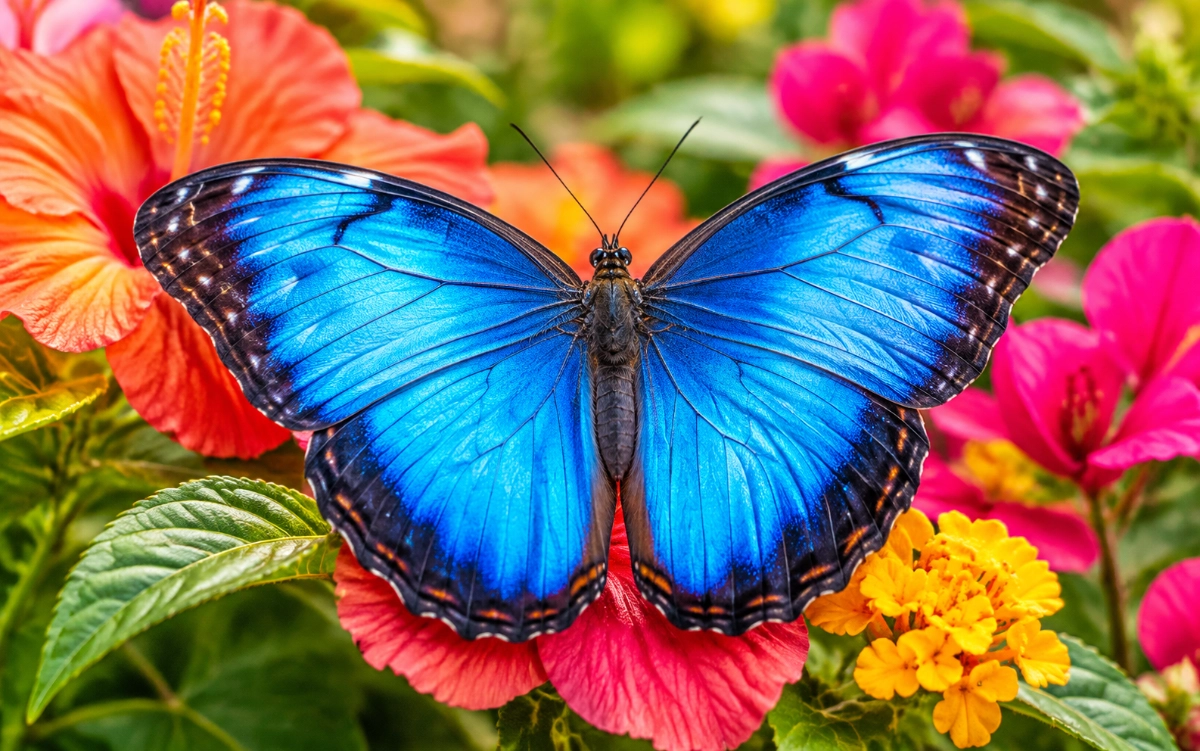
Restore sharpness, natural color richness, and fine micro-detail in seconds without changing your subject or composition.
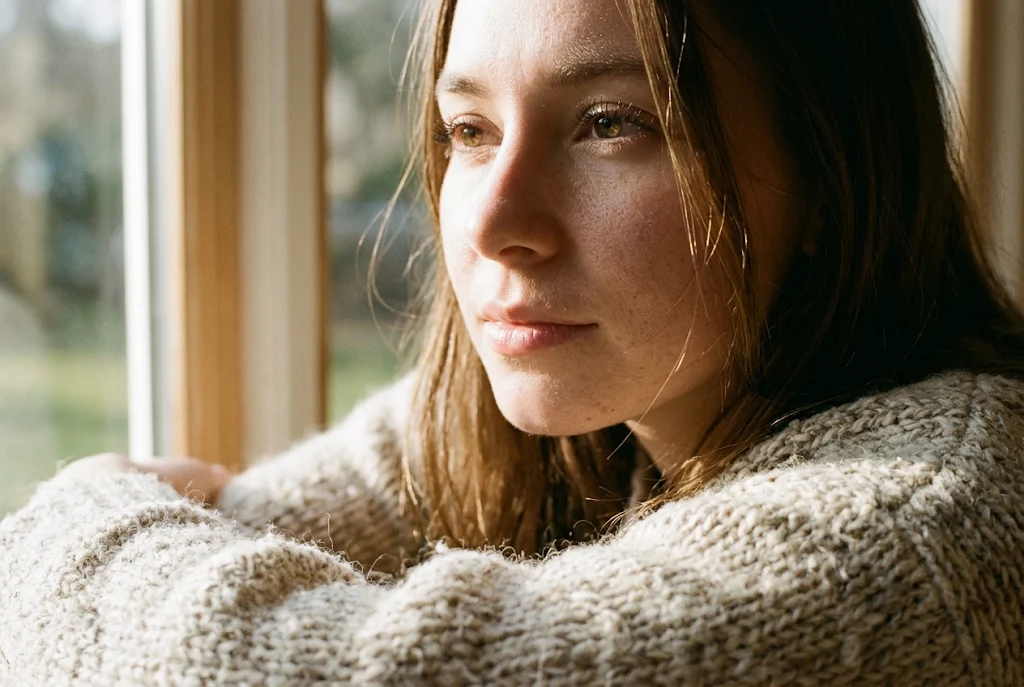
Enlarge low-resolution photos, product shots, and AI artwork to crisp 2K or 4K without jagged edges or smeared texture.
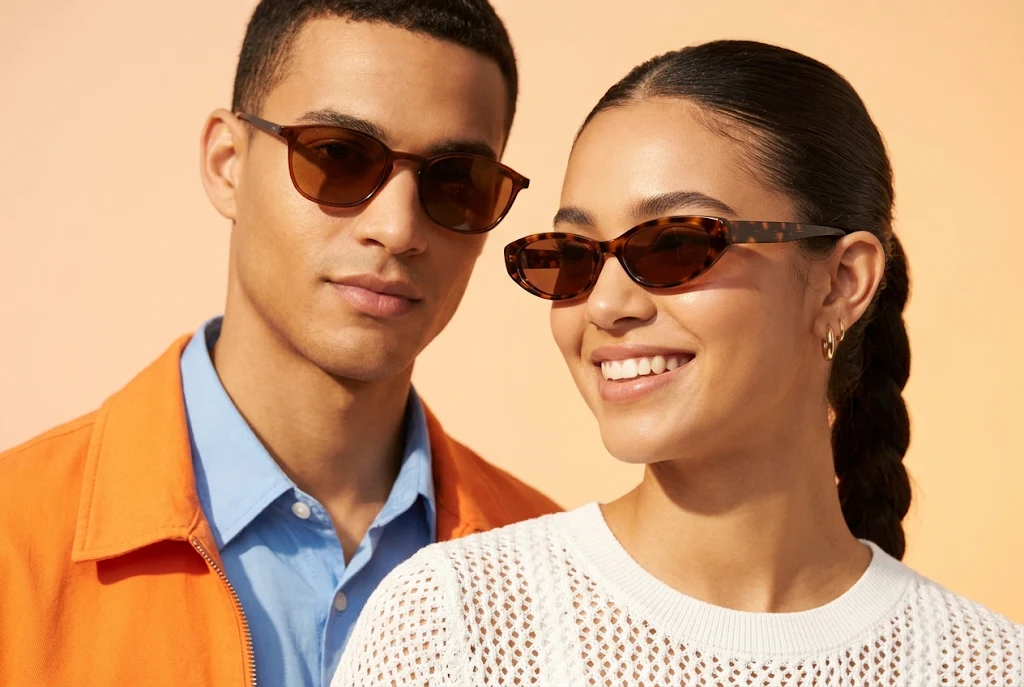
Eliminate harsh low-light noise and compression grain cleanly without turning faces or textures plastic.
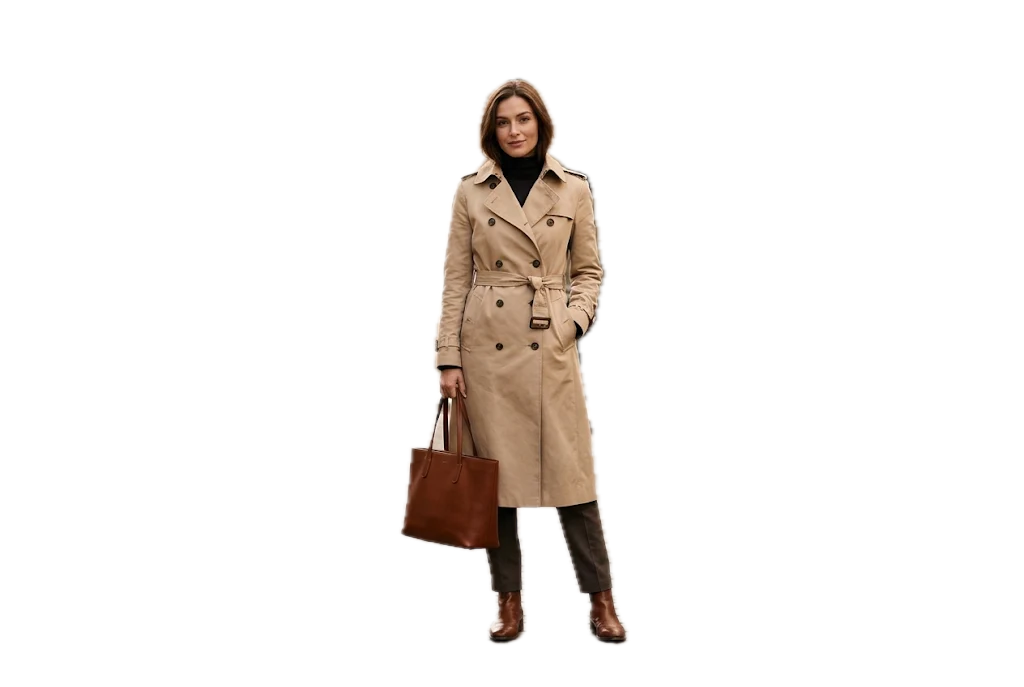
Cut out people, products, and fine hair strands cleanly to a transparent PNG in seconds—no manual lasso required.
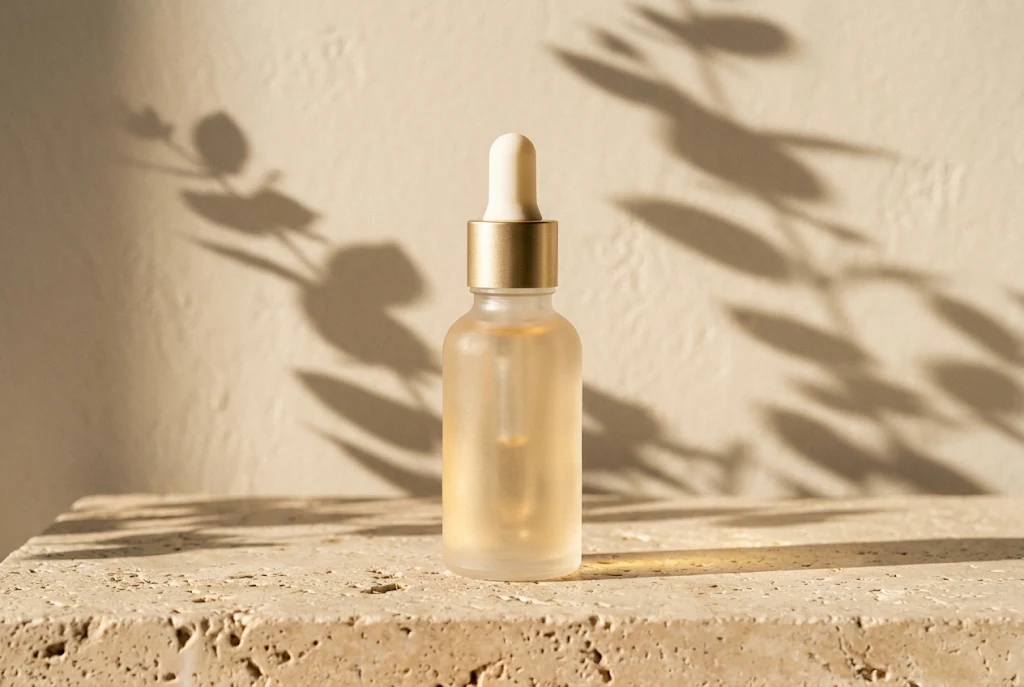
Keep your subject untouched while placing it into any studio set, lifestyle environment, or brand backdrop with realistic lighting.
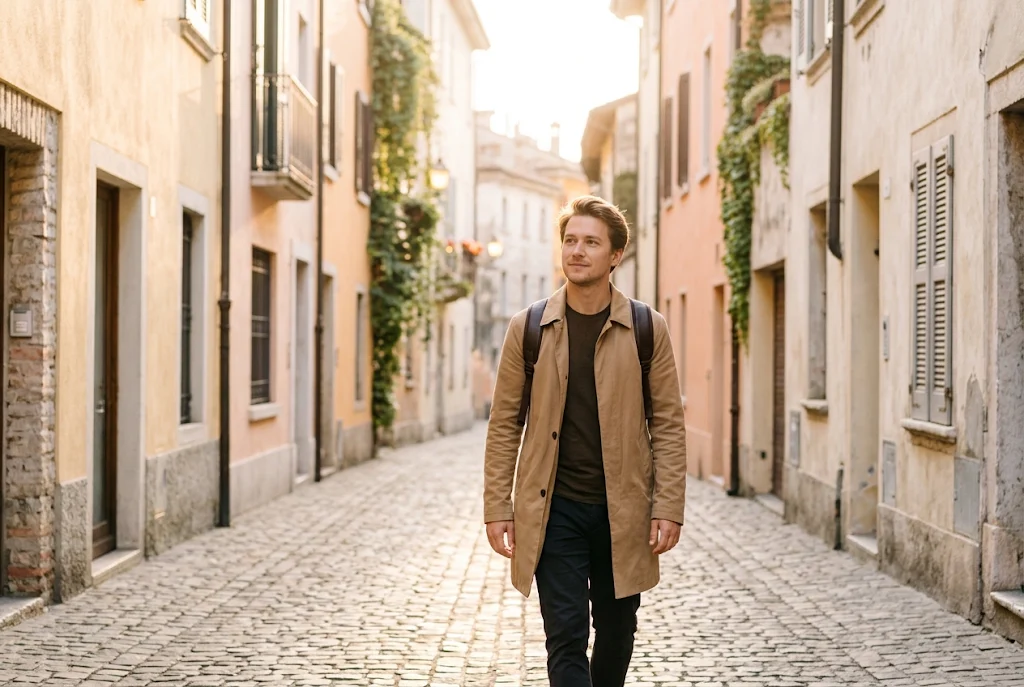
Paint over unwanted people, cables, logos, or clutter and rebuild the natural background texture cleanly in seconds.
Make surgical local edits and generative fills right in your browser—try PalaPili AI Inpainting free above.