
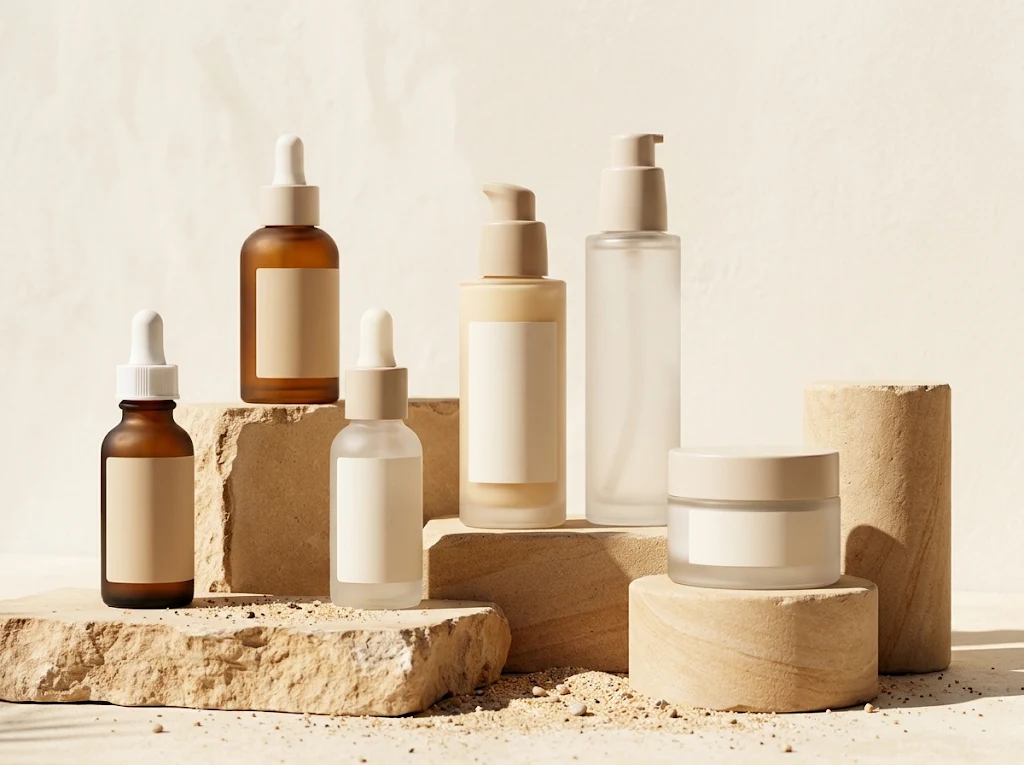
E-Commerce Sellers
Make Every Product Listing Look Studio-Shot
Clarify stitching, labels, and metallic reflections so shoppers inspect your catalog with confidence.
Restore crisp detail, balanced lighting, and natural color clarity in one click.
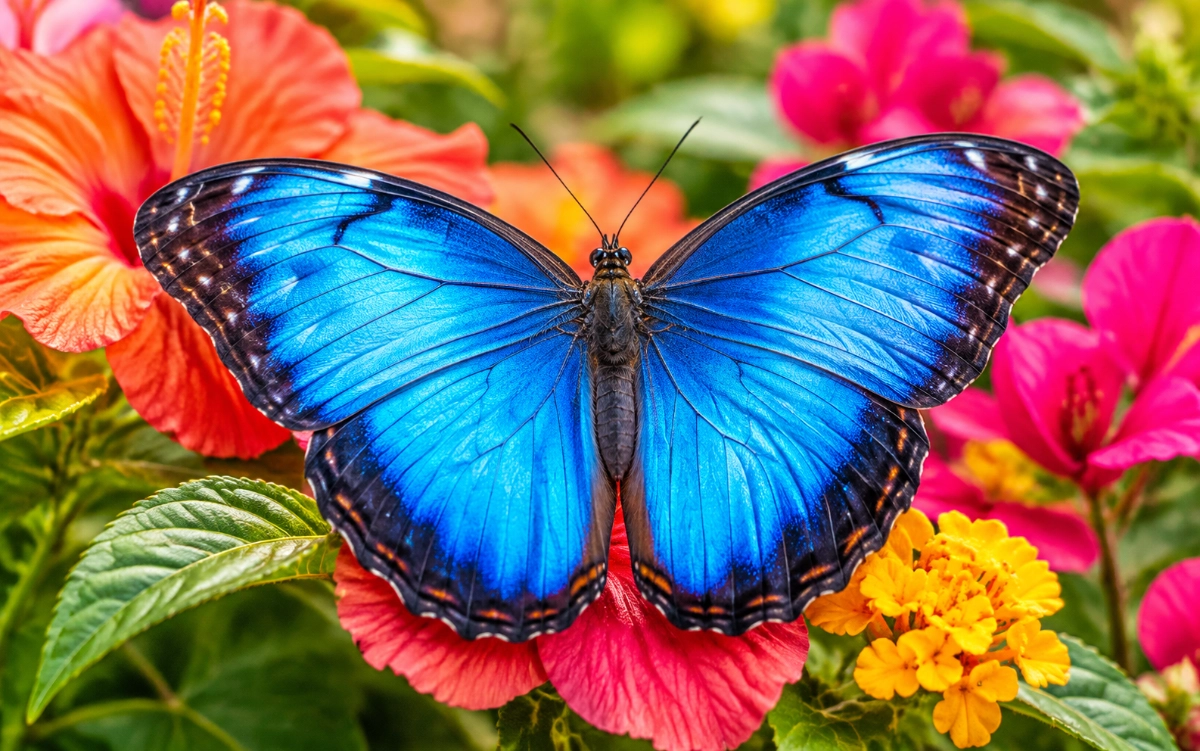
Rescue soft, dull, or low-contrast pictures without artificial oversharpening. Upload any image to our online AI image enhancer—part of the PalaPili AI photo editor—to recover true edge definition, balanced tone, and lifelike detail up to 4K.
Camera shake, mild miss-focus, or heavy social-media compression can flatten a great photo. Our AI image enhancer rebuilds fine hair, fabric weave, and eye catchlights while keeping skin texture authentic.
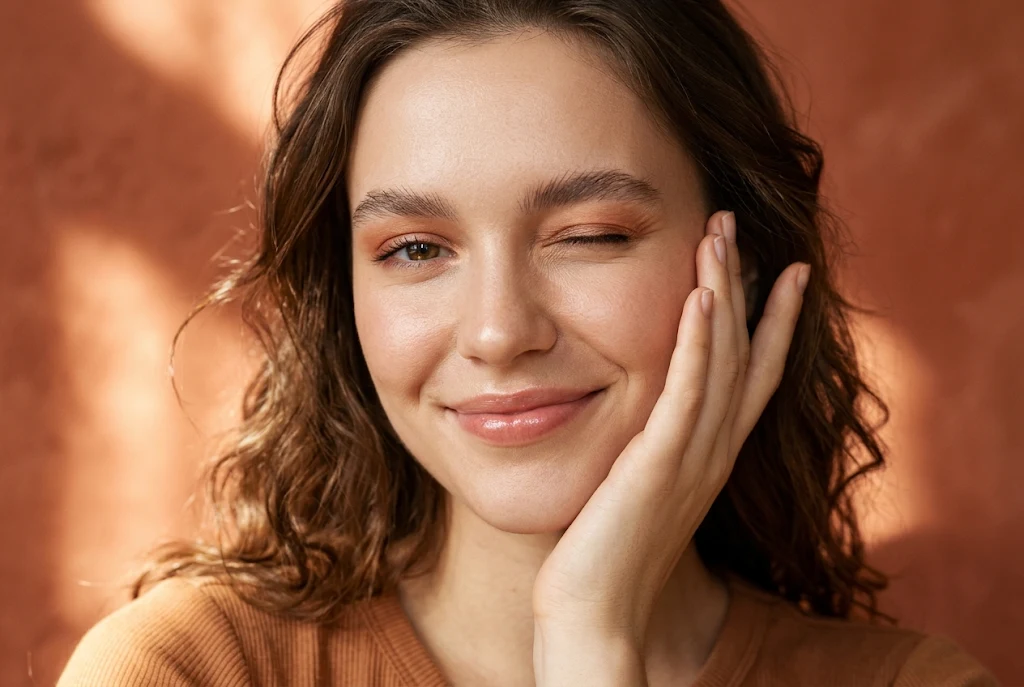
Lift muddy shadows and revive flat indoor colors in one click. Need directional studio light too? Chain straight into 3D AI Relight without downloading or re-uploading your file.
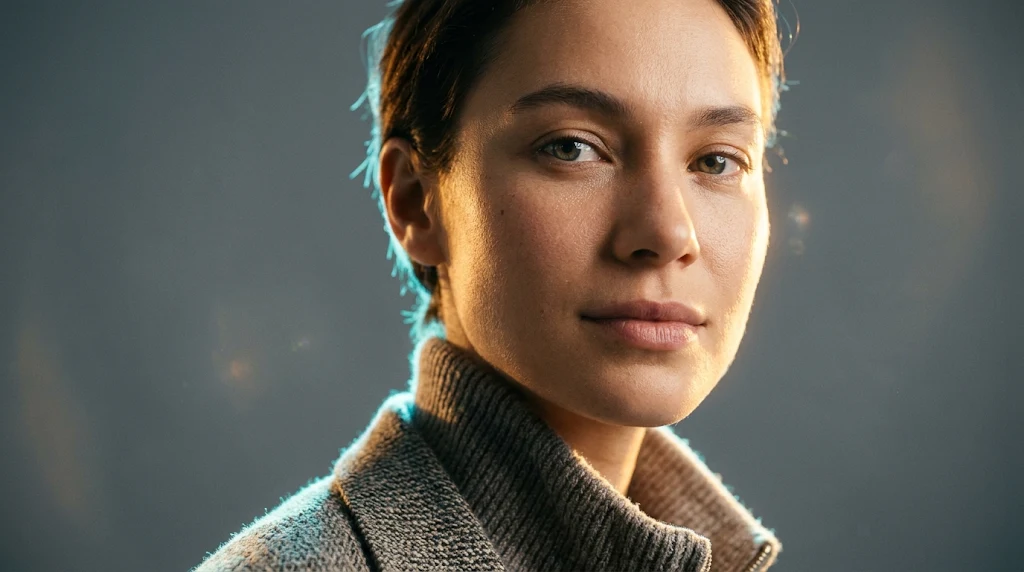
Pick 1K for fast social posts, 2K for storefronts, or 4K for hero banners and print decks. Pair with 4K AI Image Upscaler or Denoise AI when working with tiny or noisy source files.
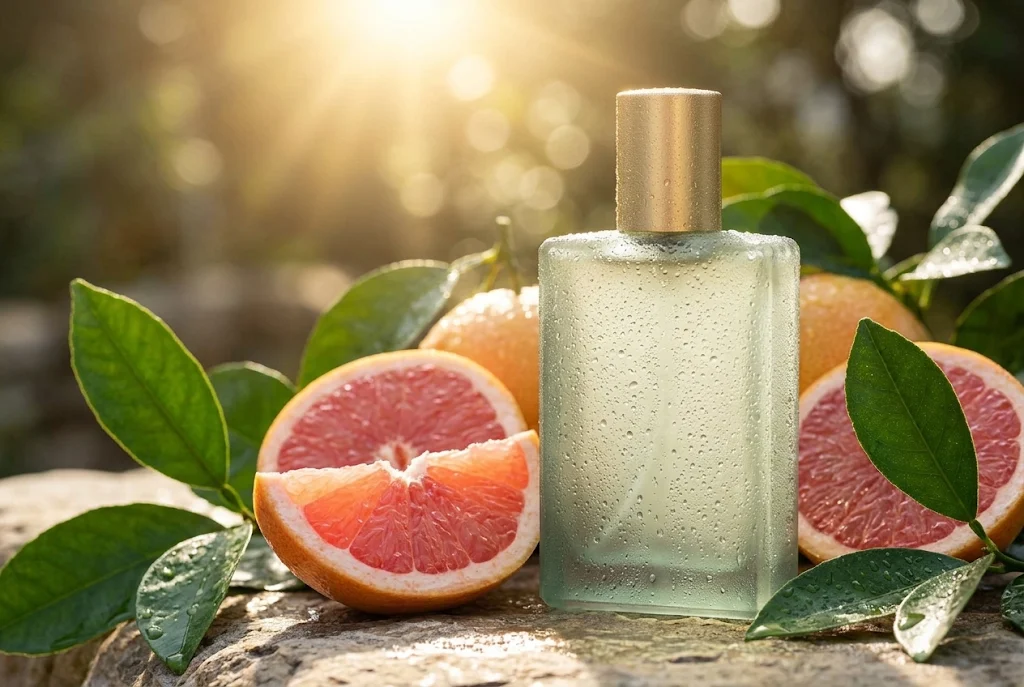
Clarify stitching, labels, and metallic reflections so shoppers inspect your catalog with confidence.
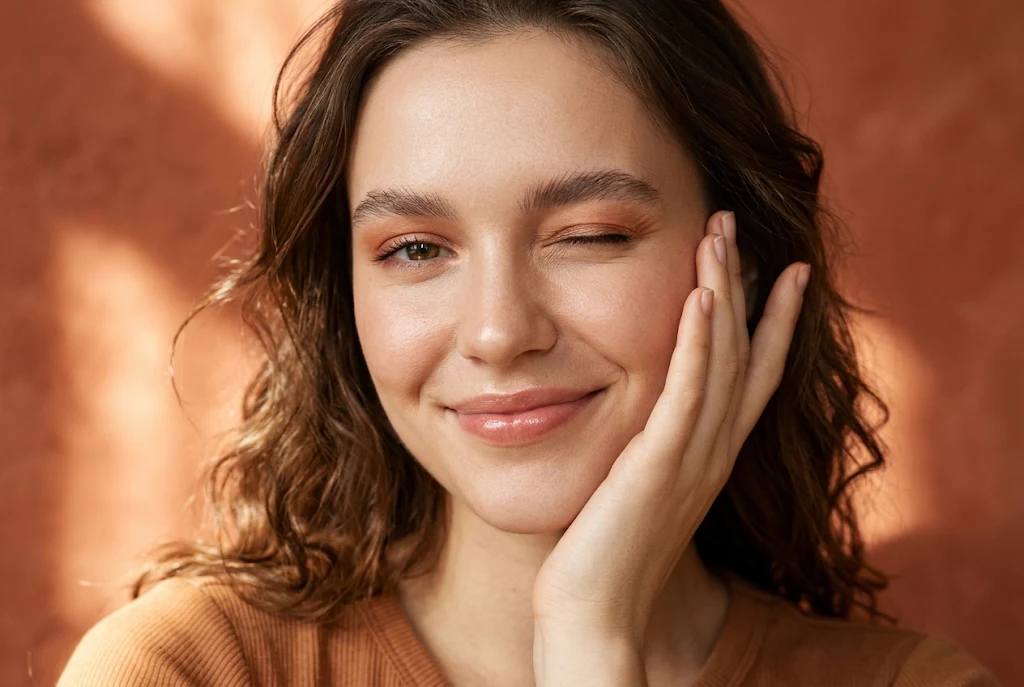
Tighten soft focus and balance tricky indoor lighting faster than manual curves and sharpen masks.
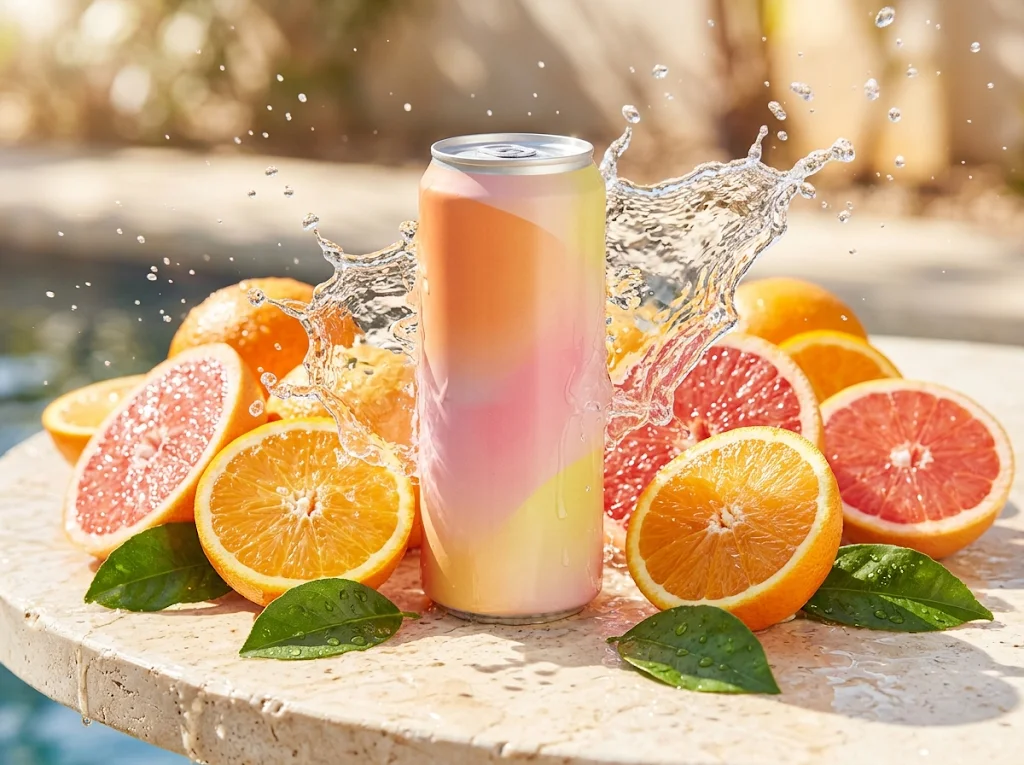
Turn compressed client assets or quick behind-the-scenes photos into crisp hero banners in seconds.

Bring clarity back to faded scans, screenshots, and low-light phone snapshots right in your browser.
STEP 1
Drop a blurry, faded, or low-contrast JPEG, PNG, or WebP up to 20 MB into the enhancer above.
STEP 2
Pick the output resolution that fits your campaign, listing, or print project and click Generate.
STEP 3
Drag the live before/after slider to inspect recovered sharpness, chain into another tool, or download.
Every PalaPili photo tool shares one workspace, library, and credit balance—chain edits cleanly without re-uploading.
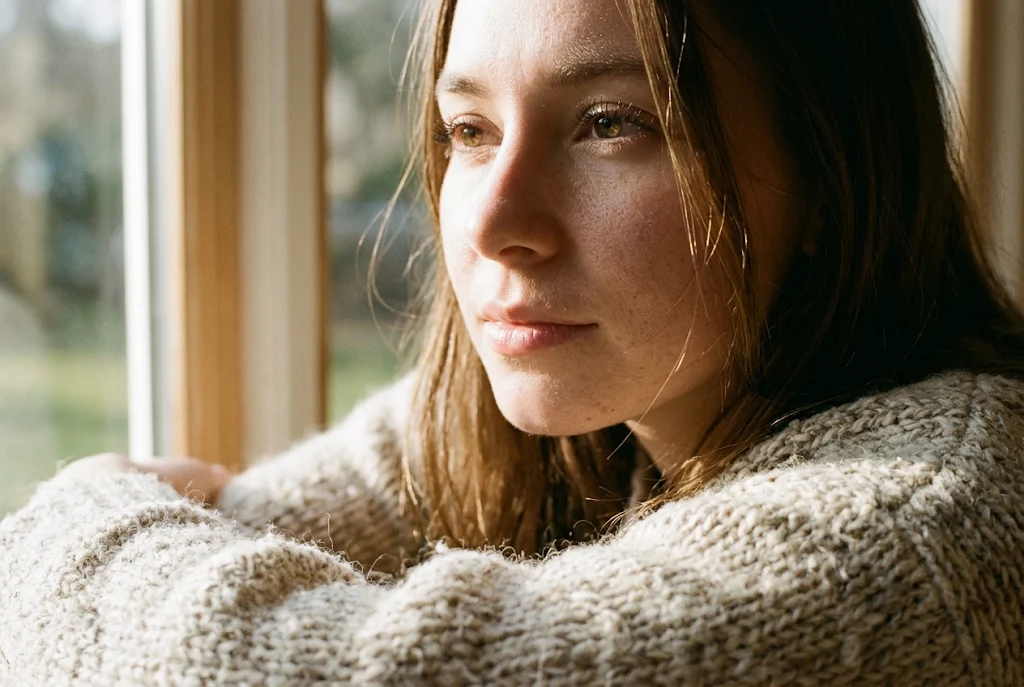
Enlarge low-resolution photos, product shots, and AI artwork to crisp 2K or 4K without jagged edges or smeared texture.
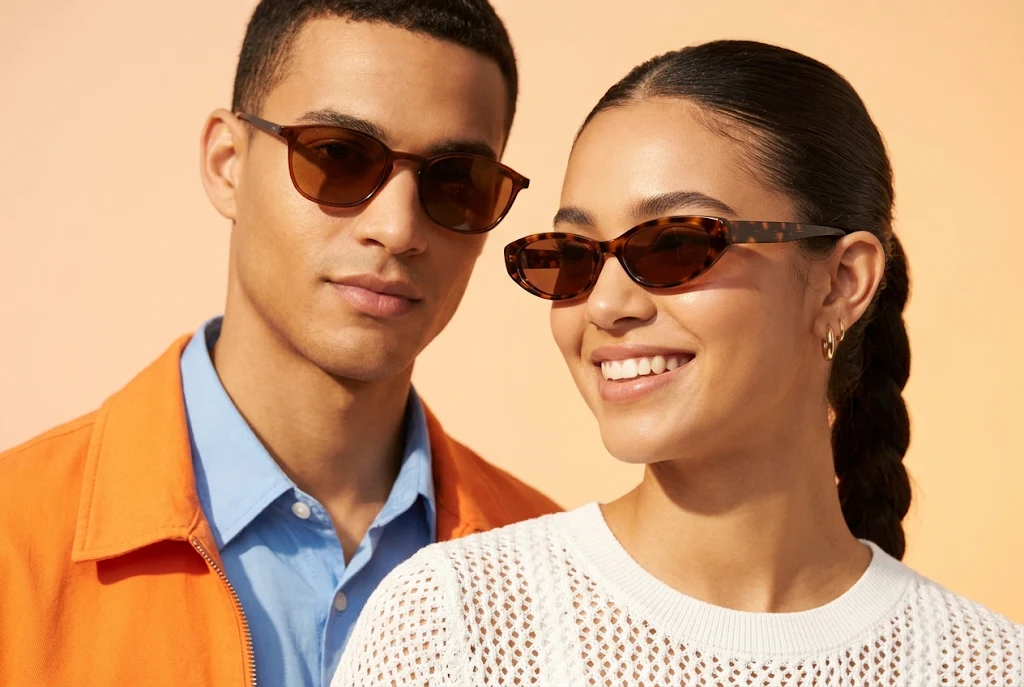
Eliminate harsh low-light noise and compression grain cleanly without turning faces or textures plastic.
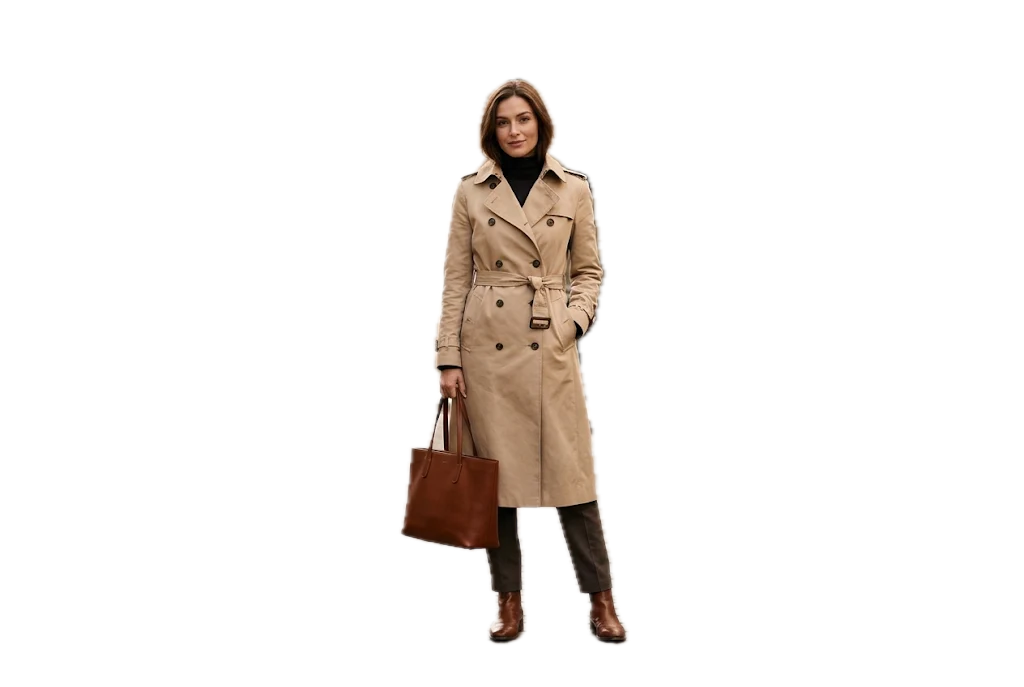
Cut out people, products, and fine hair strands cleanly to a transparent PNG in seconds—no manual lasso required.
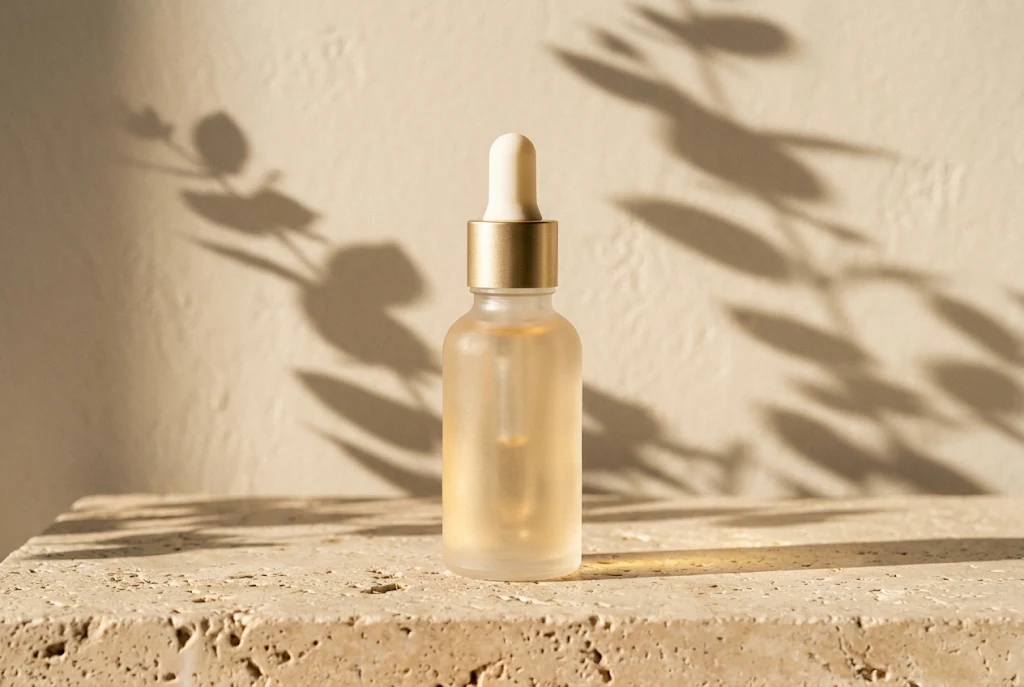
Keep your subject untouched while placing it into any studio set, lifestyle environment, or brand backdrop with realistic lighting.
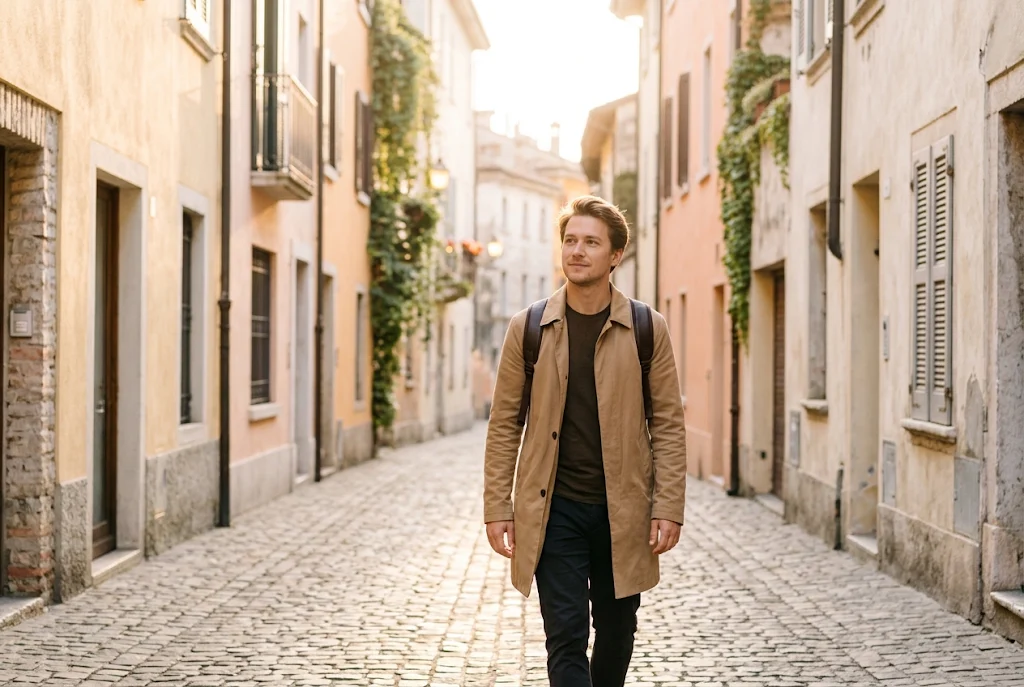
Paint over unwanted people, cables, logos, or clutter and rebuild the natural background texture cleanly in seconds.
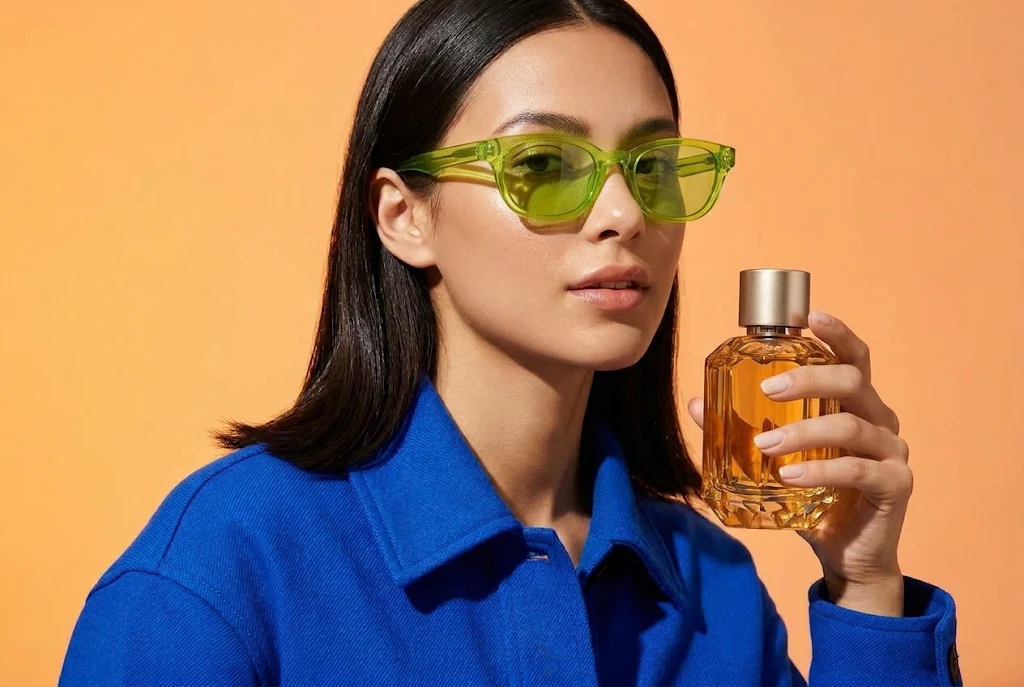
Brush exactly where you want a change, describe what belongs there, and keep every untouched pixel consistent.
Turn soft, dull images into crisp, publication-ready photos in seconds—free to try right in your browser.