
PalaPiliPalaPili
  • Canvas
  • Refine
  • Inspiration
  • Pricing
PalaPiliPalaPili

PalaPili brings quick AI image and video generation together with a canvas-based creative workflow. Create visuals instantly with Quick Image and Quick Video, explore ideas on an infinite canvas, and refine your work through ongoing edits and iterations in Studio.

Featured on There's An AI For That

AI Image

  • AI Image Generator
  • AI Photo Editor
  • AI Image Tools
  • AI Infinite Canvas
  • Nano Banana Pro
  • GPT Image Generator
  • AI Clothes Changer
  • AI Face Swap

Photo Tools

  • AI Image Enhancer
  • AI Image Upscaler
  • Background Remover
  • Background Changer
  • AI Inpainting
  • Object Remover
  • Uncrop AI
  • Denoise AI
  • AI Relight
  • Change Camera Angle

AI Video & Studio

  • AI Video Generator
  • Image to Video
  • Seedance Video Generator
  • Image Studio
  • Video Studio
  • Canvas
  • Refine
  • Inspiration

Company

  • About
  • Contact
  • Pricing
  • Partners
  • Privacy
  • Terms
  • Refunds
  • Cookies

© 2026 Crownbyte Ltd. All rights reserved.

Flagship Image & Video AI Cockpit•Commercial Licensing Supported
PalaPili
Image Tools
AI Relight
Upload Image
Light Direction
Left-70° / 20°

Drag the light source on the sphere to aim light

Lighting Style
Output Resolution
Optional

AI Relight

Aim directional light in 3D and re-illuminate your photo naturally.
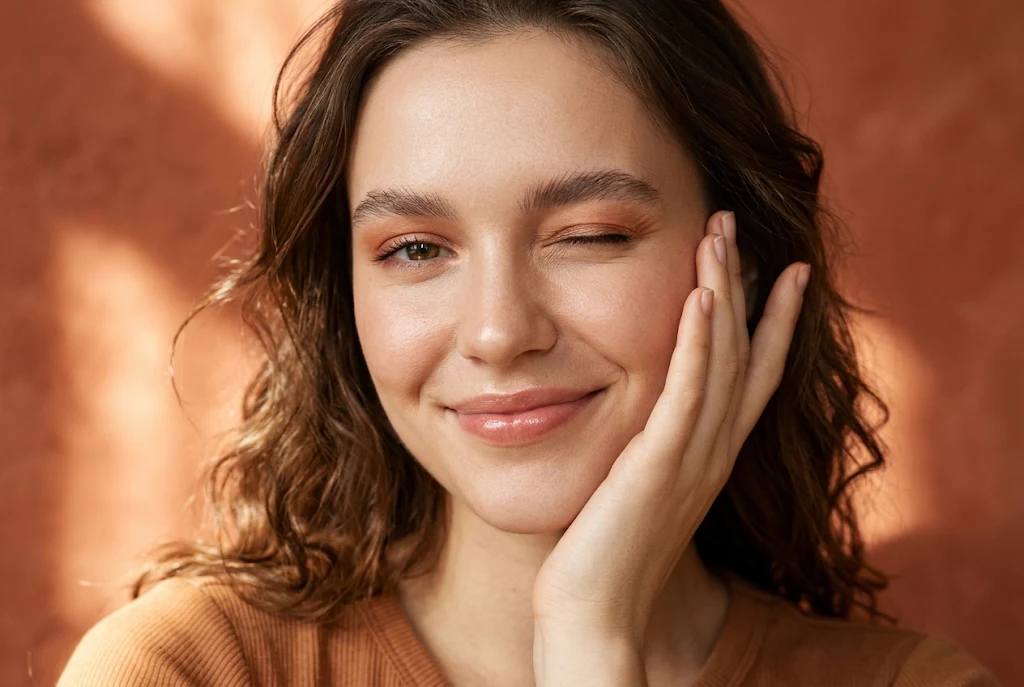
AI Relight

RESHAPE LIGHT IN 360° WITH 3D AI RELIGHT

Good lighting makes or breaks a portrait or product shot—even after the shoot is over. Aim PalaPili's interactive 3D light sphere from the left, right, overhead, or behind your subject, pick a cinematic lighting preset, and re-illuminate your photo cleanly. Pair with Change Camera Angle for full virtual studio control.

3D AI Relight

VIRTUAL STUDIO LIGHTING IN YOUR BROWSER

INTERACTIVE 360° LIGHT SPHERE CONTROL

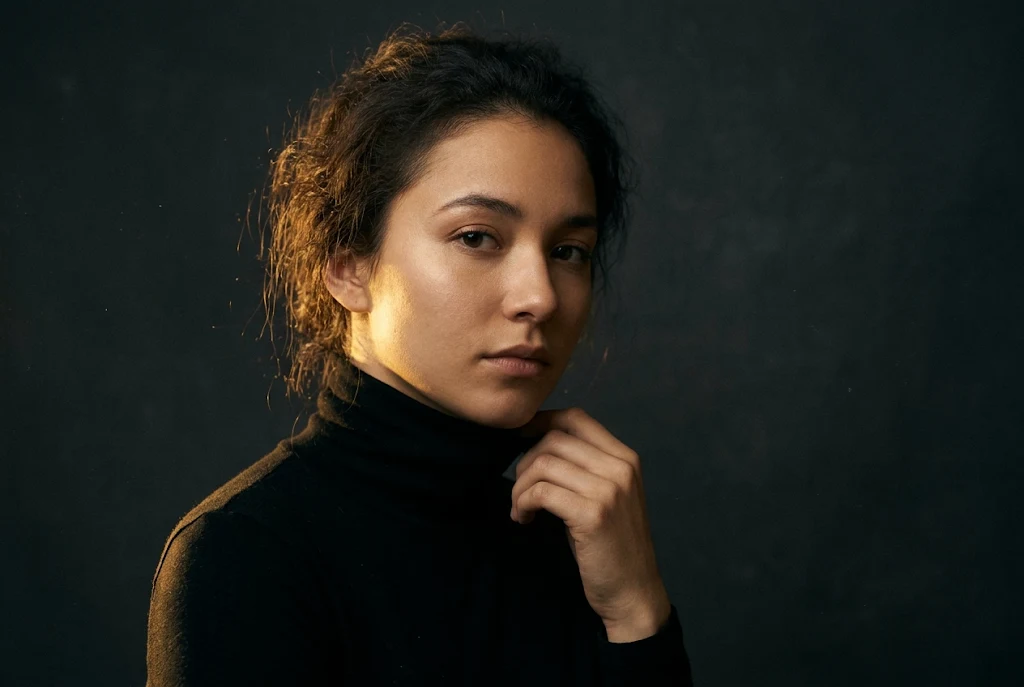
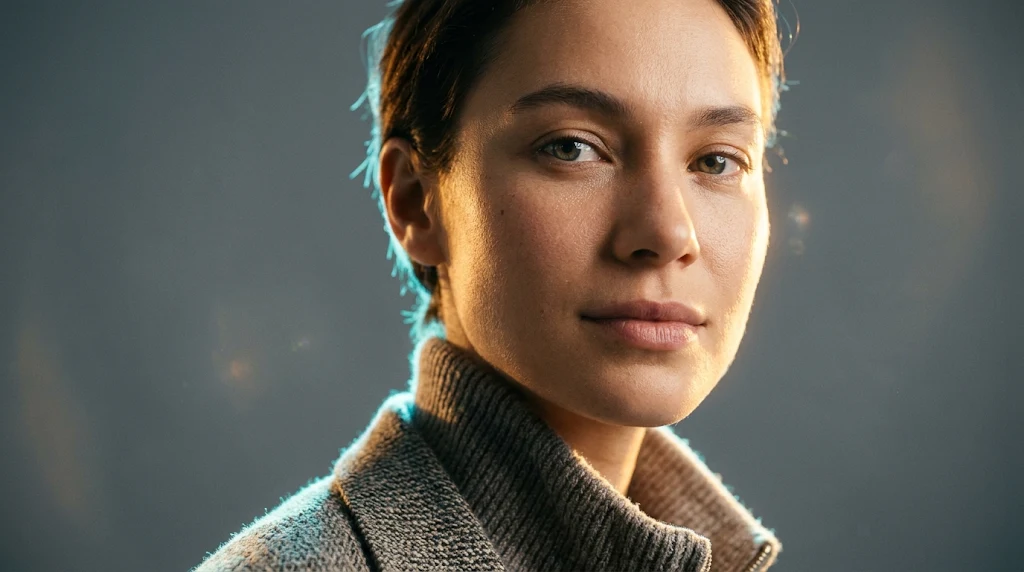
Drag the virtual light source anywhere around the 3D sphere—including dramatic rear rim lighting—or tap quick directional presets for instant Front, Left, Right, Top, Bottom, or Back lighting.
Portrait re-illuminated with 360 degree 3D AI relighting

GOLDEN HOUR, STUDIO, NEON & RIM PRESETS

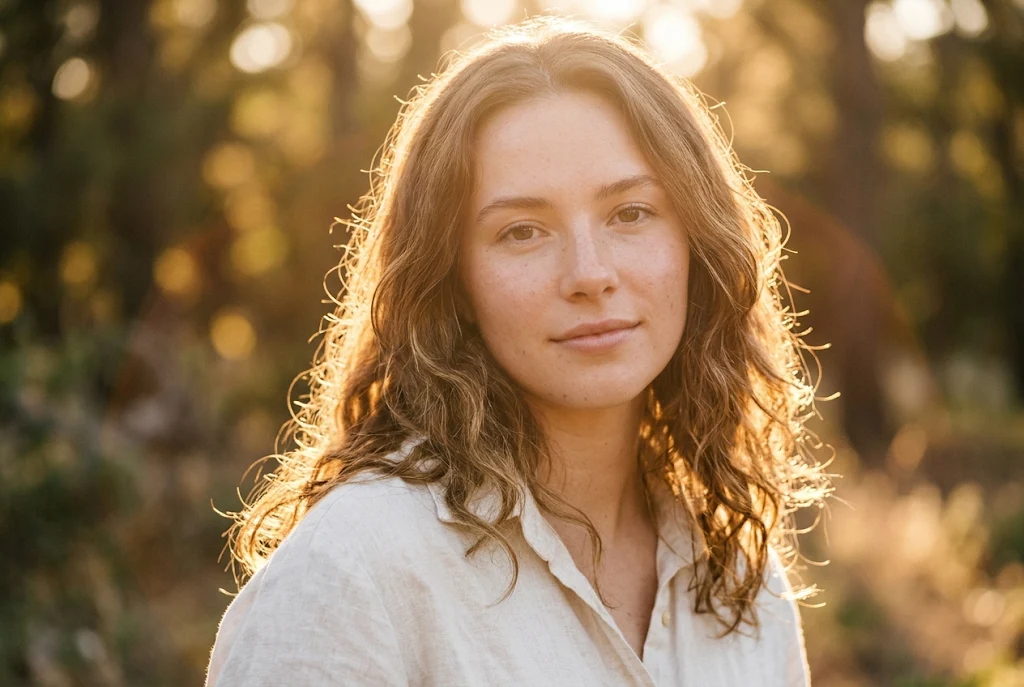
Switch instantly from flat office fluorescence to warm sunset glow, clean softbox key light, moody chiaroscuro, or vibrant cyberpunk neon—while keeping faces and textures recognizable.
Warm golden hour and neon mood presets in AI Relight

MATCH LIGHTING AFTER BACKGROUND SWAPS

Just placed a product or portrait into a new scene with AI Background Changer? Run one quick relight pass so shadows and specular highlights agree with the new environment.
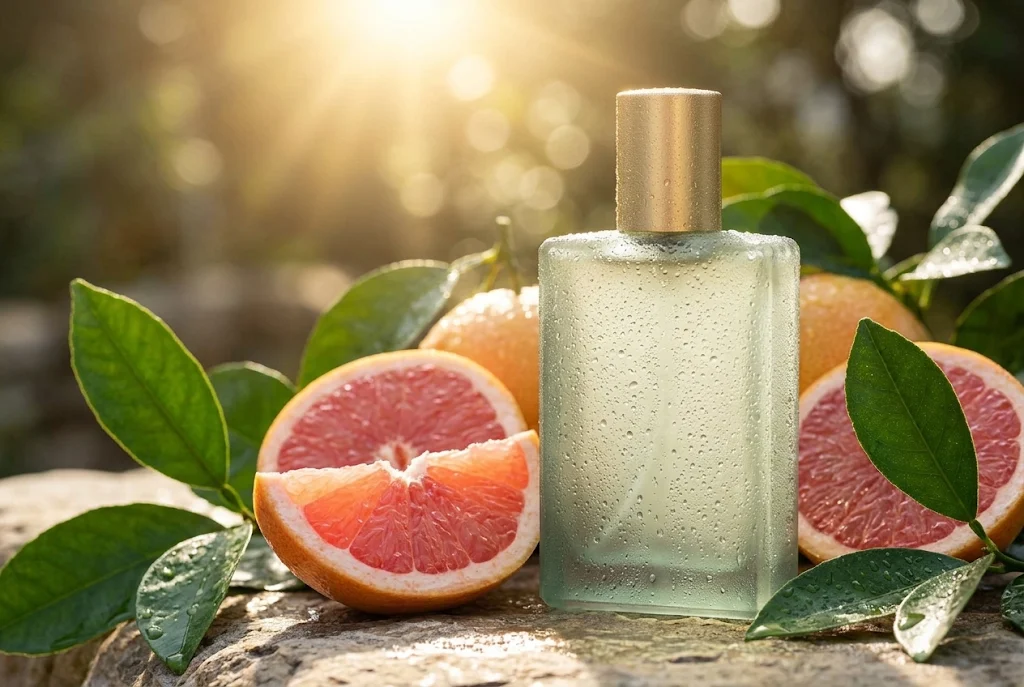
Product highlights harmonized with 3D AI Relight

STUDIO LIGHTING WITHOUT RENTING GEAR

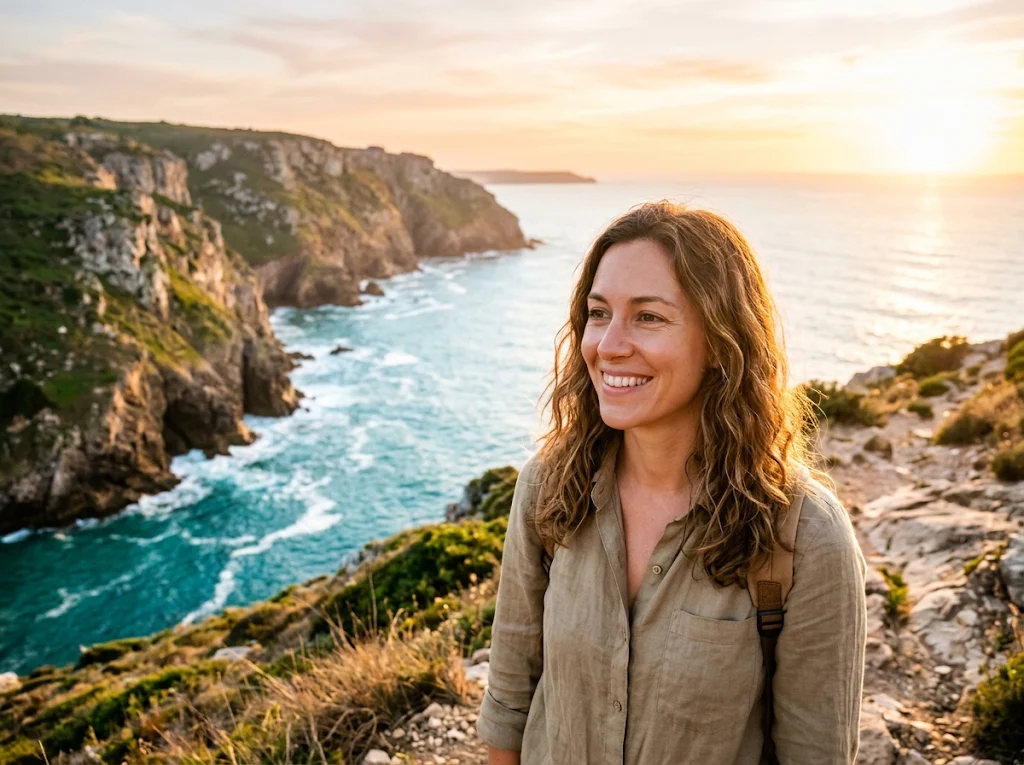
Flattering portrait relighted in 3D
Portrait Photographers

Fix Harsh Overhead Shadows & Backlit Faces

Bring flattering softbox or golden-hour key light onto poorly lit outdoor or indoor portraits.
Retouch in AI Photo Editor
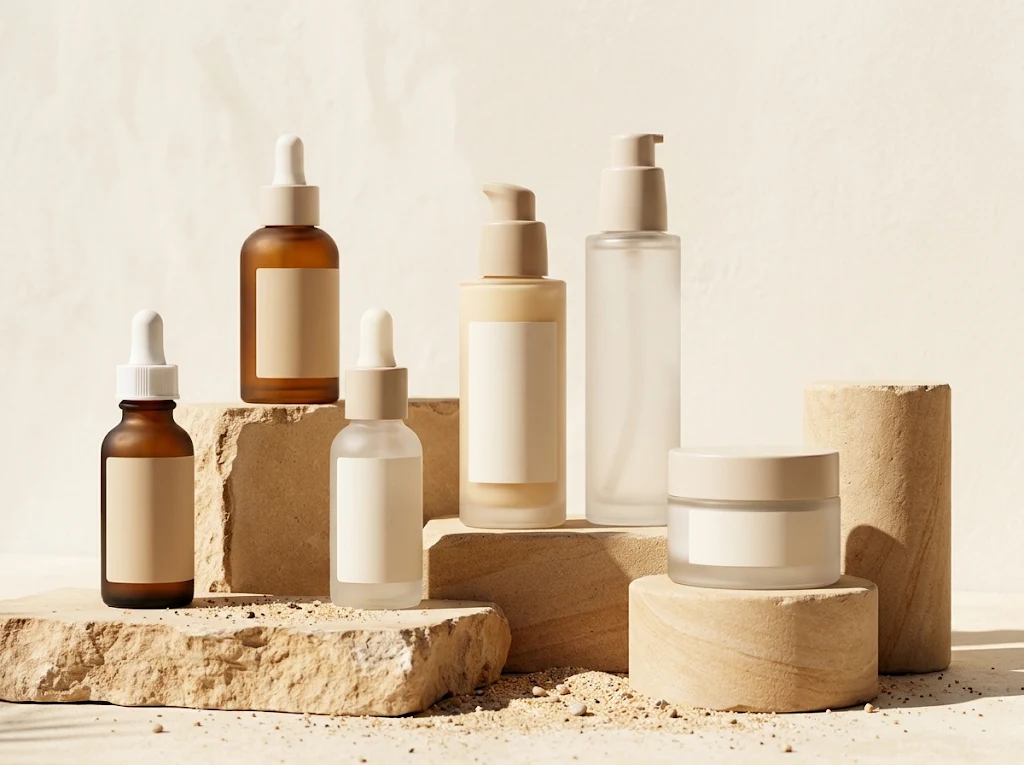
Luxury product lighting sculpted by AI Relight
Product & E-Commerce Studios

Sculpt Specular Highlights on Glass & Metal

Aim side or rim light onto bottles, jewelry, and sneakers to give flat catalog shots luxury depth.
Cut out backgrounds
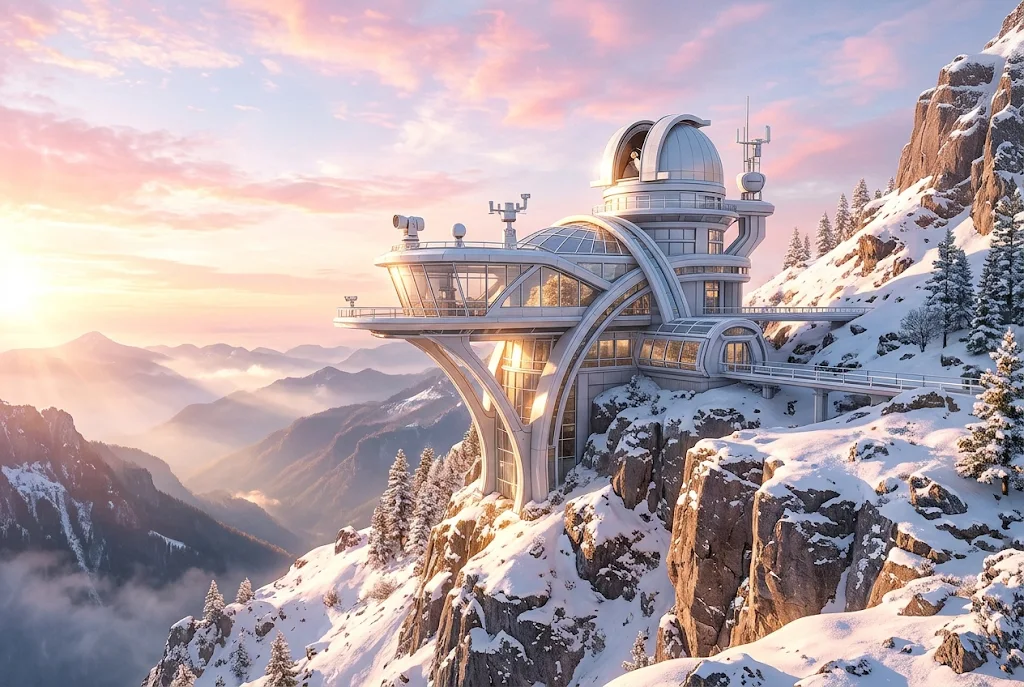
Cinematic relighted concept frame
Filmmakers & Concept Artists

Test Day, Dusk & Neon Lighting Moods Fast

Explore color scripts and dramatic rim lighting on a single frame before committing to animation.
Animate with Image to Video
Editorial golden-hour social portrait
Social Creators

Give Everyday Selfies Editorial Glow

Turn dull indoor lighting into warm sunset or studio neon portraits in seconds.

Clean low-light grain

HOW TO RELIGHT PHOTOS IN 3D

  1. STEP 1

    Upload Your Photo

    Drop any portrait, product shot, or concept still into the AI Relight workspace above.

  2. STEP 2

    Aim the 3D Light Sphere & Mood

    Drag the 360° light source (or pick Front/Left/Right/Top/Back) and select Studio, Golden Hour, Neon, Rim, or Dramatic.

  3. STEP 3

    Compare Split View & Export in 4K

    Inspect natural shadow falloff and specular highlights with the live slider before downloading.

DISCOVER OTHER AI IMAGE EDITING TOOLS

Every PalaPili photo tool shares one workspace, library, and credit balance—chain edits cleanly without re-uploading.
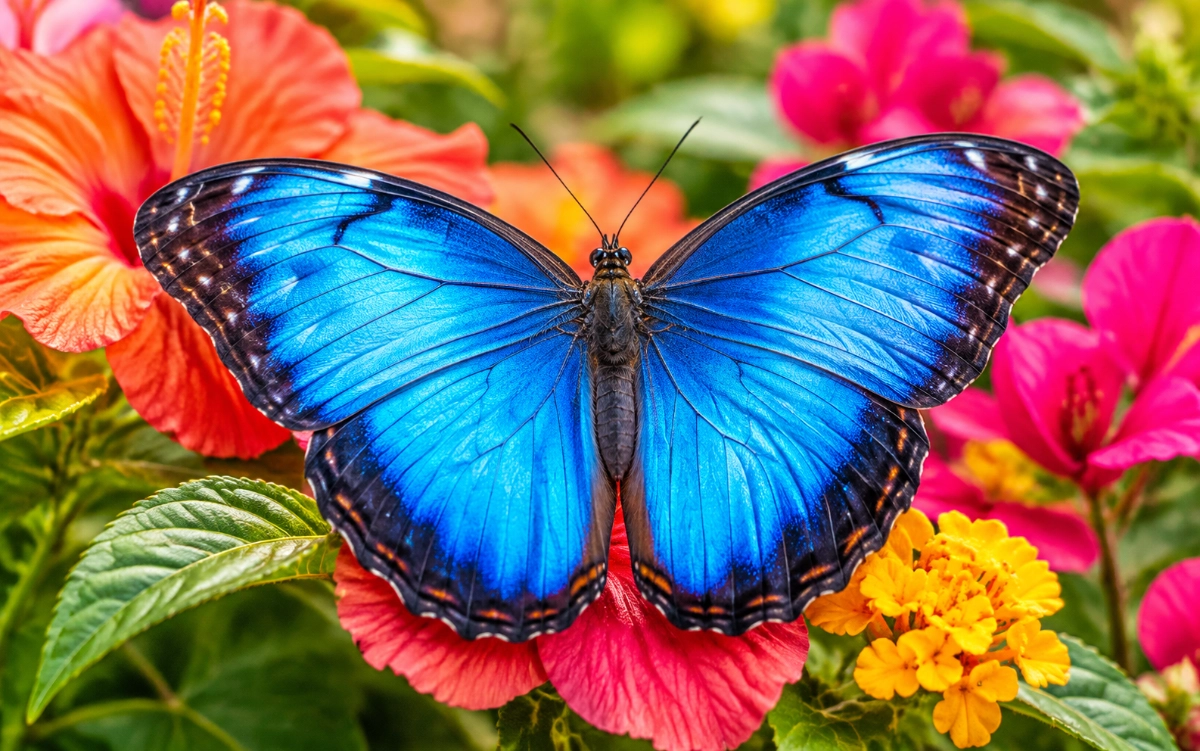
AI Image Enhancer

AI Image Enhancer

Restore sharpness, natural color richness, and fine micro-detail in seconds without changing your subject or composition.
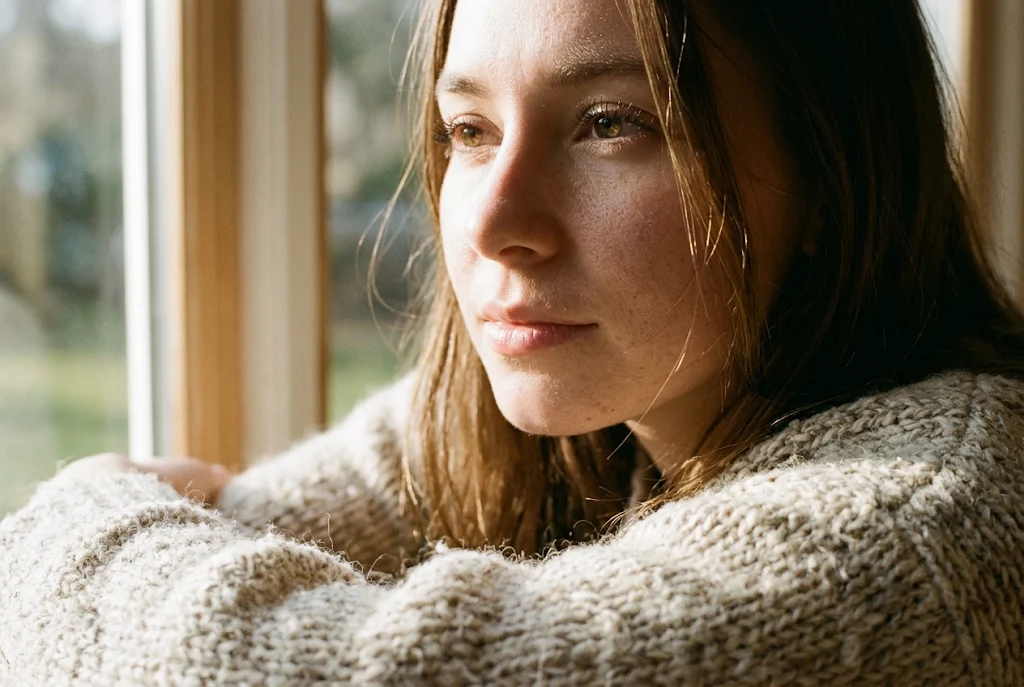
AI Image Upscaler

AI Image Upscaler

Enlarge low-resolution photos, product shots, and AI artwork to crisp 2K or 4K without jagged edges or smeared texture.
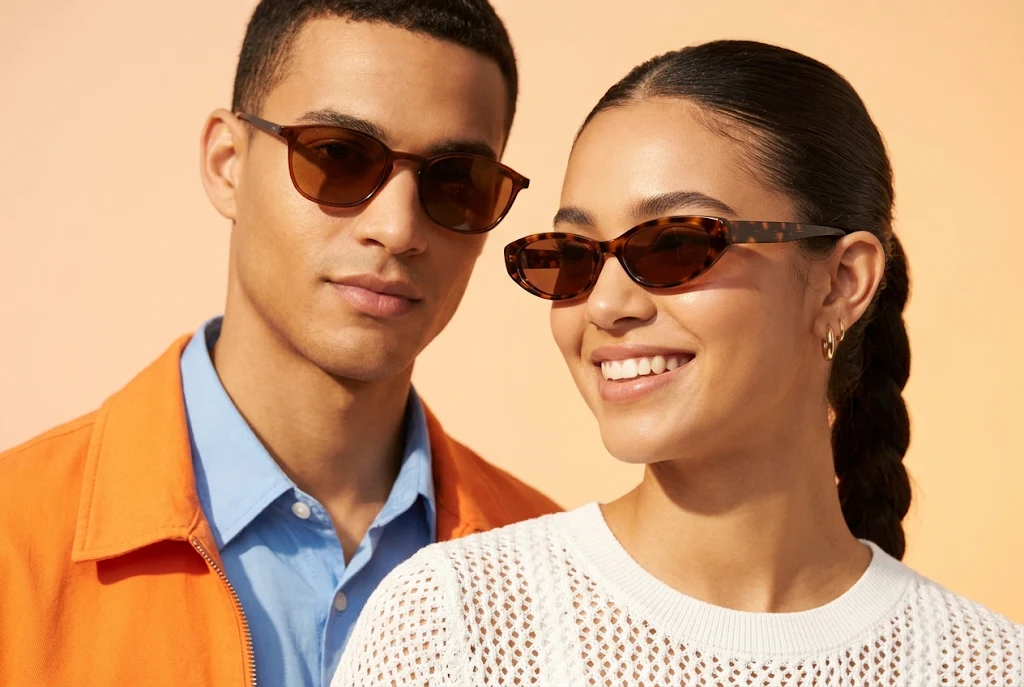
Denoise AI

Denoise AI

Eliminate harsh low-light noise and compression grain cleanly without turning faces or textures plastic.
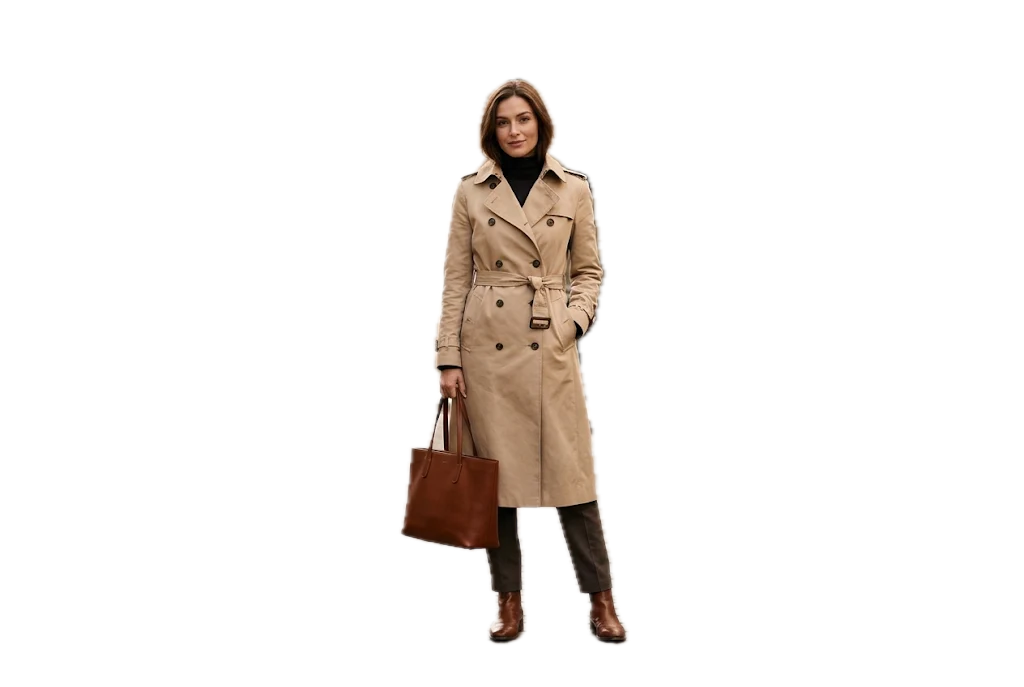
AI Background Remover

AI Background Remover

Cut out people, products, and fine hair strands cleanly to a transparent PNG in seconds—no manual lasso required.
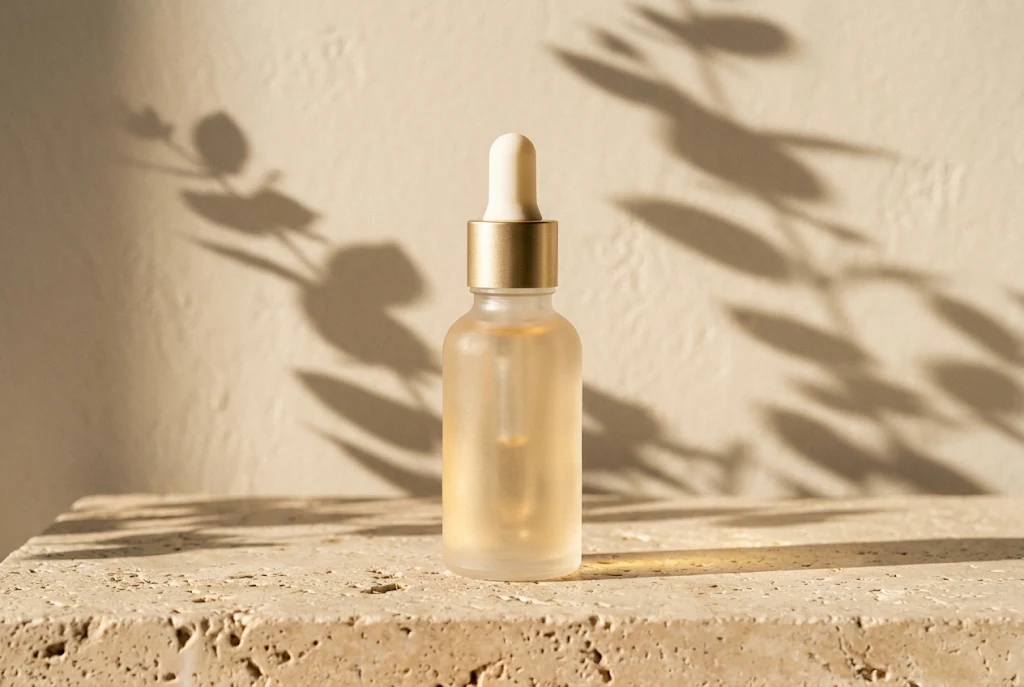
AI Background Changer

AI Background Changer

Keep your subject untouched while placing it into any studio set, lifestyle environment, or brand backdrop with realistic lighting.
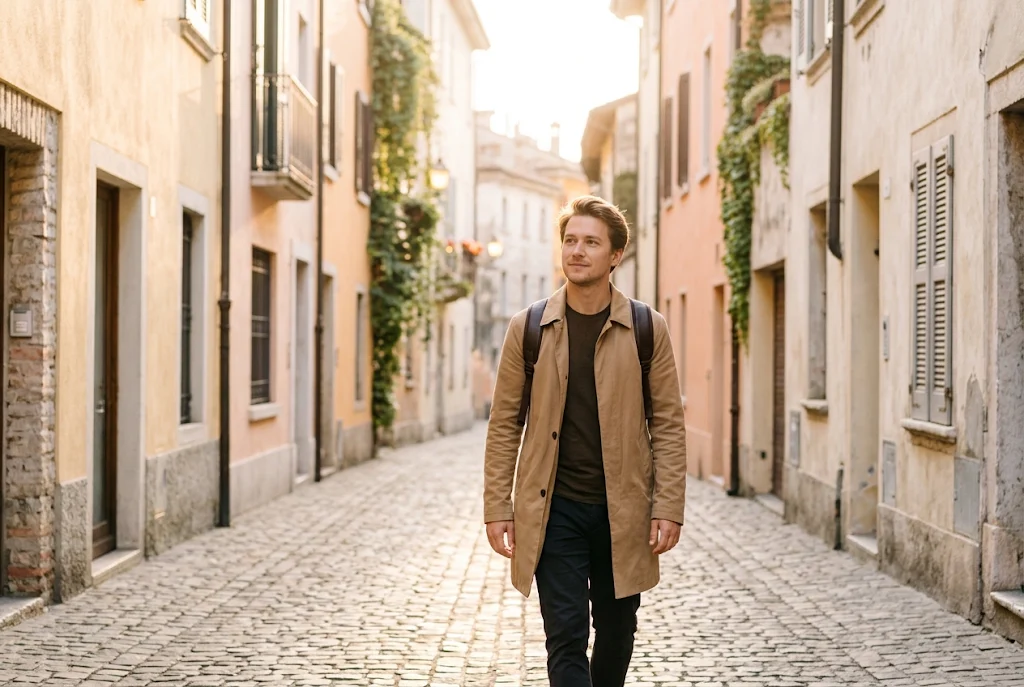
AI Object Remover

AI Object Remover

Paint over unwanted people, cables, logos, or clutter and rebuild the natural background texture cleanly in seconds.

Browse All AI Image Tools

3D AI Relight FAQs

Dragging the light around the 3D wireframe sphere sets exact azimuth (-180° to +180°) and elevation angles—including rear rim lighting—which guide how shadows and highlights are rebuilt across your subject.
No. Relighting preserves identity, pose, and framing while changing only how light interacts with surfaces, shadows, and ambient mood.
Have more specific requirements or questions?
PRICING DETAILS →LAUNCH STUDIO →

CONTROL EVERY SHADOW WITH 3D AI RELIGHT

Turn flat snapshots into studio-lit portraits and luxury product visuals with interactive 360° relighting.

Open AI Photo Editor