
AI Infinite Canvas
Break free from linear chat feeds. Arrange text prompts, reference images, generated stills, and cinematic video clips as a living spatial graph. Branch without losing previous versions, and direct multi-shot pipelines in one boundless coordinate workspace.
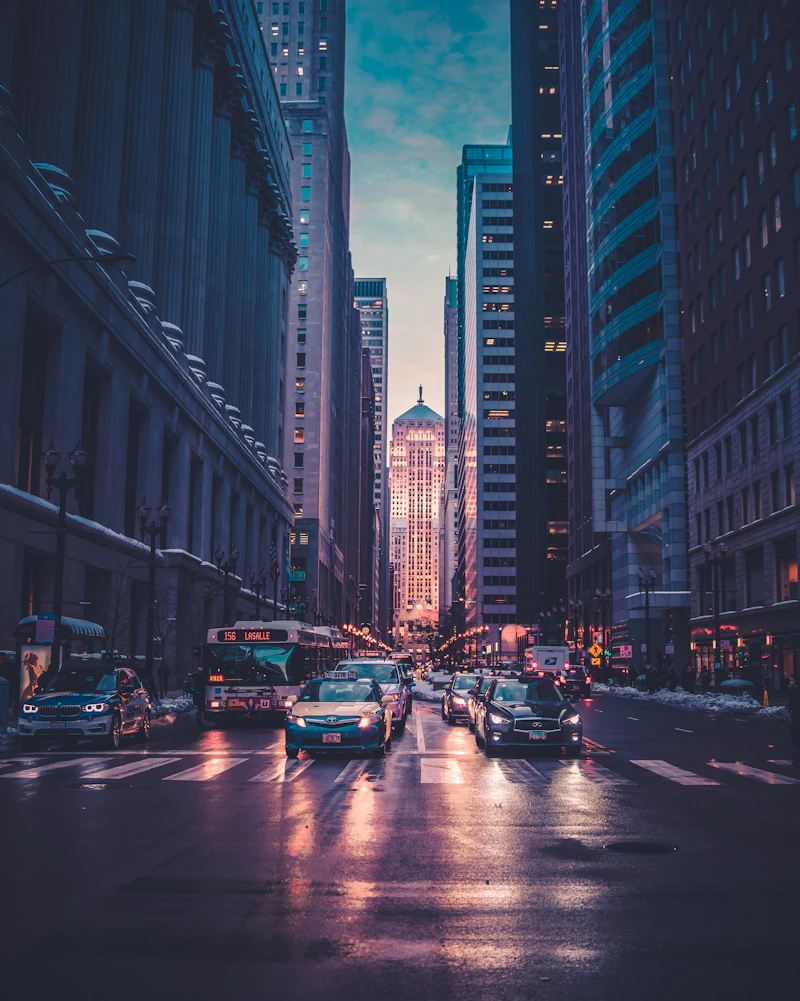
“Panoramic wide shot of neon cyberpunk metropolis at dusk, wet asphalt reflecting amber holographic signs, volumetric fog, 35mm anamorphic.”
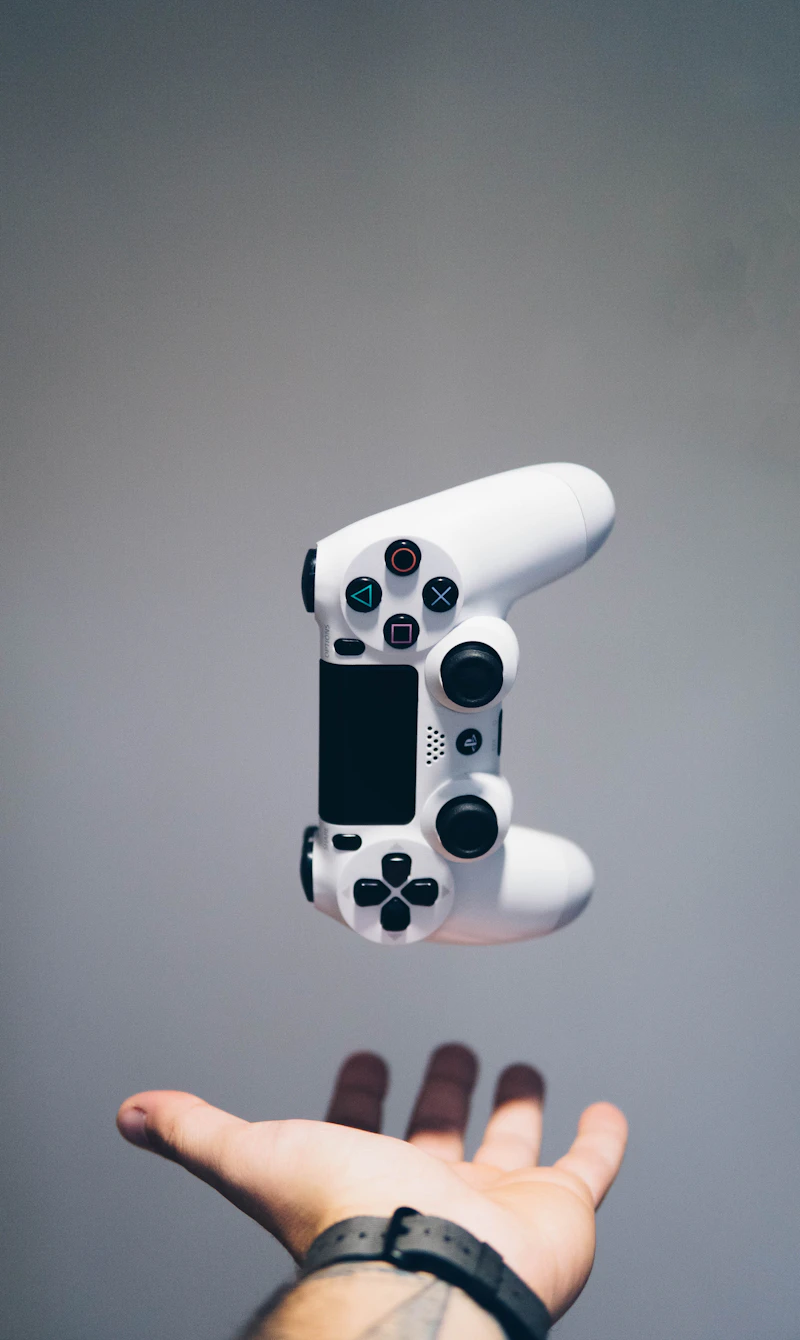

Drag to explore nodes • Click any card to inspect connection ports
PalaPili Studio saves every branch, prompt lineage, and parameter node to your personal workspace.
Why Creatives Reject Linear Feeds
Chatbots were designed for conversation, not visual direction. Compare the limitations of traditional linear feeds against the infinite node canvas.
Explore the Multiverse Without Overwriting
Never lose a promising version just because you tried a new prompt.
In traditional chat interfaces, asking for a variation buries your earlier outputs or requires tedious copy-pasting. On PalaPili's infinite canvas, you can branch 10 radical tangents from a single keyframe node — keeping the root anchor, seed, and previous iterations completely intact.
Linear chat history pushes earlier gems off-screen and loses prompt lineage
Spatial nodes preserve every intermediate thought, variant, and parameter
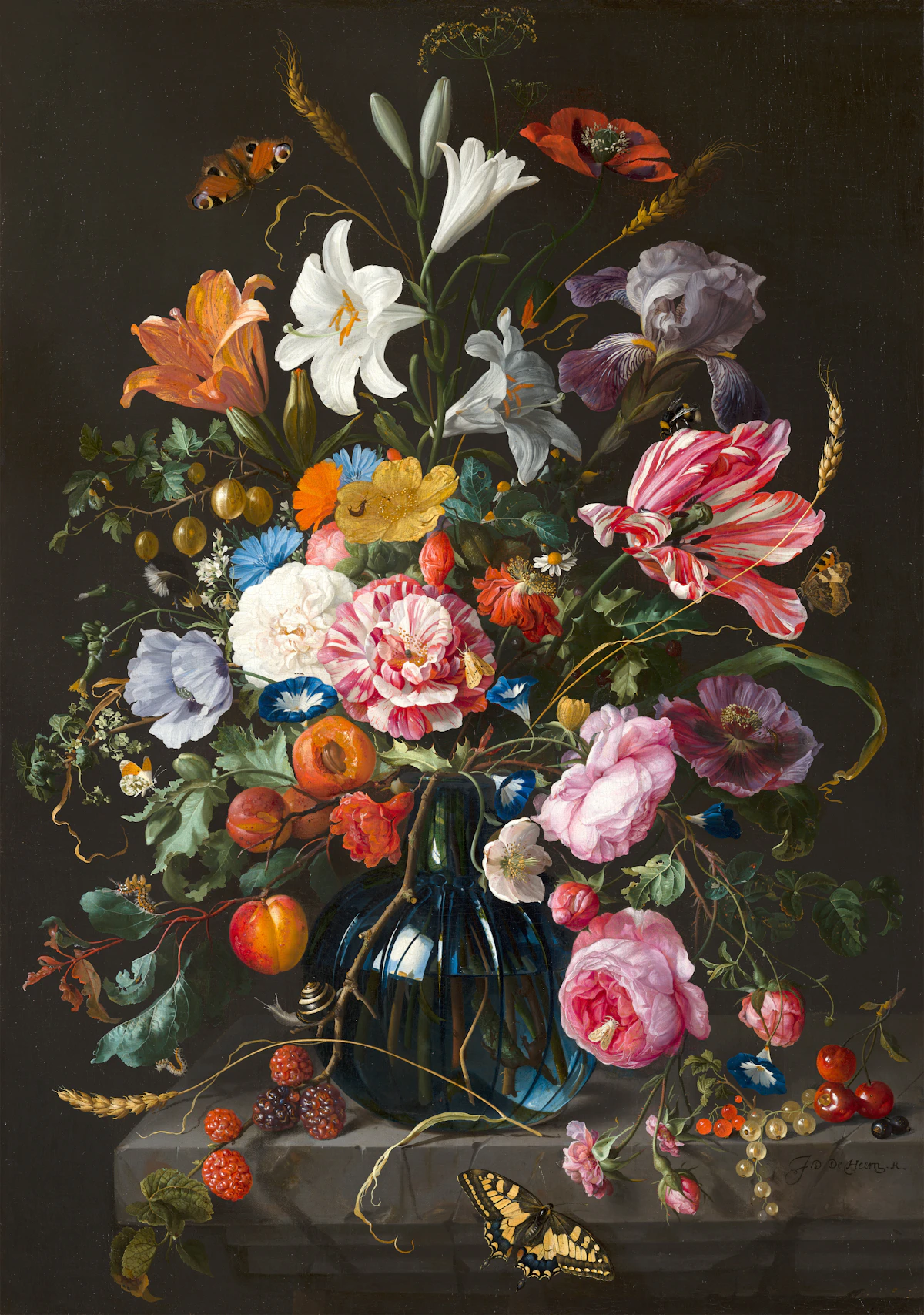
Character concept branched into 4 distinct lighting & costume treatments simultaneously
From Thought to Shot in Three Movements
A spatial workflow designed around how directors and visual designers actually conceive projects.
Spawn & Anchor
Place text prompts, character reference sheets, and style anchors anywhere on the boundless coordinate board without chat limitations.
Wire & Branch
Connect node ports with smooth Bezier lines to fork radical visual variations, test alternative lighting, and compare seeds side-by-side.
Direct & Animate
Transform chosen keyframe stills into cinematic video shots with camera motion controls, inpaint masks, and export production assets.
Engineered for Spatial Storytelling
Everything professional creators need to orchestrate complex generative pipelines without cognitive clutter.
Persistent Lineage & Parameter Memory
Every generated node on the canvas remembers its heritage. Click any still or video clip to instantly inspect the prompt syntax, reference image weights, CFG scale, seed number, and model version that created it. No more guessing which prompt made which asset.
Unified Multimodal Board
High-res stills, prompt cards, audio tracks, and 4K MP4 clips coexist harmoniously in a single coordinate space. Zoom in to pixel-check a face; zoom out to storyboard a whole scene.
Spatial Camera Sequencing
Connect two keyframe nodes to define the start and end frames of a shot. The canvas visualizes the camera trajectory, speed curve, and motion bucket directly along the connecting wire.
GPU-Accelerated 60 FPS
Built on high-performance viewport culling and GPU rendering. Navigate across hundreds of active media nodes, pinch-to-zoom smoothly, and never experience UI lag.
Cross-Model Chaining
Orchestrate best-of-breed engines in a single pipeline: prompt in GPT, synthesize keyframes in FLUX, inpaint characters in SenseNova, and render cinematic motion in Kling.
Frequently Asked Questions
Step Onto the Boundless Canvas
Experience the power of spatial thinking for generative AI. Connect prompts, stills, and motion clips without ever losing a stroke.