
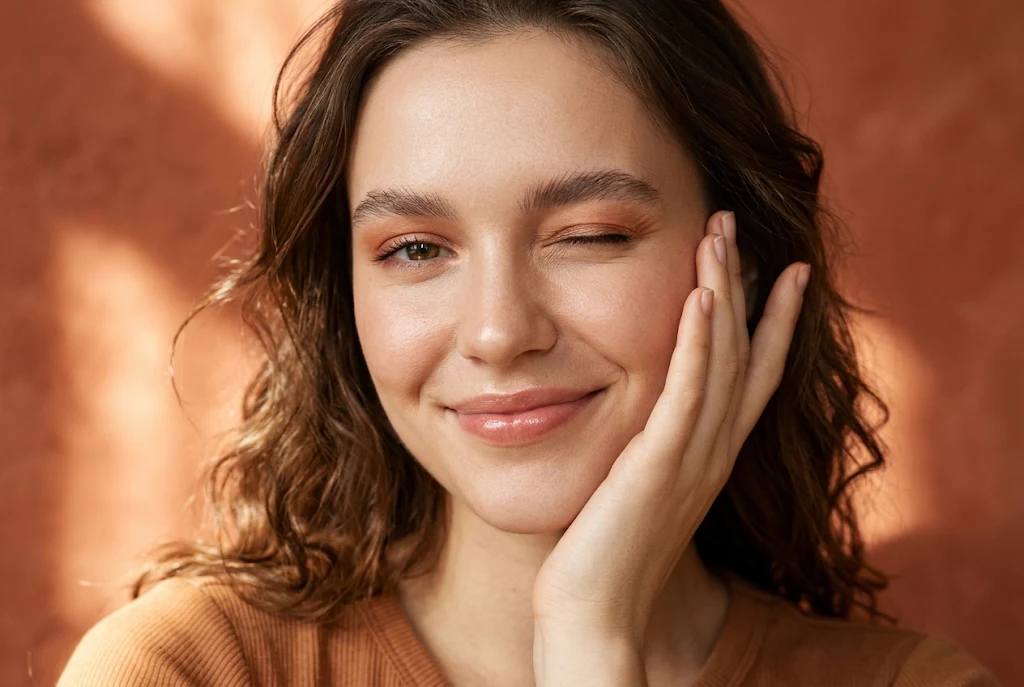
Event & Wedding Photographers
Deliver Clean Reception & Low-Light Galleries
Clean up ISO 6400+ indoor portraits while keeping dresses, faces, and ambient bokeh natural.
Remove high-ISO grain and low-light speckles while keeping natural texture.
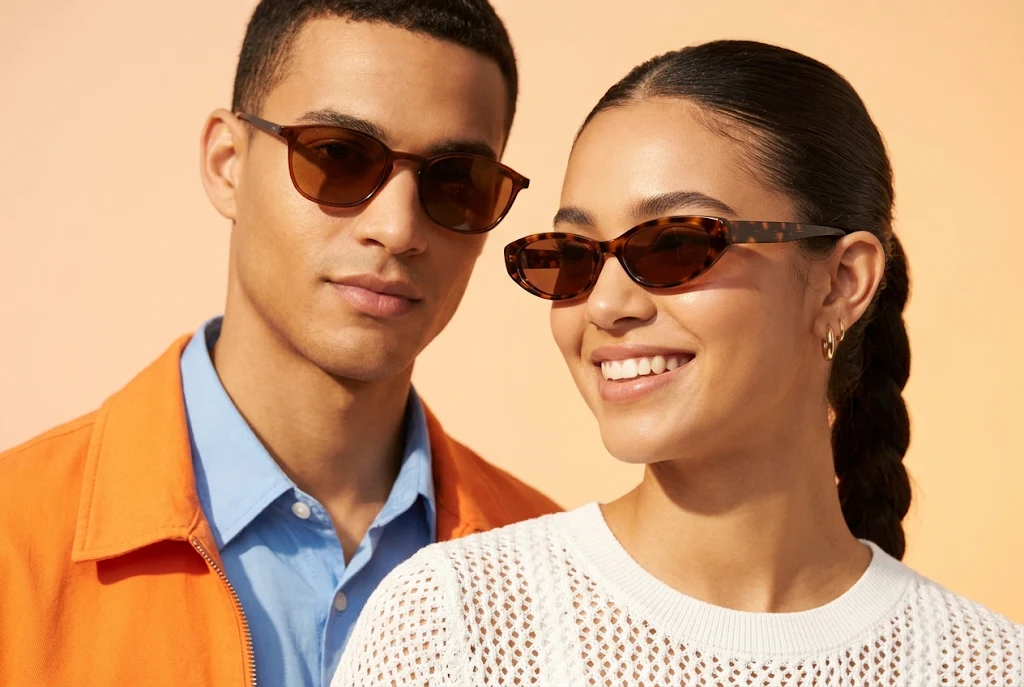
Night portraits, concert photography, and high-ISO camera shots often suffer from distracting chroma speckles and muddy shadows. Our online Denoise AI removes digital noise cleanly while protecting natural edges—then lets you jump straight into 4K AI Image Upscaler in one click.
Eliminate blotchy color speckles across dark skies, indoor walls, and shadowed clothing without turning the entire frame waxy or blurry.
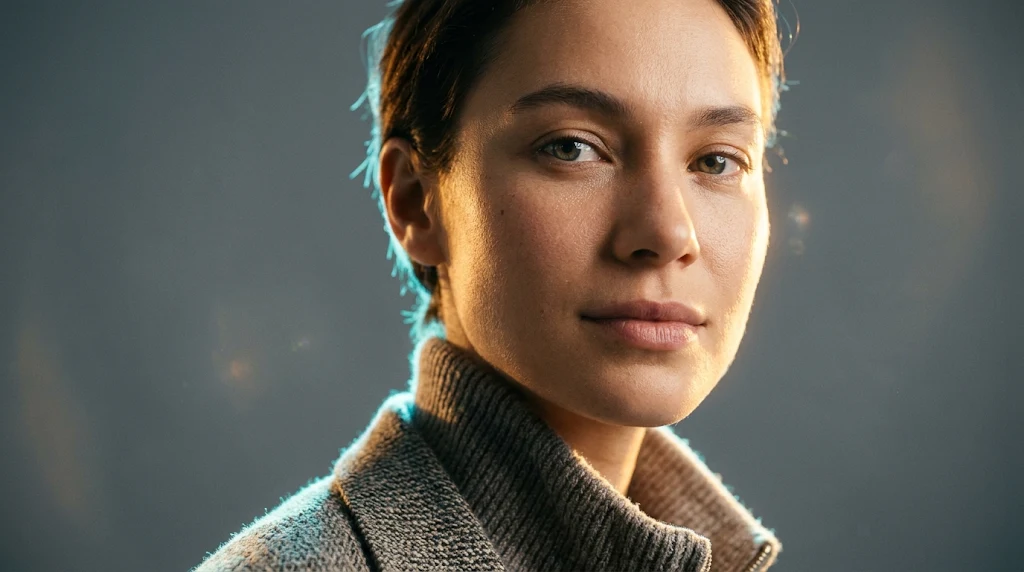
Unlike blunt blur filters, Denoise AI distinguishes random sensor noise from eyelashes, pores, and fabric weave—ideal for portrait retouching alongside our AI Photo Editor.
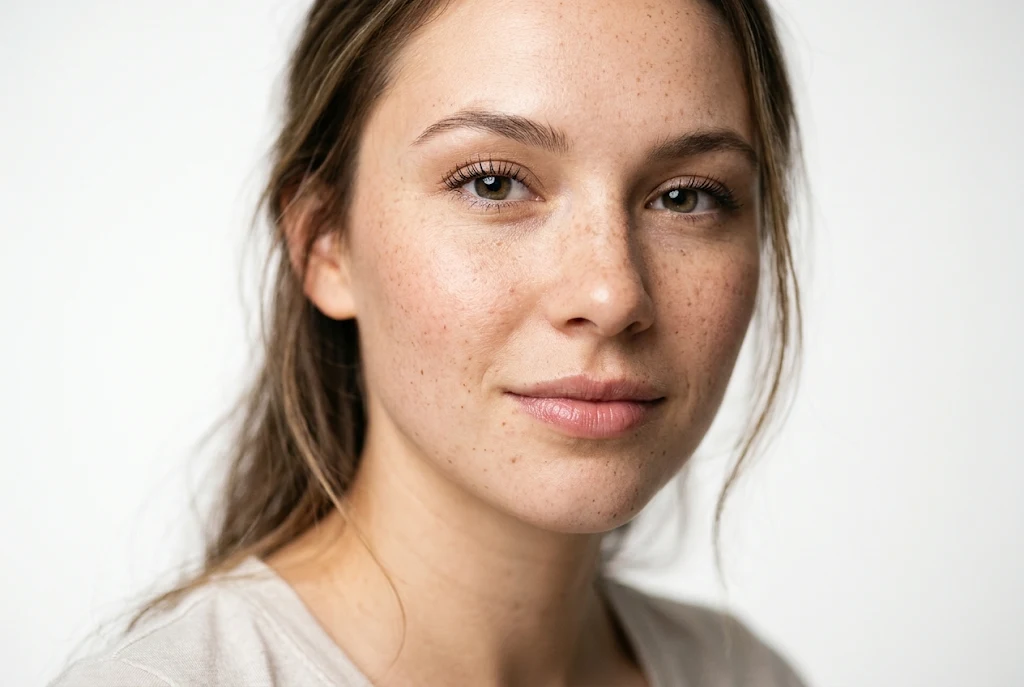
Smooth out blocky compression halos from screenshots, old social uploads, or heavy re-saves, then sharpen final details with AI Image Enhancer.

Clean up ISO 6400+ indoor portraits while keeping dresses, faces, and ambient bokeh natural.
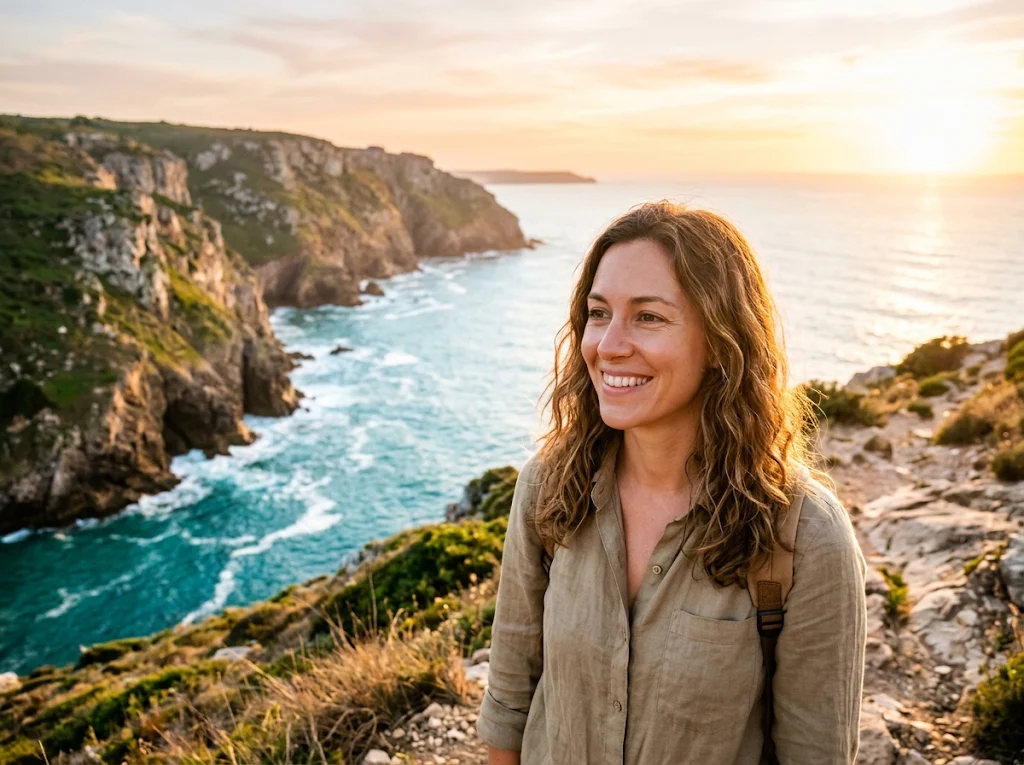
Strip harsh sensor speckles from handheld night photos without sacrificing crisp signage.

Clean dimly lit phone snaps before swapping backgrounds or publishing to your store.
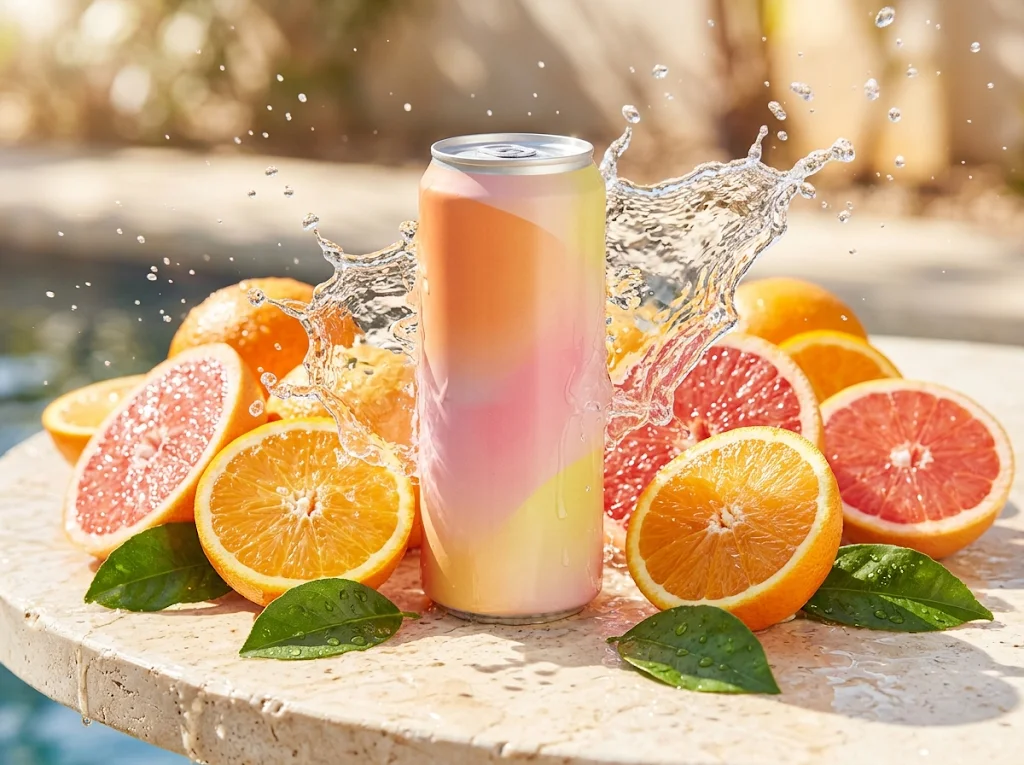
Remove JPEG compression rings from older campaign images so they look fresh on modern Retina screens.
STEP 1
Drop any noisy night shot, high-ISO portrait, or compressed JPEG into the workbench above.
STEP 2
Select 1K, 2K, or 4K and click Generate—no confusing luminance or chroma sliders required.
STEP 3
Verify smooth shadows and crisp edges with the comparison slider, then download or chain into 4K Upscaler.
Every PalaPili photo tool shares one workspace, library, and credit balance—chain edits cleanly without re-uploading.
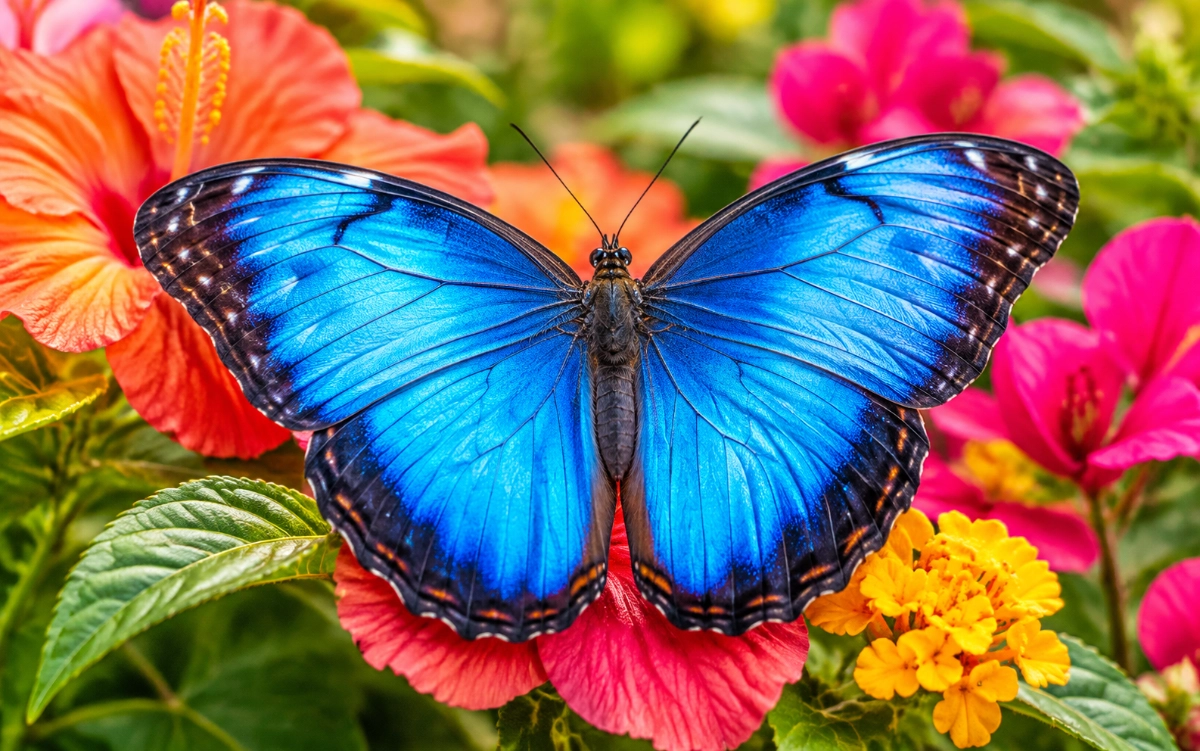
Restore sharpness, natural color richness, and fine micro-detail in seconds without changing your subject or composition.
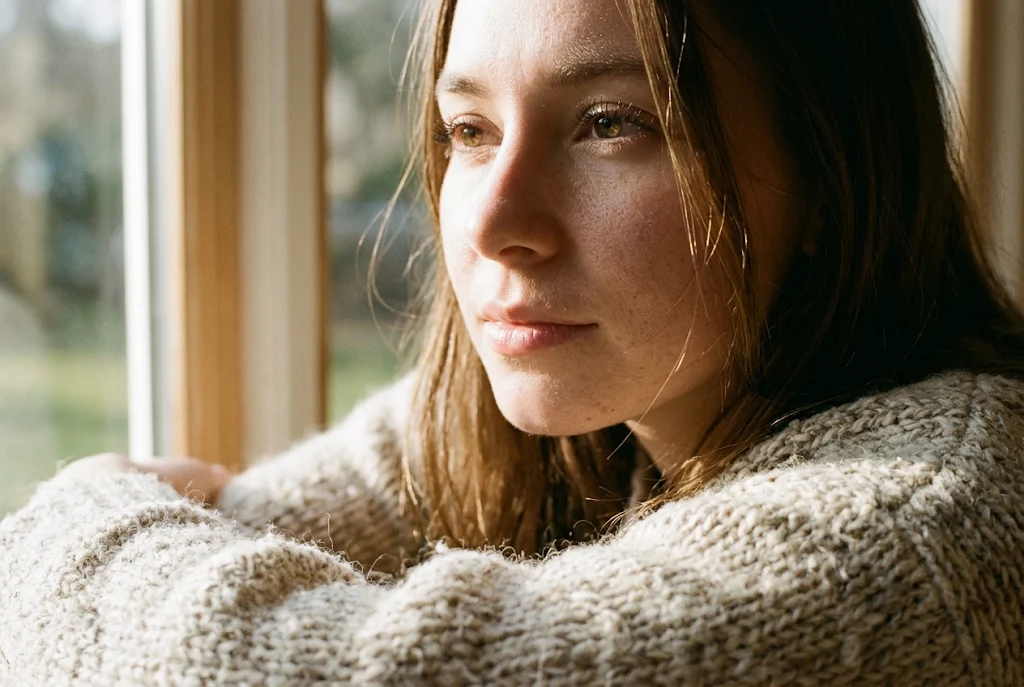
Enlarge low-resolution photos, product shots, and AI artwork to crisp 2K or 4K without jagged edges or smeared texture.
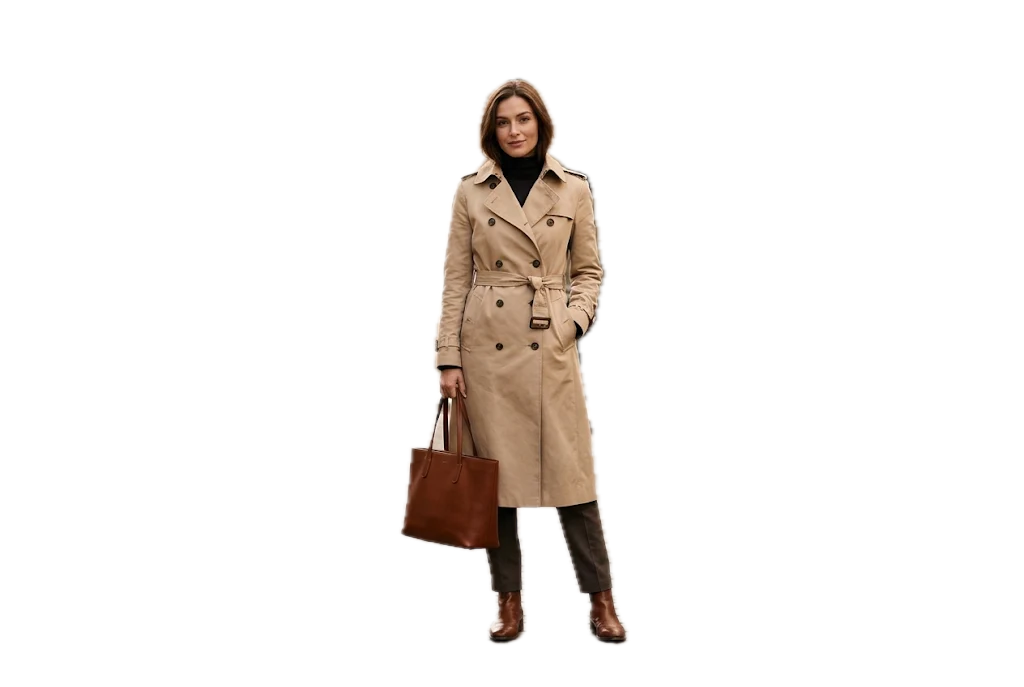
Cut out people, products, and fine hair strands cleanly to a transparent PNG in seconds—no manual lasso required.
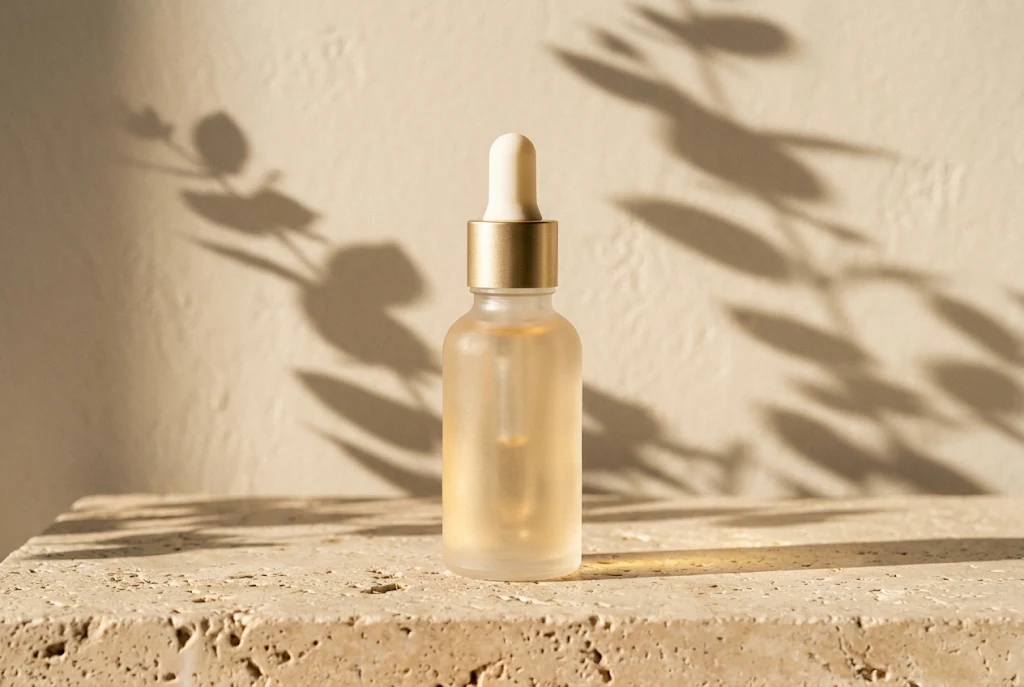
Keep your subject untouched while placing it into any studio set, lifestyle environment, or brand backdrop with realistic lighting.
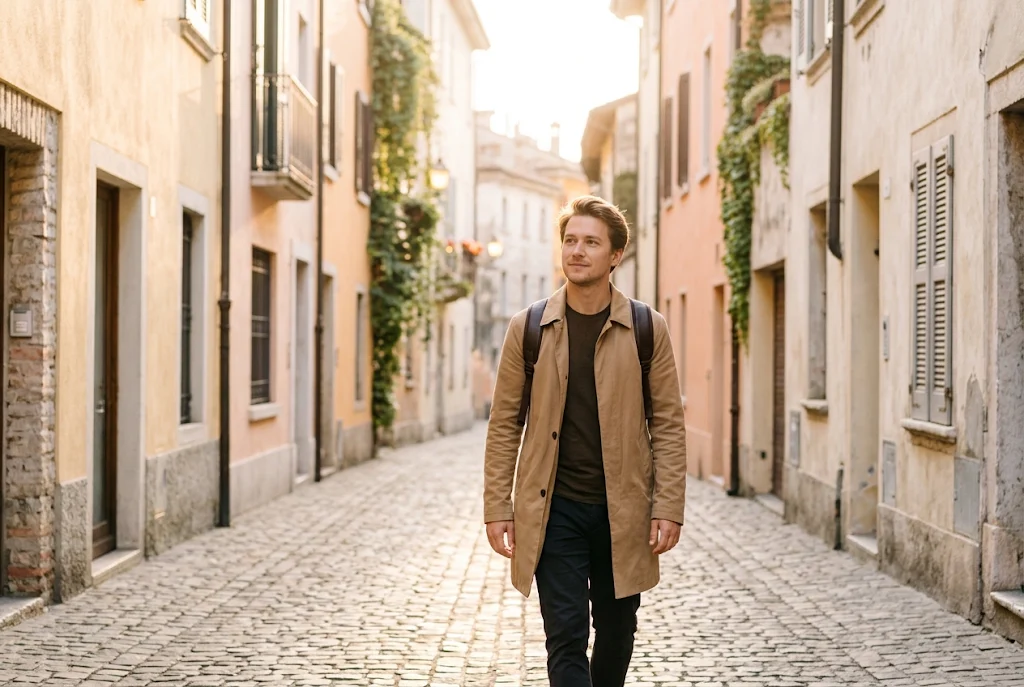
Paint over unwanted people, cables, logos, or clutter and rebuild the natural background texture cleanly in seconds.
Brush exactly where you want a change, describe what belongs there, and keep every untouched pixel consistent.
Remove ugly digital grain and compression artifacts in seconds while keeping natural texture intact.