PalaPiliPalaPili
  • Canvas
  • Refine
  • Inspiration
  • Pricing
PalaPiliPalaPili

PalaPili brings quick AI image and video generation together with a canvas-based creative workflow. Create visuals instantly with Quick Image and Quick Video, explore ideas on an infinite canvas, and refine your work through ongoing edits and iterations in Studio.

Featured on There's An AI For That

AI Image

  • AI Image Generator
  • AI Photo Editor
  • AI Image Tools
  • AI Infinite Canvas
  • Nano Banana Pro
  • GPT Image Generator
  • AI Clothes Changer
  • AI Face Swap

Photo Tools

  • AI Image Enhancer
  • AI Image Upscaler
  • Background Remover
  • Background Changer
  • AI Inpainting
  • Object Remover
  • Uncrop AI
  • Denoise AI
  • AI Relight
  • Change Camera Angle

AI Video & Studio

  • AI Video Generator
  • Image to Video
  • Seedance Video Generator
  • Image Studio
  • Video Studio
  • Canvas
  • Refine
  • Inspiration

Company

  • About
  • Contact
  • Pricing
  • Partners
  • Privacy
  • Terms
  • Refunds
  • Cookies

© 2026 Crownbyte Ltd. All rights reserved.

Flagship Image & Video AI Cockpit•Commercial Licensing Supported
PalaPili
Image Tools
Background Remover
Upload Image
Output Resolution

Background Remover

Cleanly isolate the main subject and remove the background in seconds.
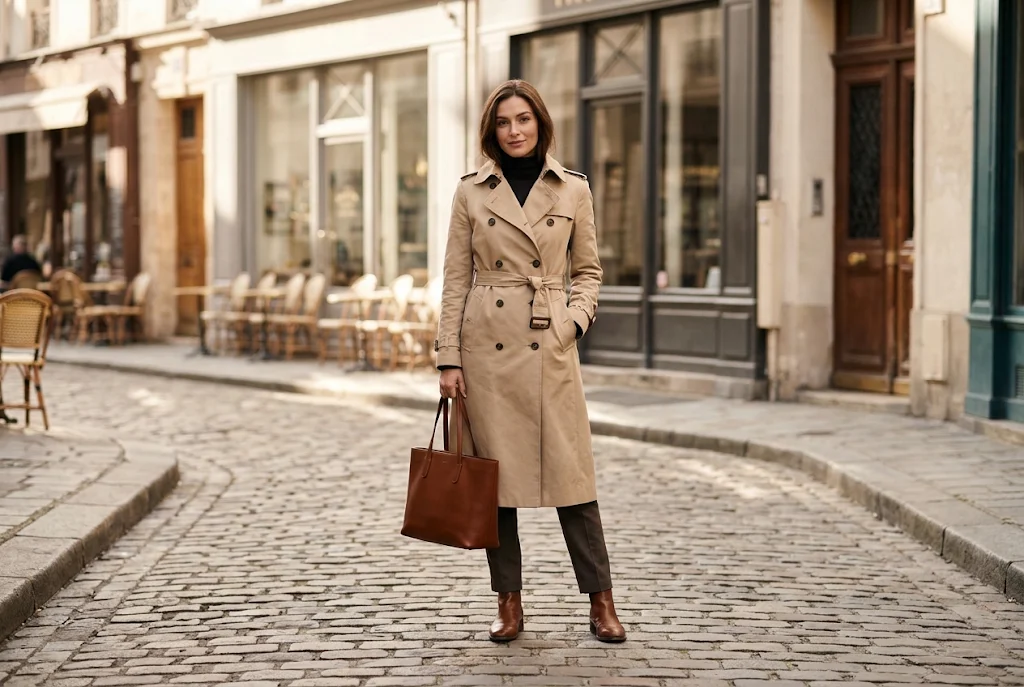
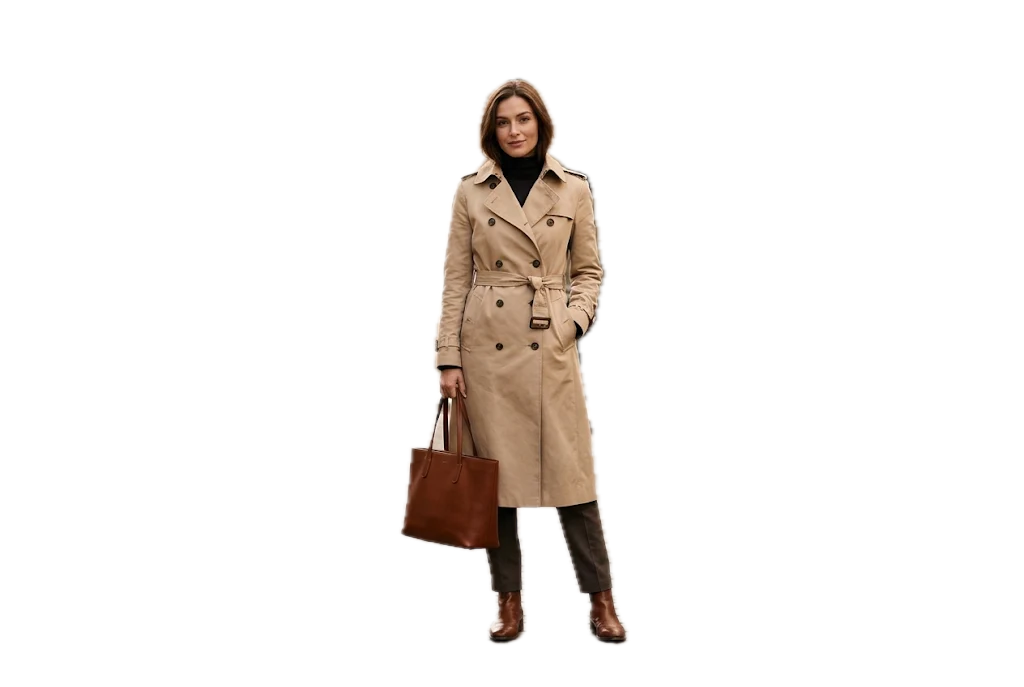
Before
After
BeforePNG

ONE-CLICK AI BACKGROUND REMOVER WITH CRISP EDGES

Skip tedious pen-tool paths and jagged white halos. Our online AI background remover isolates products, portraits, logos, and fluffy edges cleanly to a transparent PNG—ready to drop into designs or stage immediately with AI Background Changer.

AI Background Remover
Original
OriginalCutout PNG

CLEAN CUTOUTS FOR PRODUCTS & PORTRAITS

PRECISION HAIR & COMPLEX EDGE CUTOUTS

Flyaway hair, fur, sheer sleeves, and intricate product silhouettes stay crisp without harsh chopping or leftover background color fringes.
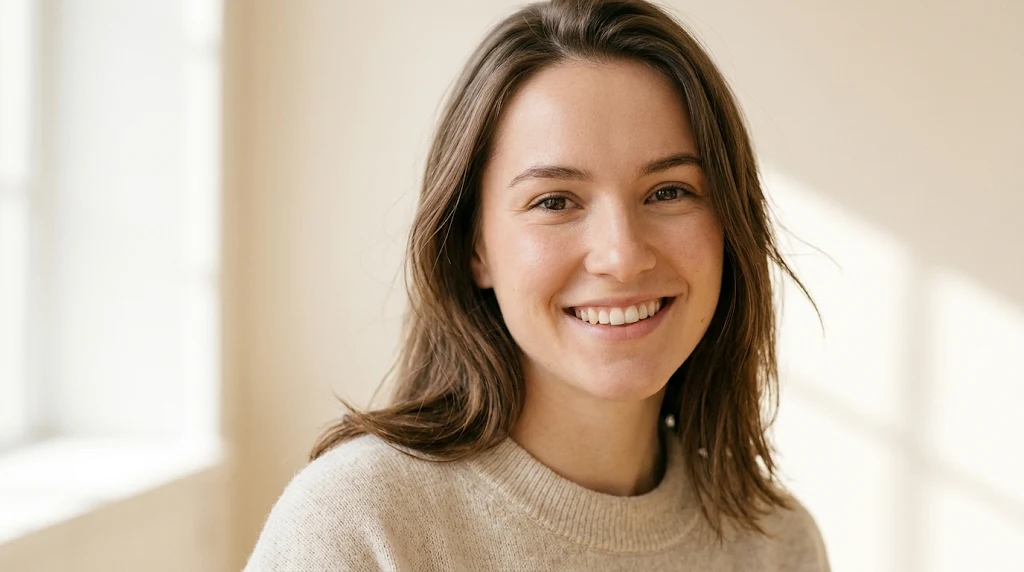
Clean hair edge cutout from AI background remover

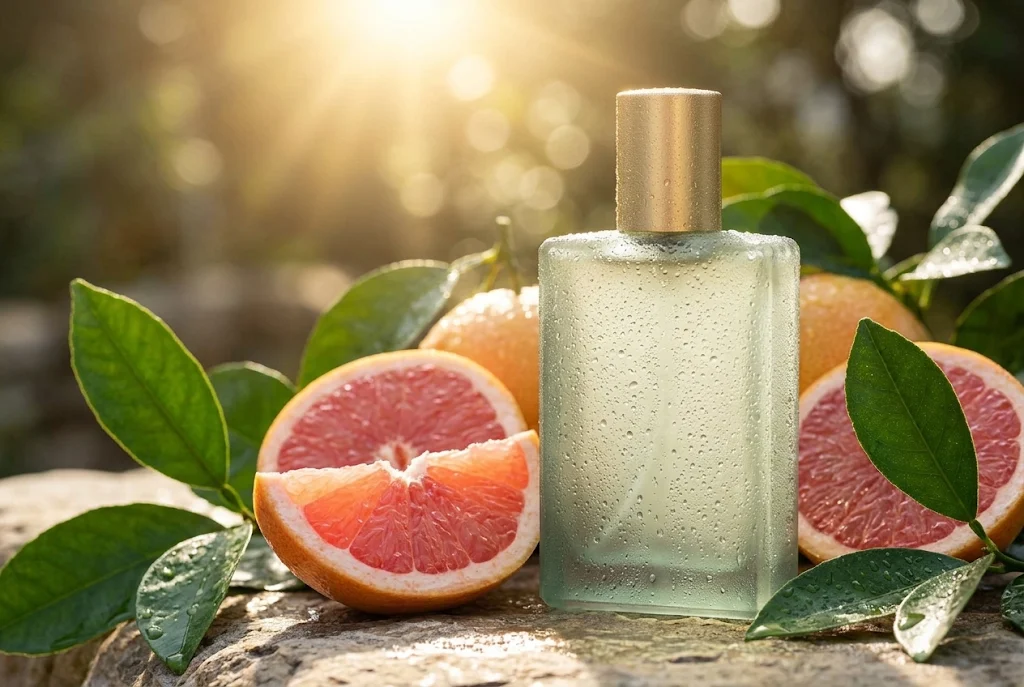
MARKETPLACE-READY PRODUCT TRANSPARENCY

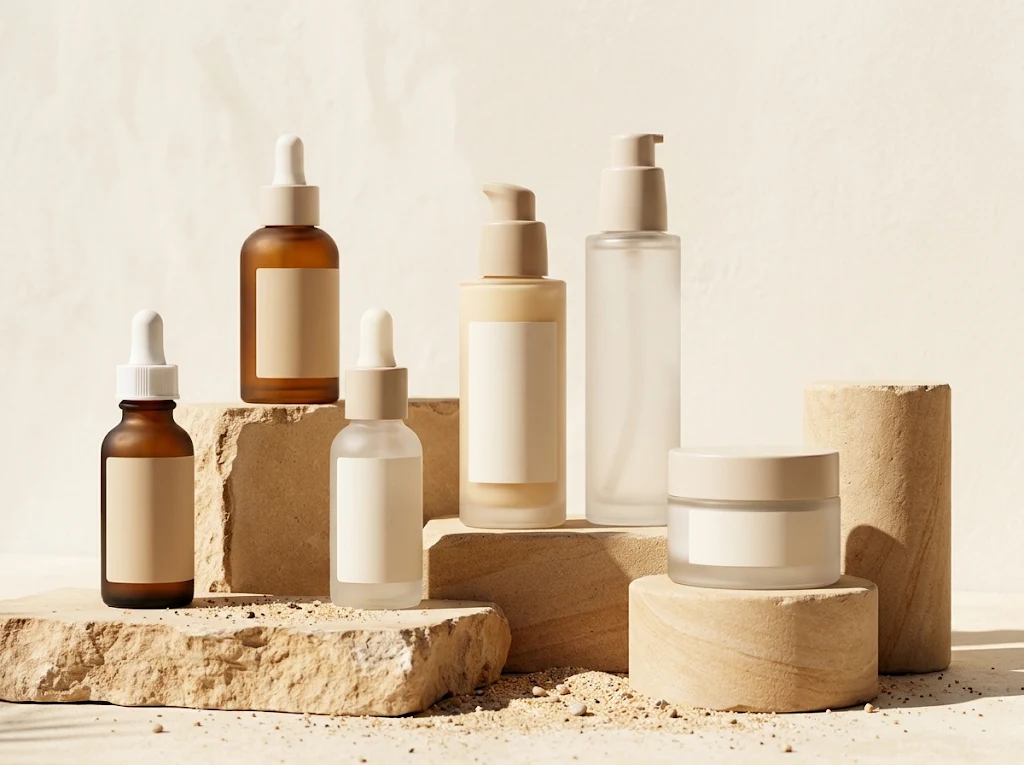
Generate pure transparent PNGs for Amazon, Shopify, Etsy, and ad compositing in one click—up to 4K resolution so packaging details remain tack-sharp.
Clean product photo isolated with AI background remover

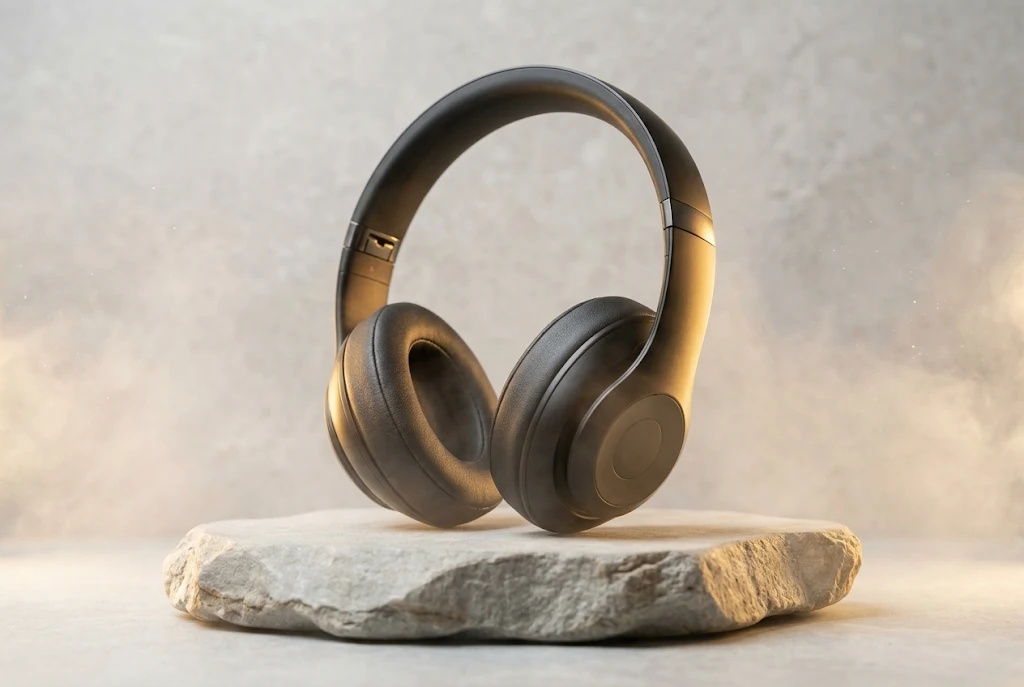
CHAIN STRAIGHT INTO NEW STUDIO SCENES

Need more than a transparent cutout? Click Continue Editing right after removing the background to place your subject into a custom scene with AI Background Changer or 3D AI Relight.
Isolated product staged in a new commercial backdrop

BUILT FOR FAST CUTOUT WORKFLOWS

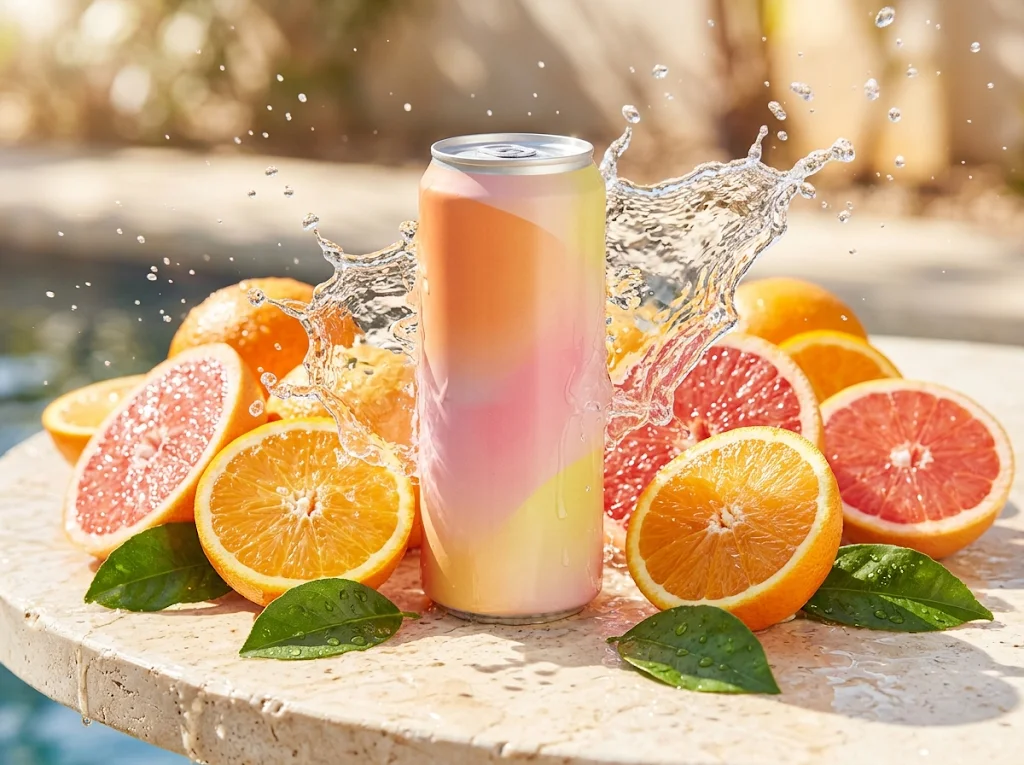
Clean e-commerce packshot cutout
E-Commerce Sellers

Prep Clean Packshots in Seconds

Strip cluttered tabletops to create uniform white-background or transparent catalog photos fast.
Replace product backdrops
Poster design using clean AI cutout
Graphic & Social Designers

Drop Subjects Straight Into Thumbnails & Posters

Grab crisp transparent cutouts for YouTube covers, collages, and ad creatives without opening Photoshop.
Explore all AI image tools
Clean corporate portrait cutout
Photographers

Isolate Headshots & Team Portraits Effortlessly

Deliver consistent corporate headshots by removing mismatched office backgrounds in one click.

Relight portraits in 3D
Clean brand asset cutout
Small Business Owners

Create Stickers, Logos & Promo Assets

Export transparent PNGs ready for print-on-demand merch, pitch decks, and storefronts.

Upscale cutouts to 4K

HOW TO REMOVE BACKGROUNDS ONLINE

  1. STEP 1

    Upload Any Photo

    Drop a portrait, product shot, or graphic into the AI background remover above.

  2. STEP 2

    Click Generate for Auto Cutout

    Our model detects the foreground subject automatically—choose 1K, 2K, or 4K output.

  3. STEP 3

    Download Transparent PNG

    Check edge quality with the split slider and download your clean cutout or swap in a new scene.

DISCOVER OTHER AI IMAGE EDITING TOOLS

Every PalaPili photo tool shares one workspace, library, and credit balance—chain edits cleanly without re-uploading.
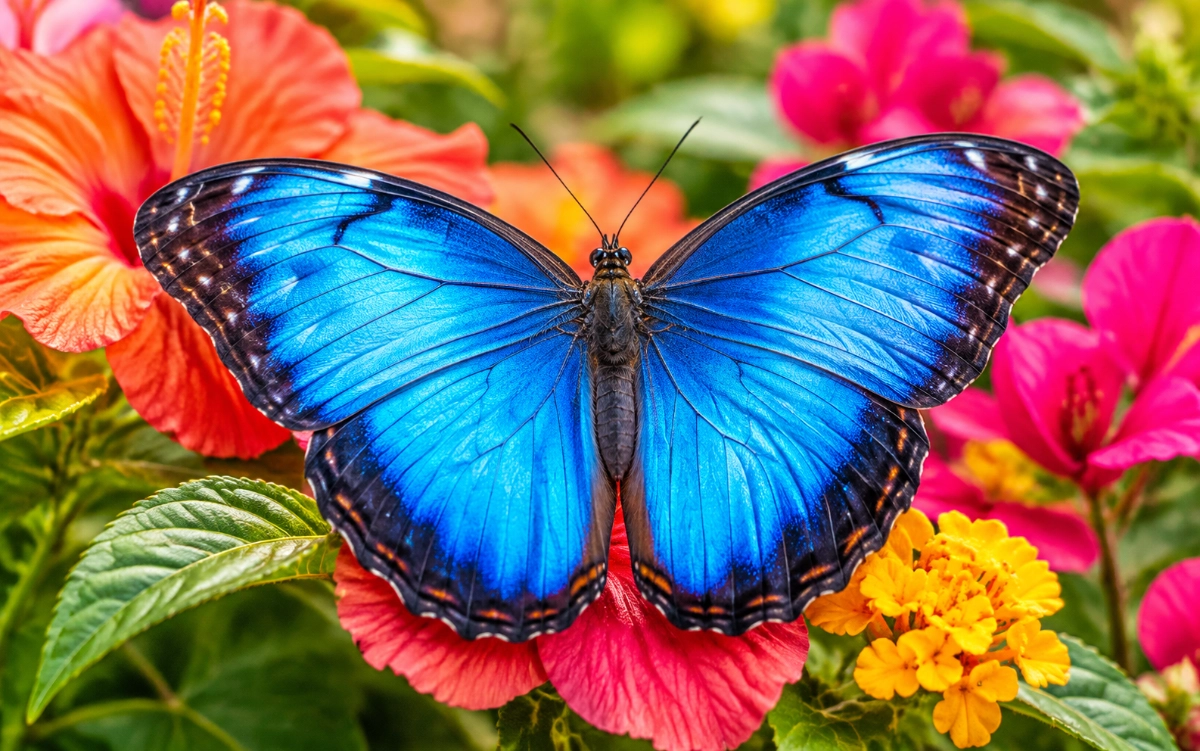
AI Image Enhancer

AI Image Enhancer

Restore sharpness, natural color richness, and fine micro-detail in seconds without changing your subject or composition.
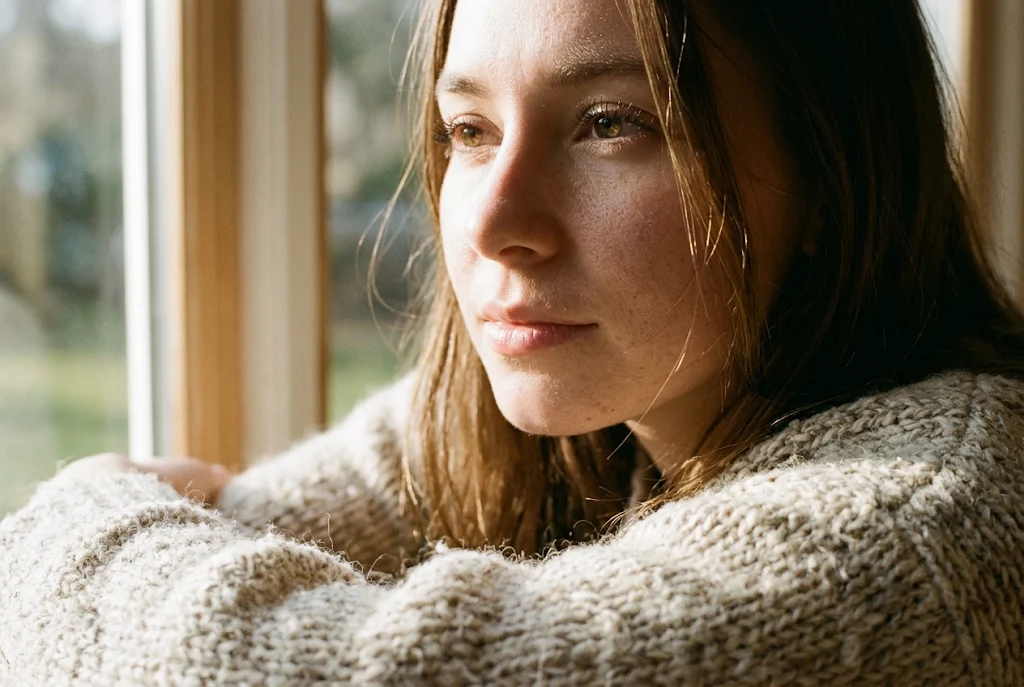
AI Image Upscaler

AI Image Upscaler

Enlarge low-resolution photos, product shots, and AI artwork to crisp 2K or 4K without jagged edges or smeared texture.
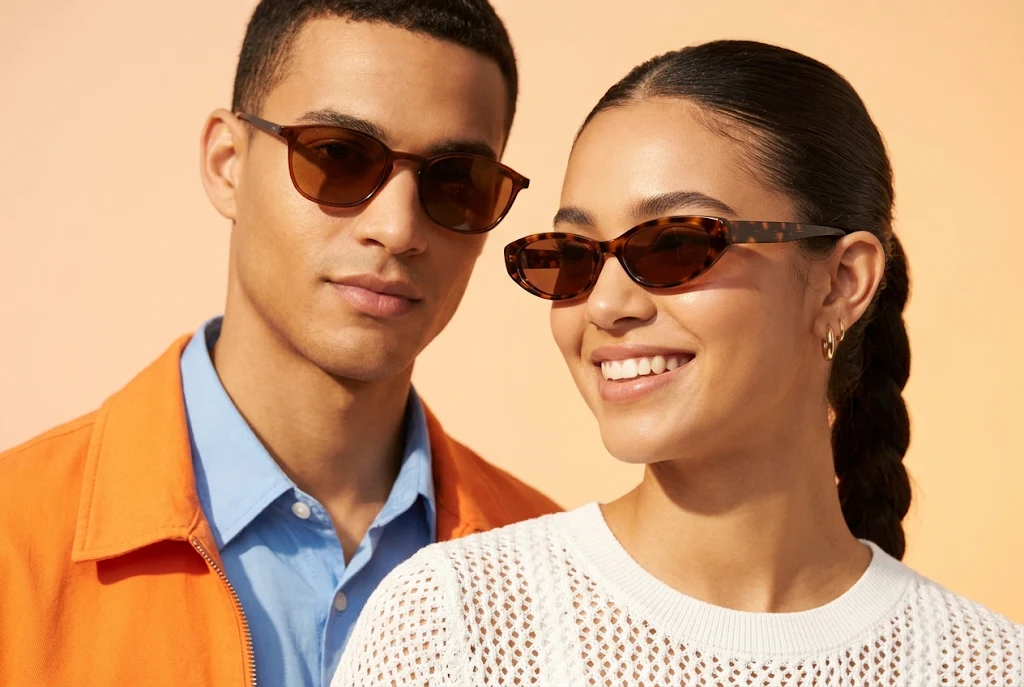
Denoise AI

Denoise AI

Eliminate harsh low-light noise and compression grain cleanly without turning faces or textures plastic.
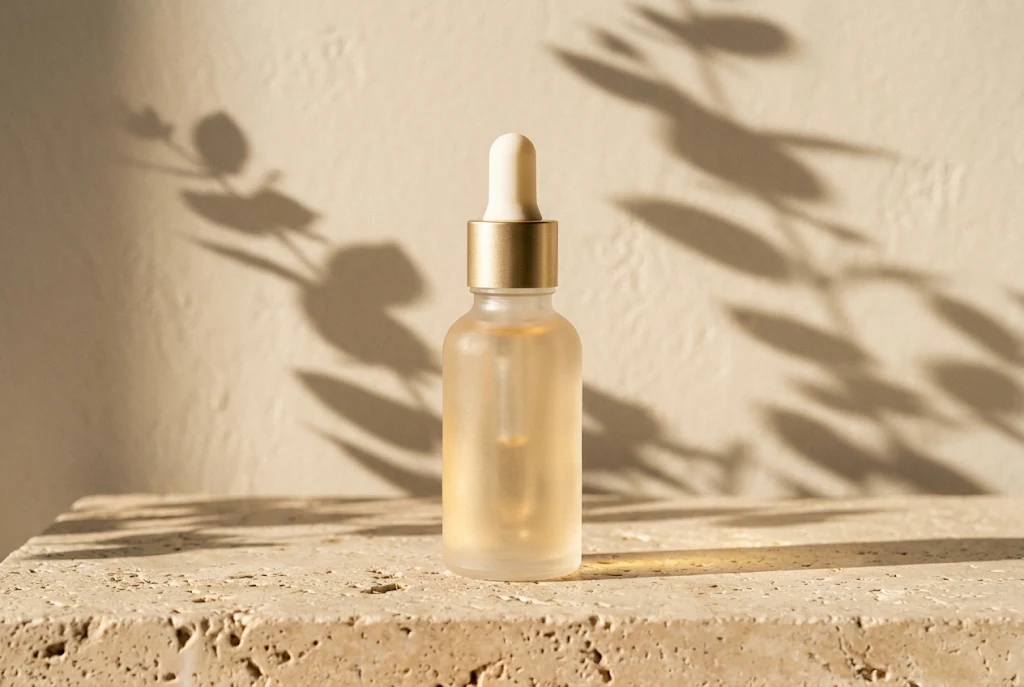
AI Background Changer

AI Background Changer

Keep your subject untouched while placing it into any studio set, lifestyle environment, or brand backdrop with realistic lighting.
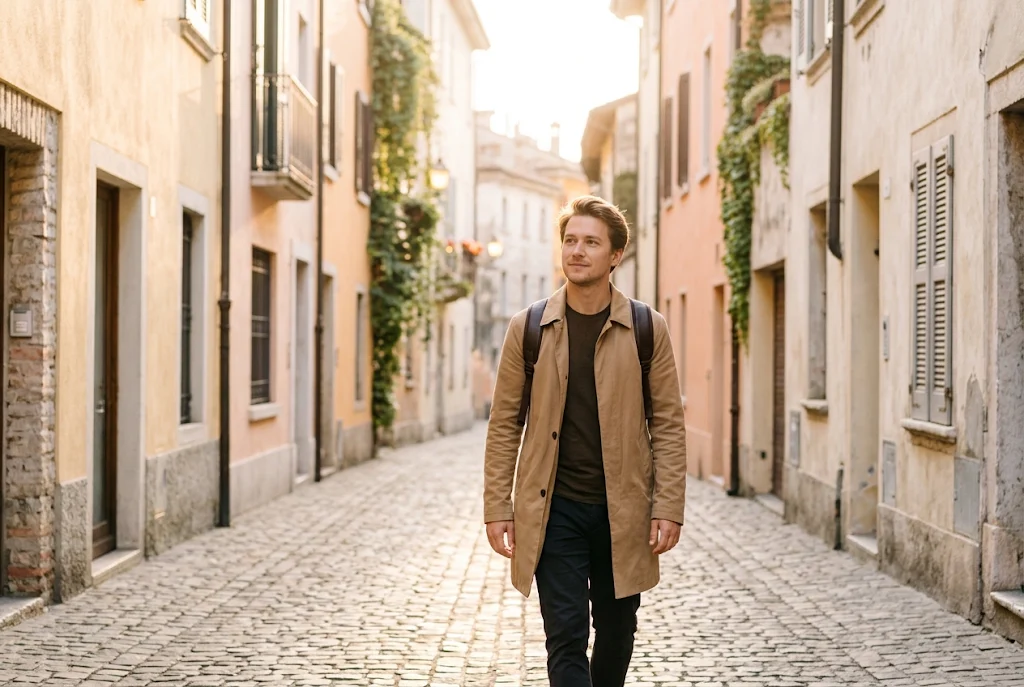
AI Object Remover

AI Object Remover

Paint over unwanted people, cables, logos, or clutter and rebuild the natural background texture cleanly in seconds.
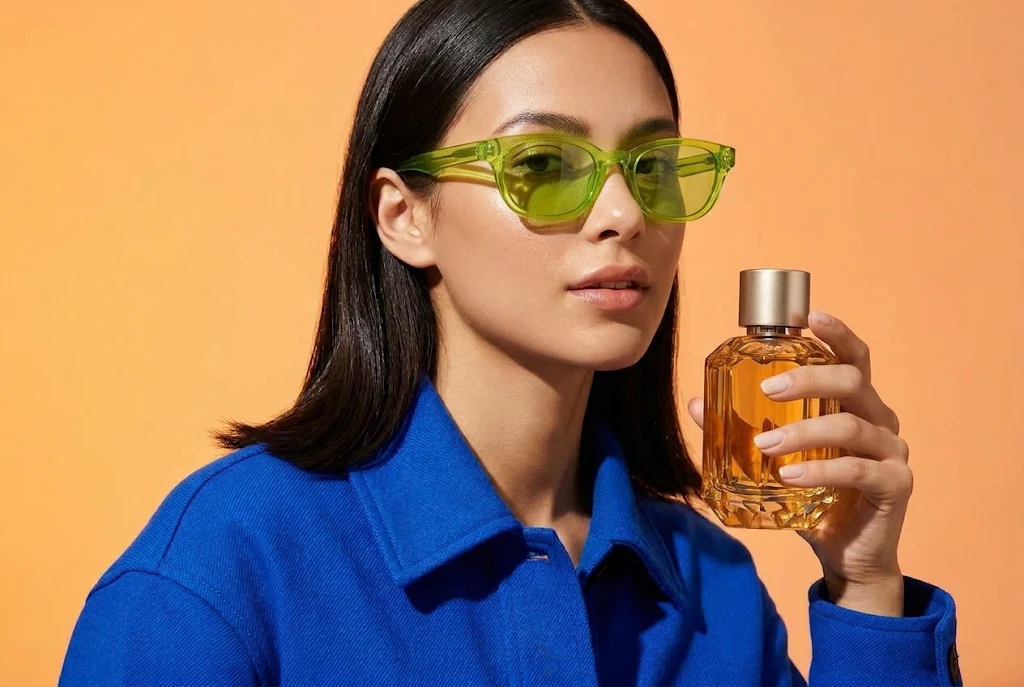
AI Inpainting & Generative Fill

AI Inpainting & Generative Fill

Brush exactly where you want a change, describe what belongs there, and keep every untouched pixel consistent.

Browse All AI Image Tools

AI Background Remover FAQs

Yes. Fine strands of hair, pet fur, and delicate product silhouettes are preserved cleanly without jagged borders.
Choose 1K, 2K, or native 4K resolution depending on whether you need fast web graphics or high-resolution print and e-commerce assets.
Have more specific requirements or questions?
PRICING DETAILS →LAUNCH STUDIO →

CUT OUT ANY SUBJECT IN ONE CLICK

Export crisp transparent cutouts up to 4K directly in your browser—no masking paths or desktop tools needed.

Open AI Photo Editor